
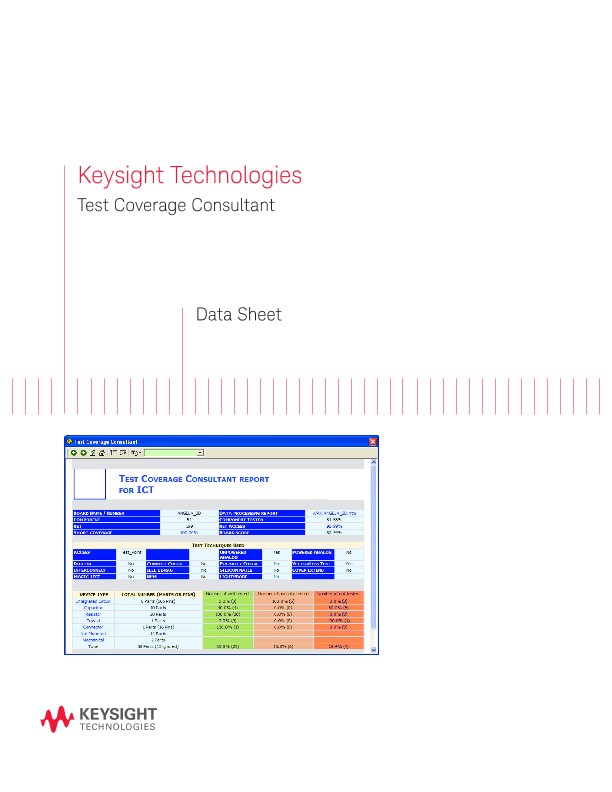
Test Coverage Consultant
資料表
Introduction
Test can improve product quality … by striving to detect or prevent all faults on the product so that only good products are shipped.
- How do I know what is tested and what is not?
- -How do I know how good the test is?
- How do I know if my tester is good enough to meet the test requirements?
- How do I define the optimum test strategy?
- How do I produce a complete test specification?
The Keysight Technologies, Inc. Test Coverage Consultant (ATCC) is a standalone application that can be installed on your Windows PC to enable you to quickly generate test coverage reports for your products.
Powered by Aster Technologies’ Testway engine, the tool can objectively review the board CAD files or board test files to generate a comprehensive report using the PCOLA-SOQ metrics.
The Keysight Test Coverage Consultant is equipped with the knowledge of Keysight’s In-Circuit test features so that you are able to analyze how the test coverage changes depending on the test features enabled. This allows you to determine exactly what coverage is available for the tester on your production line equipped with the latest test features.
Usage
The tool can be used in various ways:
1. As a predictive tool to analyze the test coverage of a product early in the product life cycle based only on the CAD layout files
2. As a test analysis tool to report the actual test coverage of the product after the tests have been generated
3. As a test strategy analysis tool to allow the test manager to select the best test platforms that will provide the best coverage for his product
4. As a quotation tool to estimate the tests that can be generated for a product using just the board CAD layout files
Compared to other tools, the Keysight Test Coverage Consultant is an automatic and objective tool that provides a complete picture of the test coverage of your product using the PCOLA-SOQ metrics.
Input Processes
The Keysight Test Coverage Consultant is able to accept a variety of CAD layout input formats. One of the following input processors needs to be selected for either the Basic or Advanced package.
Using CAD converter applications, you can select the probes that you need for your product and after running the output from the CAD converter application through the Keysight Test Coverage Consultant, you can know how the coverage is affected.
The following are the steps required to generate a test coverage report using the Keysight Test Coverage Consultant.
1. Input the board data
2. Provide the component information (part number, component type, value, tolerances, pin assignment, internal component structure, library models, BSDL file)
3. Place the probes
4. Select the test strategies for analysis
5. Generate the test coverage report
6. Review the results
Input the board data
For test coverage prediction …
The output from the following CAD converters; CAMCAD, Test Expert and TestSight; bill of materials and schematics are essential information for an accurate test coverage prediction. As a minimum, the output from the CAD converter is required.
The output from the CAD converter should have the probes selected and component values updated prior to generating the output. These information will be taken into account during the coverage prediction.
For actual test coverage reporting …
When analyzing the actual i3070 test coverage of a test developed board, the actual tests and the Keysight Coverage Analyst report is required. The Keysight Test Coverage Consultant will ready the Keysight Coverage Analyst report as well as other files in the board test directory to generate the full test coverage report.
When analyzing the actual i1000 test coverage of a test developed board, the board .atd file is required. The Keysight Test Coverage Consultant will generate the test coverage report based on the information in the .atd file.
Reading of schematics
The advanced version of the Keysight Test Coverage Consultant is able to digitize the .pdf format of the schematics file. This allows the views to be updated to the selected component even in the schematics. This allows users to get a better understanding of the surround components around the selected component.