Choose a country or area to see content specific to your location
What are you looking for?
-
-
Integrated Physics Suite
Bridging design and physical testing to evaluate drop, impact, shock, and vibration compliance before hardware exists.


-
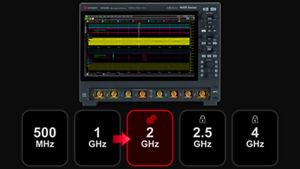
Buy an Expert Oscilloscope, Boost Your Bandwidth
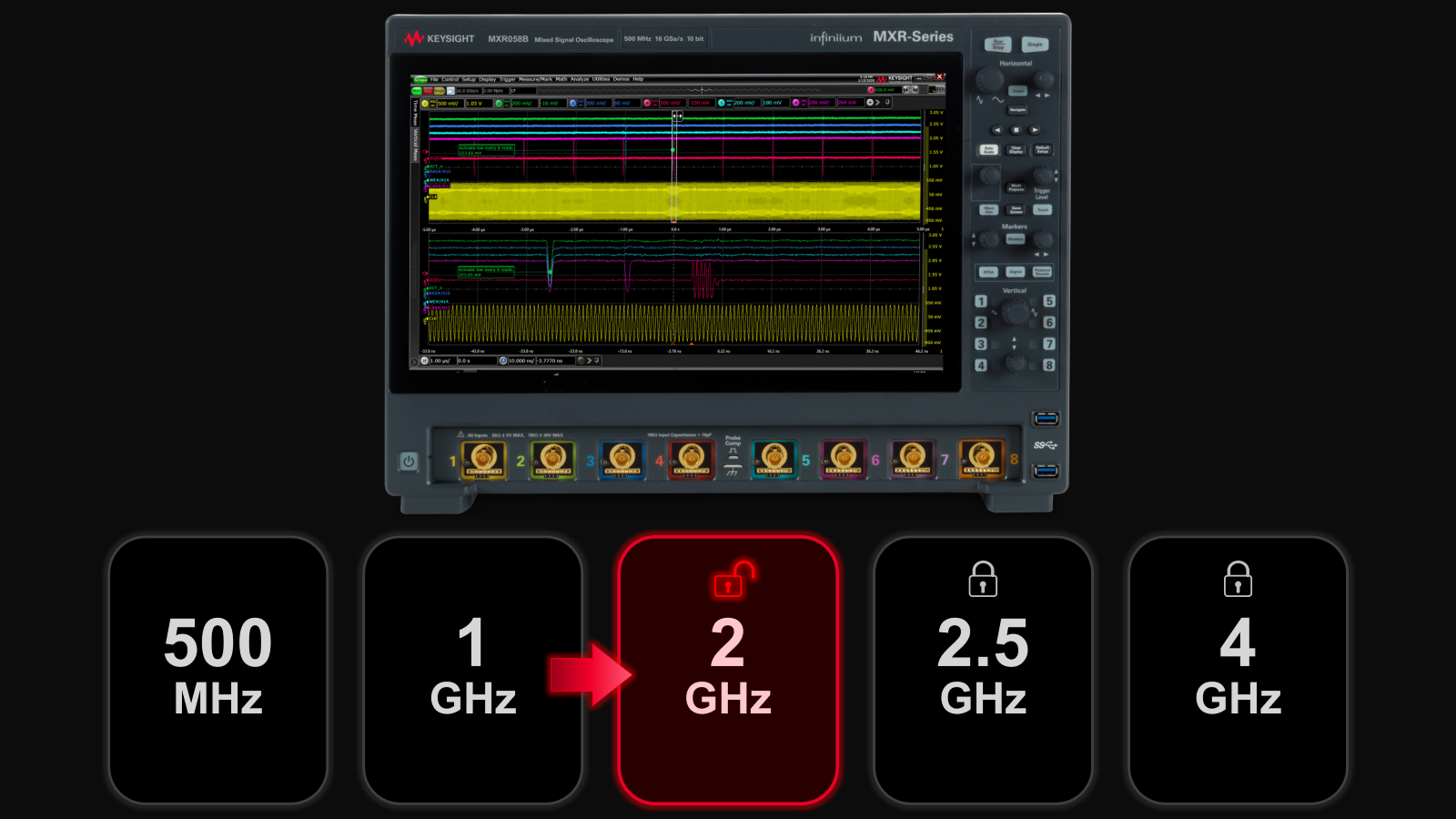
Unlock your free upgrade to the next bandwidth tier.
-
End-to-End Validation for AI Data Center
Strengthen 1.6T network reliability for AI-scale workloads from transceivers to interconnects.

-
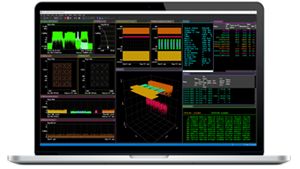
Take On Complex MIMO Signals
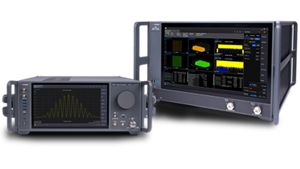
Pair Keysight VSA software with the new XA5 signal analyzer for advanced visualization, demodulation, and analysis — start your 30-day trial today.
-
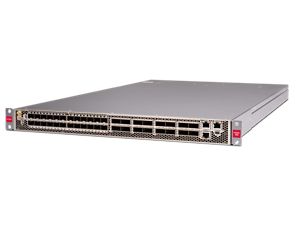
Introducing AI-Enhanced Packet Brokers
With extra memory and storage, these enhanced NPBs run Keysight's AI security and performance monitoring software and AI stack.
-
Accelerate Semiconductor Innovation
Explore end-to-end workflows spanning IC design, validation, wafer test, and photonics.

-
Accelerate Your Innovation Engine
Explore curated support plans, prioritized to keep you innovating at speed.

-
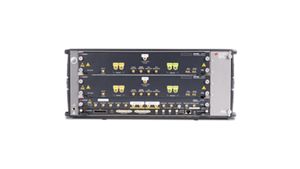
448 Gb/s Waveform Generation
Achieve 200+ Gbaud multi-level modulated signals with high-speed AWGs for digital and optical standards.
-
The Right Connection Makes the Measurement
Maximize accuracy and performance with precision accessories engineered for Keysight instruments.

Analyze Complex RF Signals FasterExplore dual-channel and ultra-wideband signal analysis for demanding RF workflows.
 Digital Validation. Faster.
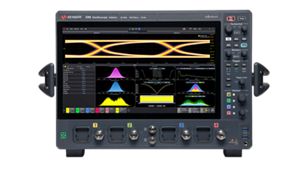
Get faster, clearer insights with our new multicore, 12-bit oscilloscope up to 33 GHz. Trade in your old oscilloscope and get credit toward a new XR8.
-
-
Purpose-built solutions engineered for the design and test challenges unique to your industry.
Use Cases mapped to every stage of your product lifecycle, from design through operations.
Success Stories
HPE Juniper Networking Builds Next-Gen AI Infrastructure -
Authoritative application notes, data sheets, reference designs, and test procedures to accelerate design and validation decisions.
FeaturedHands‑on bootcamps that teach system design, test methods, and production workflows engineers can apply immediately.
Learning Hub
AI TechnologyExplore methodologies, test strategies, and technical resources for designing, validating, and scaling AI systems and networks.
- Buy
-
Quick access to support related self-help tasks.
Additional content to support your product needs.
Do more with Keysight ServicesExplore services to accelerate every step of your innovation journey.










All Software Catalog
Explore the complete portfolio of Keysight software, from design engineering tools to emulator and instrument software, built to extend and enhance your Keysight instruments. Whether you are configuring measurements, automating tests, analyzing data, or validating compliance, use the filters below to identify the right software to support your workflow — from design and validation through manufacturing and deployment.
Showing 12 of 37
-
9
No Filter available
x1149 IEEE1687 Development Feature License
M6803B x1149 IEEE 1687 development license for testing embedded instruments in semiconductor devices.
M6803B x1149 IEEE 1687 development license for testing embedded instruments in semiconductor devices.
x1149 IEEE1687 Development Feature License
M6803B
M6803B x1149 IEEE 1687 development license for testing embedded instruments in semiconductor devices.
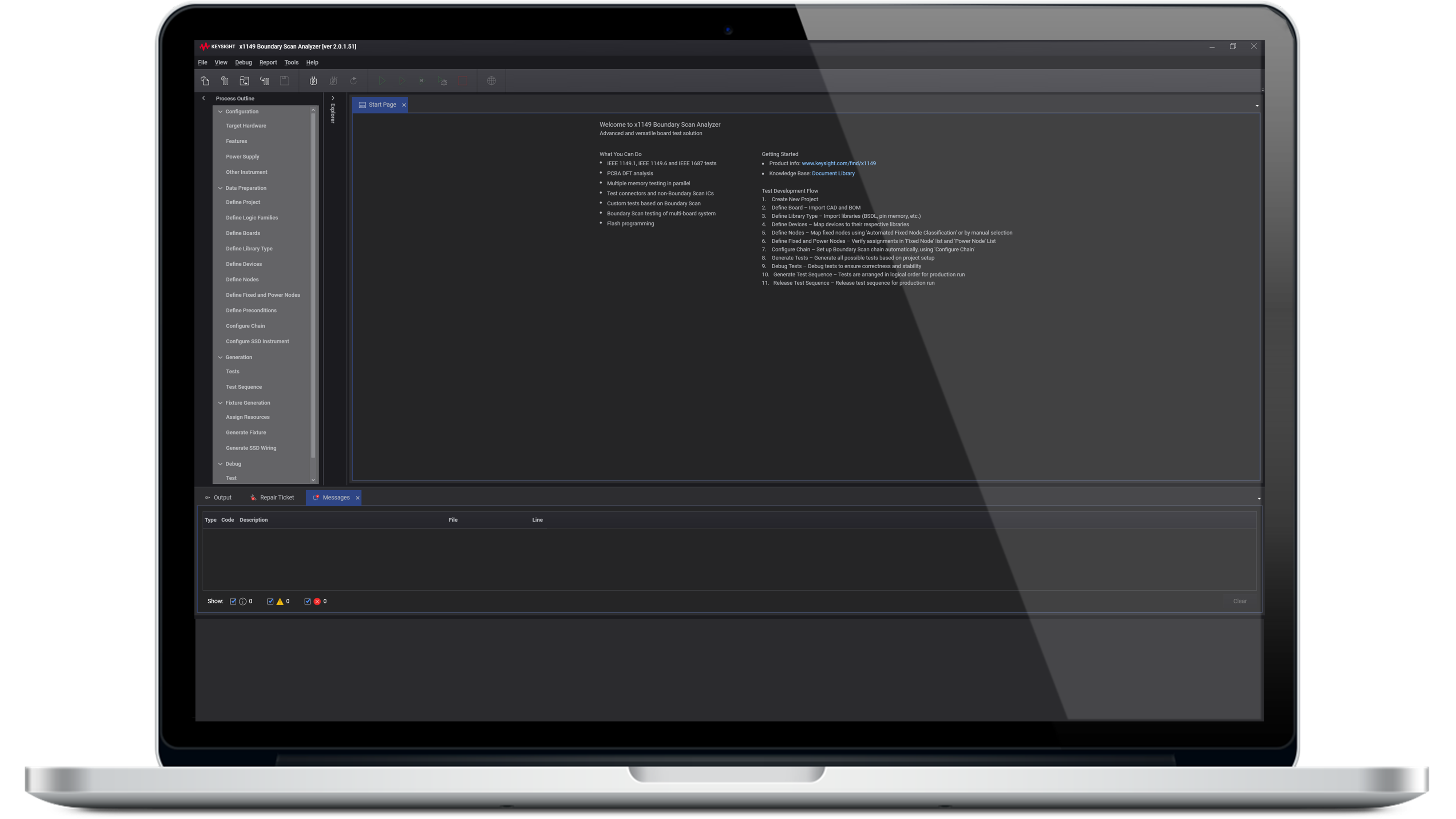
The M6803B tool provides a powerful capability to test the functionality of embedded instruments within a semiconductor device without the need to define the instruments or their features. By adding the necessary ICL and PDL files as libraries and assigning them to the relevant devices, the tool can automatically generate tests for devices compliant with the IEEE 1687 standard.
x1149 IEEE1687 Development Feature License
M6802B x1149 IEEE 1687 development license for testing embedded instruments in semiconductor devices.
M6802B x1149 IEEE 1687 development license for testing embedded instruments in semiconductor devices.
x1149 IEEE1687 Development Feature License
M6802B
M6802B x1149 IEEE 1687 development license for testing embedded instruments in semiconductor devices.
The M6802B tool provides a powerful capability to test the functionality of embedded instruments within a semiconductor device without the need to define the instruments or their features. By adding the necessary ICL and PDL files as libraries and assigning them to the relevant devices, the tool can automatically generate tests for devices compliant with the IEEE 1687 standard.
PathWave Test Executive for Manufacturing Developer Version
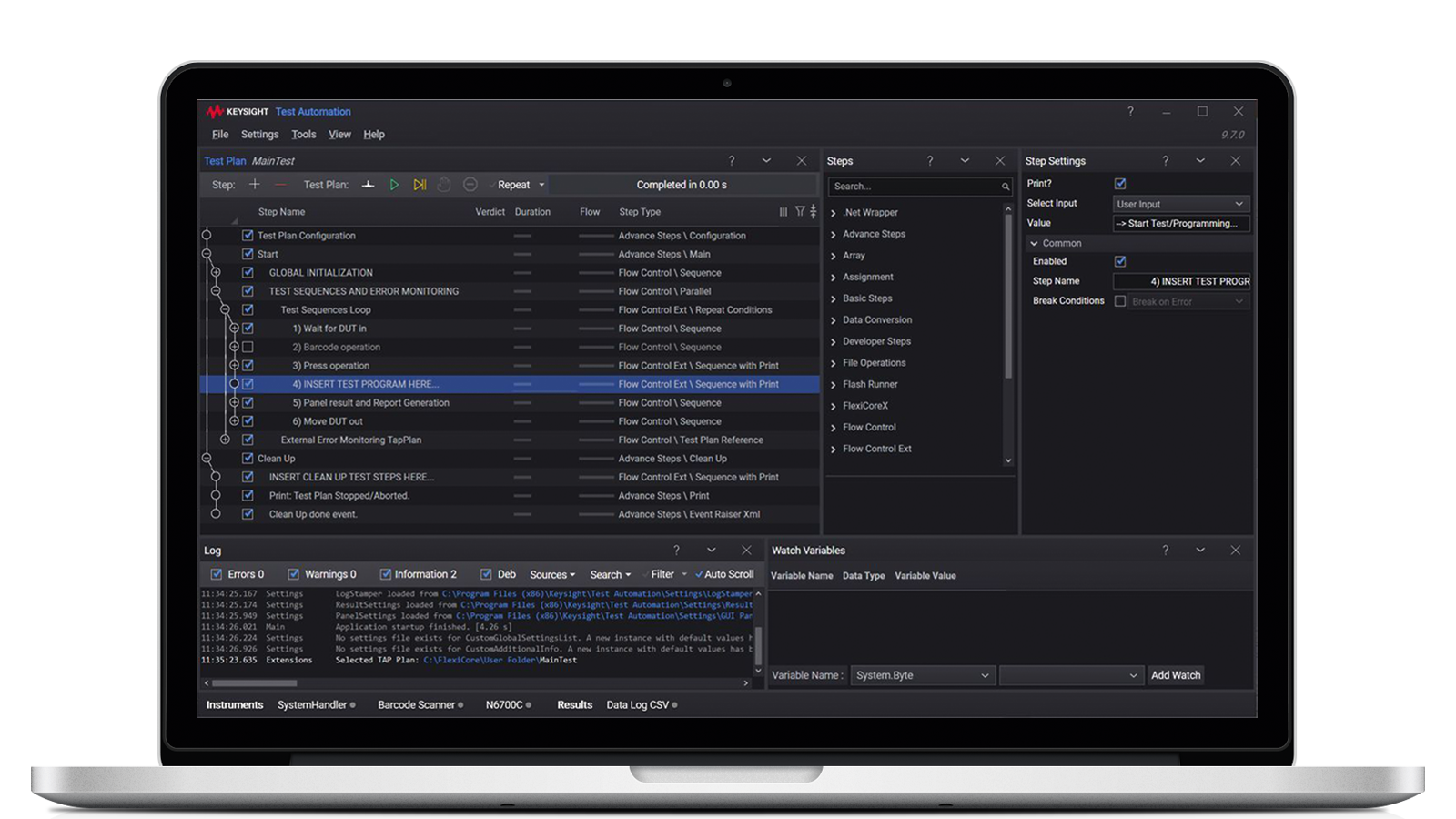
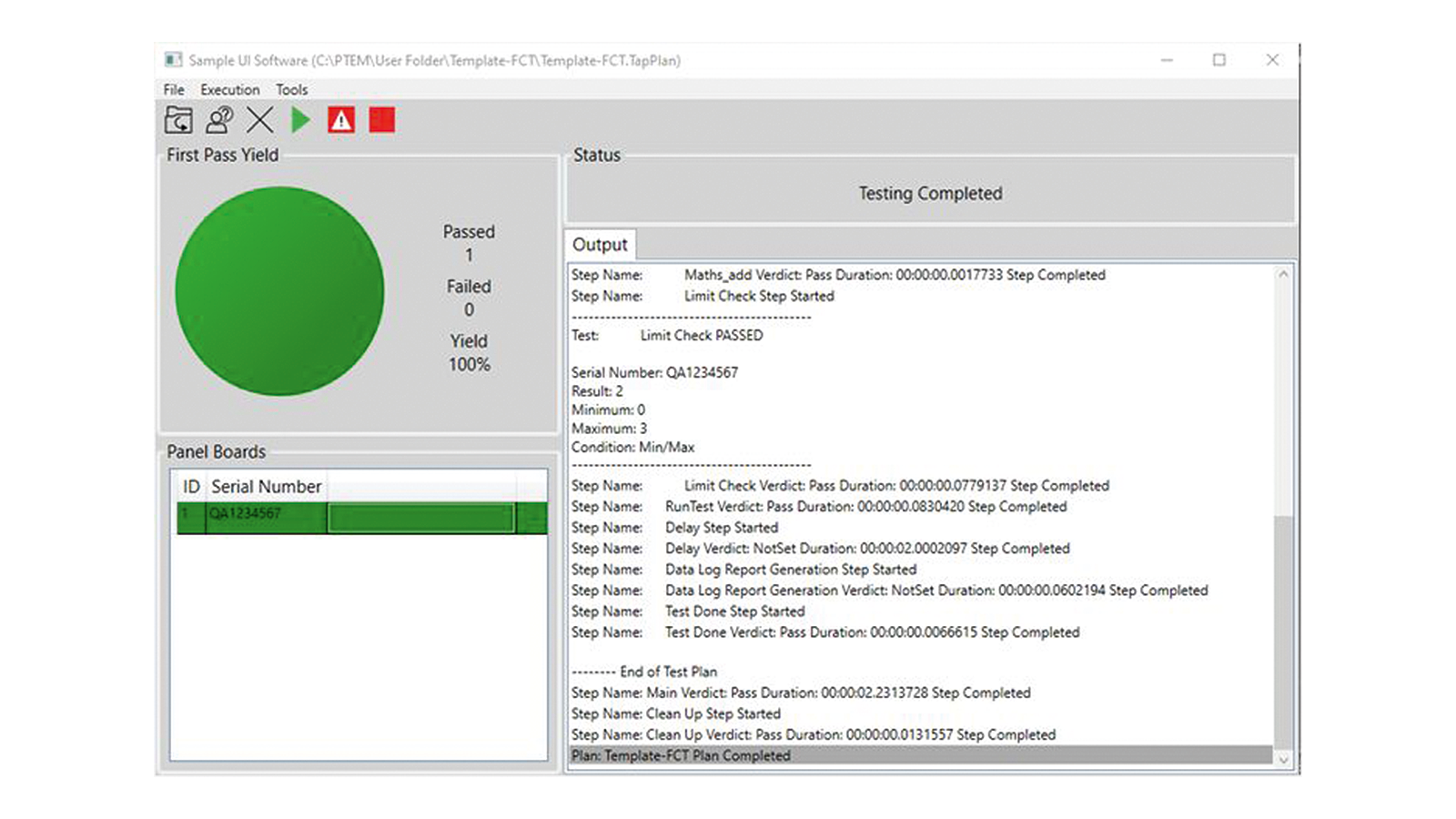
KS8328A PathWave Test Executive for Manufacturing operates on TAP, fast track automated test plan creation to reduce development time and enhance user experience.
KS8328A PathWave Test Executive for Manufacturing operates on TAP, fast track automated test plan creation to reduce development time and enhance user experience.
PathWave Test Executive for Manufacturing Developer Version
KS8328A
KS8328A PathWave Test Executive for Manufacturing operates on TAP, fast track automated test plan creation to reduce development time and enhance user experience.
PathWave Test Executive for Manufacturing (PTEM) is a plug-in that enhances the user experience in developing automated test programs using PathWave Test Automation Platform (TAP). With powerful PathWave Test Executive software, we eliminate the need to maintain or develop a test platform by users, especially in a manufacturing environment where a high mix of products exist, the maintenance, enhancement, and control of it could become challenging. Development of a test execution platform should not be a priority for valuable resources, instead optimizing and improving test coverage should be the key area of focus.
Prioritize the benefits
- Minimize programming and coding effort, promote code reuse with a common platform
- Create high-level steps, share them and gain the benefits of test standardization for repeatable use cases
- New and improved graphical switch manager, visualizes instrument and switch connections
- Easy learning curve, inexperienced users can quickly get involved with the features and tools available
- Inclusive at no extra cost, a set of library functions for multiple Keysight instruments
- Developer version: KS8328A (Requires KS8400A PathWave Test Automation)
- Deployment version: KS8329A
- Software licenses are available as node-locked, transportable, or floating
- Licenses are available for purchase with 6-, 12-, 24- or 36-month support
PathWave Test Executive for Manufacturing Deployment Version
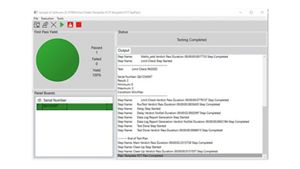
Deploy test plans created with PathWave Test Executive for Manufacturing, deployment and developer licenses provide flexibility in managing cost of test.
Deploy test plans created with PathWave Test Executive for Manufacturing, deployment and developer licenses provide flexibility in managing cost of test.
PathWave Test Executive for Manufacturing Deployment Version
KS8329A
Deploy test plans created with PathWave Test Executive for Manufacturing, deployment and developer licenses provide flexibility in managing cost of test.
- Deployment version: KS8329A
- Software licenses are available as node-locked, transportable, or floating
- Licenses are available for purchase with 6-, 12-, 24- or 36-month support
- Note
- Requires KS8000A PathWave Test Automation Deployment System
- Alternately, KS8328A can also be deployed together with OpenTAP
x1149 Software Version 2.0 Upgrade Plan (Runtime & Test Development)
Software Version 2.0 Upgrade Plan for runtime and test development is a service that allows the user to get the latest software revisions for their Keysight x1149 Boundary Scan Analyzer.
Software Version 2.0 Upgrade Plan for runtime and test development is a service that allows the user to get the latest software revisions for their Keysight x1149 Boundary Scan Analyzer.
x1149 Software Version 2.0 Upgrade Plan (Runtime & Test Development)
M6806B
Software Version 2.0 Upgrade Plan for runtime and test development is a service that allows the user to get the latest software revisions for their Keysight x1149 Boundary Scan Analyzer.
Software Version 2.0 Upgrade Plan for runtime and test development is a service that allows the user to get the latest software revisions for their Keysight x1149 Boundary Scan Analyzer.
x1149 SW License, SVF Export
Enable the import of external source files to program CPLD/FPGA devices.
Enable the import of external source files to program CPLD/FPGA devices.
x1149 SW License, SVF Export
M6808B
Enable the import of external source files to program CPLD/FPGA devices.
The M6808B SVF tool allows you to program CPLD/FPGA devices easily by importing external source files. The tool supports multiple file formats, including STAPL, JAM, JBC, and SVF, making it a versatile solution for various programming needs.
x1149 Result Analyzer Feature License
Result Analyzer is a tool that analyses raw test results to pinpoint the exact device pin location that caused a test failure.
Result Analyzer is a tool that analyses raw test results to pinpoint the exact device pin location that caused a test failure.
x1149 Result Analyzer Feature License
M6804B
Result Analyzer is a tool that analyses raw test results to pinpoint the exact device pin location that caused a test failure.
M6804B Result Analyzer is a powerful software tool designed to analyze the raw test results of devices and identify the specific device pin location responsible for a test failure. With its advanced analytical capabilities, this software can assist engineers in diagnosing and resolving issues quickly and effectively, leading to improved product quality and reduced manufacturing costs.
x1149 Runtime License Bundle
Run time license for Boundary Scan Analyzer provides a comprehensive testing solution that is fully compliant with the latest IEEE 1149.1-2013 standard. This license is designed specifically for production runtime testing.
Run time license for Boundary Scan Analyzer provides a comprehensive testing solution that is fully compliant with the latest IEEE 1149.1-2013 standard. This license is designed specifically for production runtime testing.
x1149 Runtime License Bundle
M6801B
Run time license for Boundary Scan Analyzer provides a comprehensive testing solution that is fully compliant with the latest IEEE 1149.1-2013 standard. This license is designed specifically for production runtime testing.
M6801B Run time license for Boundary Scan Analyzer provides a comprehensive testing solution that fully complies with the latest IEEE 1149.1-2013 standard. This tool is designed specifically for production runtime testing, allowing you to perform accurate and reliable testing of your products before they are shipped to customers.
x1149 Development License
This tool is designed for test development purposes before sending to production for runtime usage. It provides a comprehensive scope of test development features, including configuration, data preparation, test generation, fixture generation, and debugging.
This tool is designed for test development purposes before sending to production for runtime usage. It provides a comprehensive scope of test development features, including configuration, data preparation, test generation, fixture generation, and debugging.
x1149 Development License
M6800B
This tool is designed for test development purposes before sending to production for runtime usage. It provides a comprehensive scope of test development features, including configuration, data preparation, test generation, fixture generation, and debugging.
M6800B Test Development is a tool that is designed for test development purposes before sending to production for runtime usage. It provides a comprehensive scope of test development features, including:
- Configuration
- Data preparation
- Test generation
- Fixture generation
- Debug

PathWave Test Automation
Test sequencer software with timing analyzer, result viewer, and other useful tools for test automation development.
Test sequencer software with timing analyzer, result viewer, and other useful tools for test automation development.
PathWave Test Automation
KS8400B
Test sequencer software with timing analyzer, result viewer, and other useful tools for test automation development.
Powerful test plan creation and execution
- Graphical editor for creating test plans
- Two versions of the editor exist for support on Windows and Linux platforms
- Fast execution and test flow visualization, analysis and insights
- Scalable modular “plug-in” software architecture. Take advantage of provided plug-ins in the Package Repo, or create your own using the SDK
- Run Explorer, Results Viewer and Timing Analyzer for test data visualization and analysis
- Built on the OpenTAP, an open-source test sequencer
- Ideal for R&D and Design Validation Labs
Plugin development and debug environment
- Python and .NET SDK that integrate with Visual Studio and other IDEs
- Package management and deployment system
PathWave Test Automation provides powerful, flexible and extensible test sequencing and test plan creation with additional capabilities that optimize your test software development and overall performance. Built on the PathWave software platform, PathWave Test Automation enables you to quickly create your test solutions, maximize your team’s productivity, and accelerate your products’ time-to-market.
PathWave Manufacturing Analytics
Use PM2288A PathWave Manufacturing Analytics to drive manufacturing improvements with an Industry 4.0 electronics data analytics solution.
Use PM2288A PathWave Manufacturing Analytics to drive manufacturing improvements with an Industry 4.0 electronics data analytics solution.
PathWave Manufacturing Analytics
PM2288A
Use PM2288A PathWave Manufacturing Analytics to drive manufacturing improvements with an Industry 4.0 electronics data analytics solution.
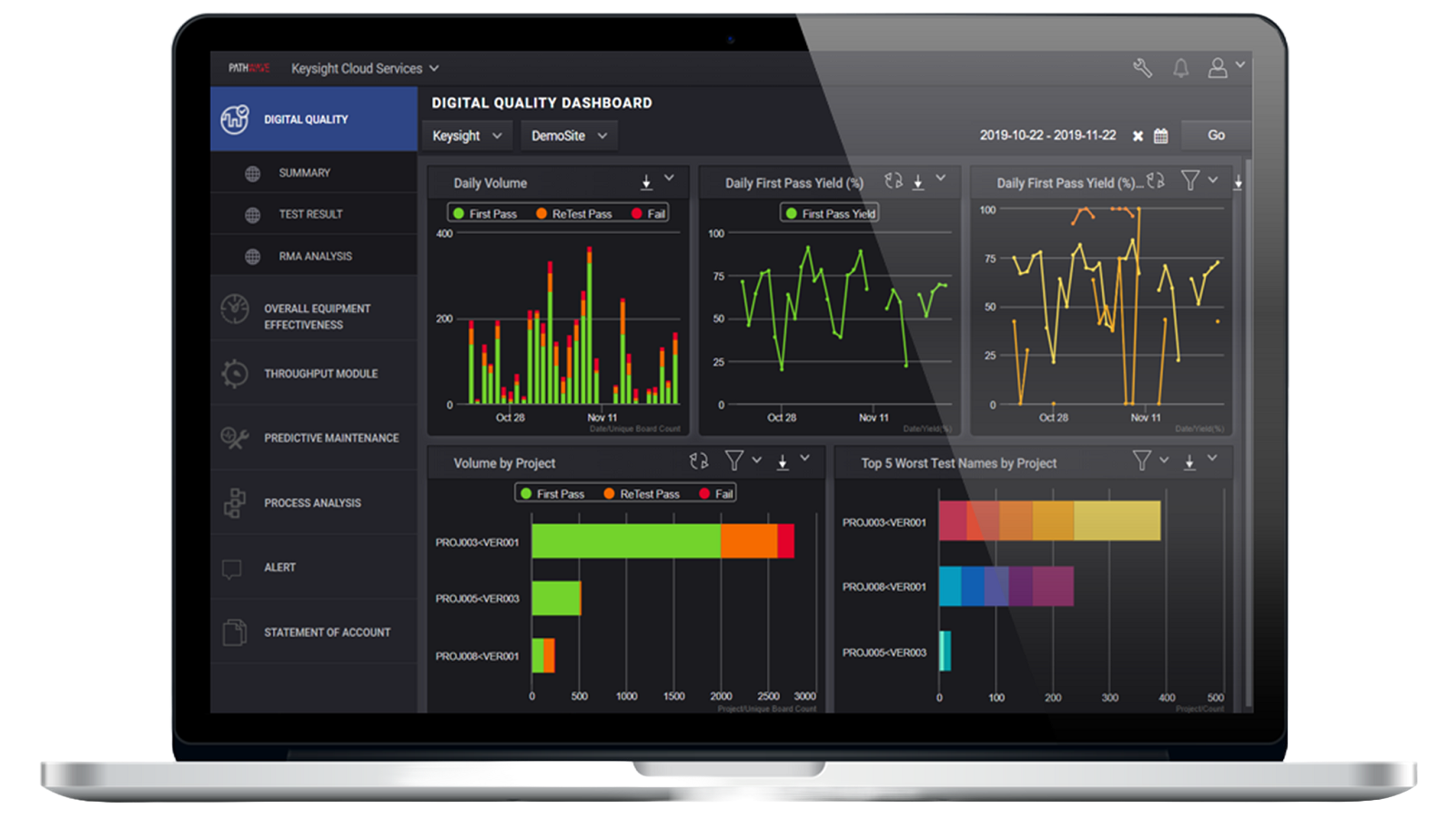
Combining test and measurement expertise with data science and big data engineering, the PathWave Manufacturing Analytics platform provides actionable insights for every level in your organization in the smart factory of the future. Improve yield, lower retest and handling, and lower the cost of poor quality with big data advanced analytics that really works. Accelerate your Return on Investment and business outcomes with unique, innovative analytics.
Descriptive
- View your factory performance in terms of Overall Operating Efficiency (OEE), yield, first pass yield, retest, volume, etc. with extensive drilldowns and filters
- Save the workspace and see your own personalized dashboard on demand, real-time from anywhere
Diagnostic
- Use no-code specially curated diagnostic tools and visualizations for all levels of operators, technicians and engineers
- Root cause issues with just a few clicks, compare between multiple tests, systems, fixtures, parts, probes and more
Predictive
- Predict potential quality issues in real-time manufacturing with optimized machine learning anomaly detection models
- Get only “high severity scored” alerts. Take action to prevent catastrophe and mitigate the risks of poor quality without alert fatigue
Prescriptive
- Prescribe real-time adaptive test limits with optimized dynamic part averaging testing
- Leverage transformed data and insights for horizontal and vertical systems to optimize processes
PathWave Test Executive for Manufacturing Developer Version
KS8328B PathWave Test Executive for Manufacturing operates on TAP, fast track automated test plan creation to reduce development time and enhance user experience.
KS8328B PathWave Test Executive for Manufacturing operates on TAP, fast track automated test plan creation to reduce development time and enhance user experience.
PathWave Test Executive for Manufacturing Developer Version
KS8328B
KS8328B PathWave Test Executive for Manufacturing operates on TAP, fast track automated test plan creation to reduce development time and enhance user experience.
Keysight PathWave Test Executive for Manufacturing (PTEM) — Developer Version is a software plug-in designed to enhance the user experience when developing automated test programs with the Keysight PathWave Test Automation Platform (TAP). PathWave Test Executive for Manufacturing software eliminates the need for users to maintain or develop a test platform, especially in a manufacturing environment where a high mix of products exists. Maintaining, enhancing, and controlling a test execution platform could become challenging. The development of a test execution platform should not be a priority for valuable resources — instead, the primary focus should be on optimizing and improving test coverage.
PathWave PTEM can help you:
- Minimize programming and coding effort, and promote code reuse with a common platform.
- Create high-level steps, share with other users, and benefit from test standardization for repeatable use cases.
- Visualize instrument and switch connections with the graphical switch manager.
- Experience an intuitive tool with features and tools.
- Obtain a set of library functions for multiple Keysight instruments at no extra cost.
- KS8328B developer version requires KS8400B PathWave Test Automation.
- Keysight PathWave Test Executive for Manufacturing KS8329B — Deployment Version.
- Software licenses are available as node-locked, transportable, or floating.
- Licenses are available for purchase with 6-, 12-, 24- or 36-month support.
