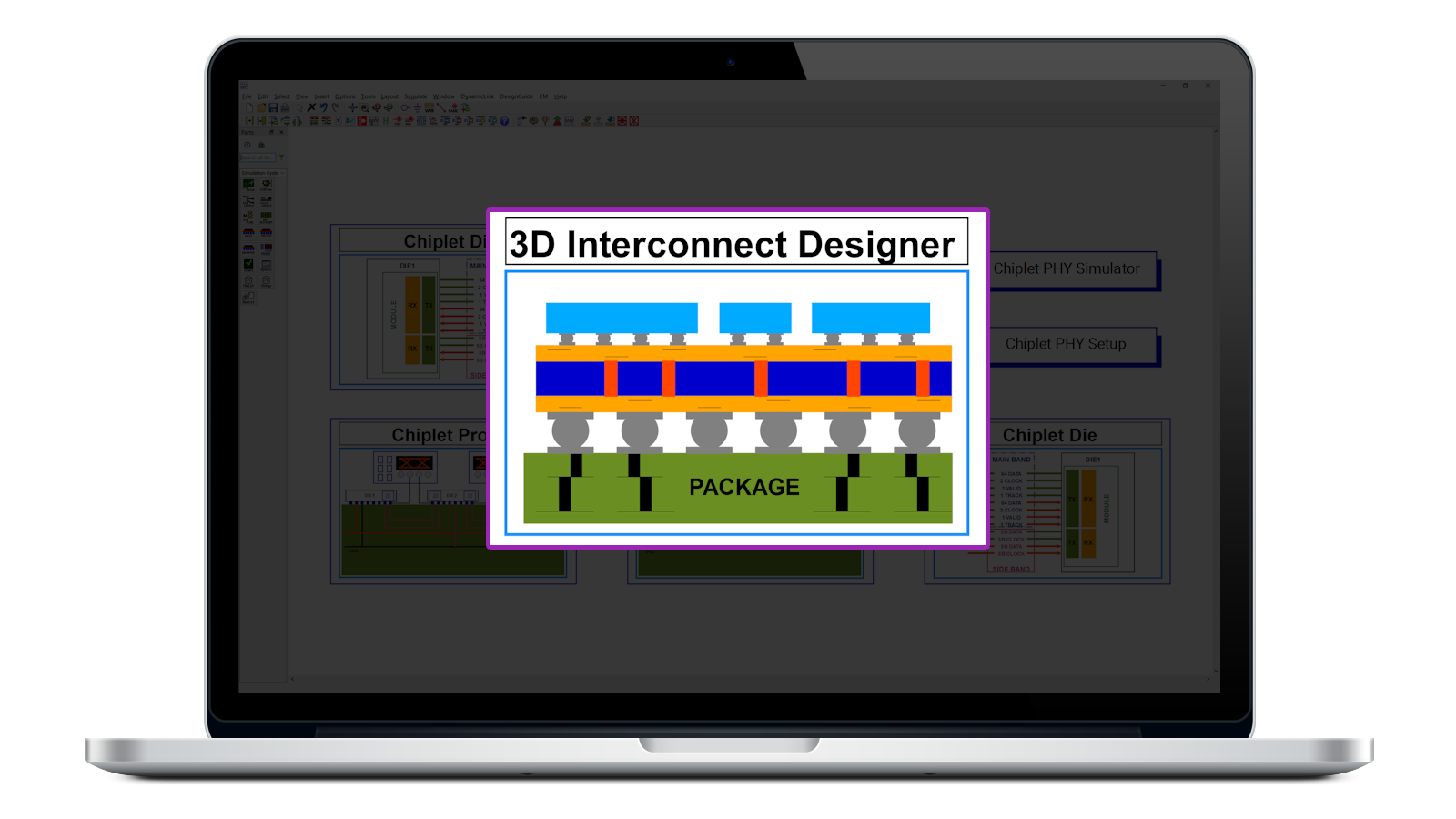
Quick-Start Video for 3D Interconnect Designer
How-To Videos
Learn how to create a 3D die-to-die interconnect from scratch using Keysight 3D Interconnect Designer.
In this quick-start tutorial, you will build a complete die-to-die interconnect without using the wizard. The video walks through the core design workflow, including how to create a new project, define substrates, create component definitions, place bump maps, connect nets, add dies, create interconnect buses, and prepare for link-level simulation.
This tutorial is designed for engineers who want a practical starting point for using 3D Interconnect Designer in chiplet, advanced packaging, interposer, and die-to-die interconnect design workflows.
In this video, you will learn how to:
- Create a new 3D Interconnect Designer project
- Understand the relationship between designs, definitions, and substrates
- Create an interposer substrate and component definition
- Place and configure bump maps
- Connect Tx and Rx nets between bump maps
- Create left and right die component definitions
- Attach dies to an interposer through bump maps
- Create interconnect buses, 3D interconnects, vias, via breakouts, and bumps
- Start component-level and link-level analysis for a die-to-die interconnect
3D Interconnect Designer helps engineers create and evaluate advanced interconnect structures earlier in the design process, before layout is fully defined. This workflow is especially useful for chiplet packages, silicon interposers, UCIe/BoW-style die-to-die links, and other advanced packaging applications where early interconnect exploration can reduce design risk.
Watch this tutorial if you are getting started with 3D Interconnect Designer and want to understand how to build a die-to-die interconnect manually from the ground up.