













-
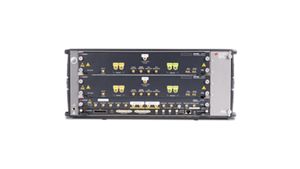
Network Emulator 2
Real-world network emulation up to 10GE

-
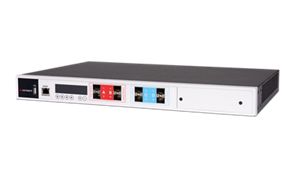
Network Emulator 3
High-performance network emulation up to 100GE
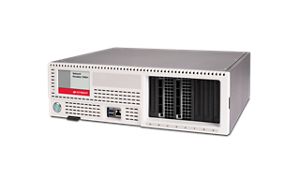
Network Emulator 2
Keysight Network Emulator 2 is a precision Ethernet test instrument for 100 MbE, 1GE, and 10GE impairment emulation, ideal for validating applications, protocols, and hardware under realistic and worst-case network conditions. Built on an 8-port FPGA hardware architecture, this emulator delivers line-rate performance and flexible resource management that lets you mix and match speeds on the same device to test mixed-speed configurations simultaneously. Pair your network emulator with related software to emulate realistic network conditions, application traffic, and security threats to form a full test environment and tackle complex performance, interoperability, and disaster recovery scenarios with confidence. Need help selecting? Check out our resources below.

Network Emulator 3
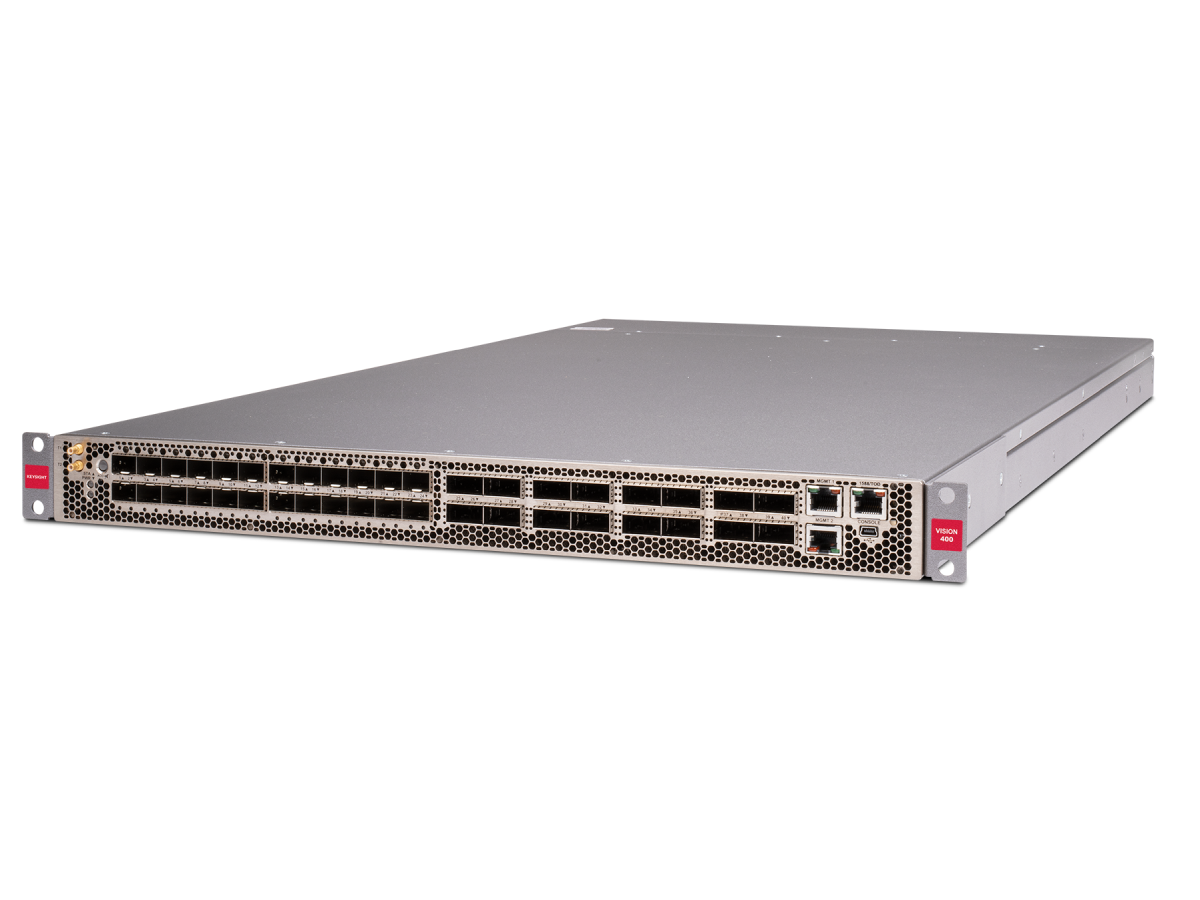
Keysight Network Emulator 3 is a high-speed Ethernet test platform that supports speeds from 10GE to 100GE. Building on the Network Emulator 2, these models deliver full line-rate performance at higher speeds, with flexible resource allocation, enabling simultaneous mixed-speed configurations across a single chassis. They also emulate real-world conditions at ultra-fast link rates with precise control of latency, jitter, packet loss, and other impairments, making them the ideal choice for emulating network impairment scenarios for data center, transport, and disaster recovery testing. Rack-mountable and enterprise-grade, they support thousands of concurrent sessions, dynamic topology changes, and network slicing scenarios, ensuring repeatable large-scale emulation. Need help selecting? Check out our resources below.

Meet Our Fastest Interface Speed Network Emulator
Validate and optimize application performance using the Keysight Network Emulators 3 solution, built with application-aware emulation engines that deliver precise control over network impairments such as latency, jitter, and packet loss. Test in real-world conditions with unmatched accuracy to uncover hidden performance issues and ensure consistent user experiences. Debug application behavior, reduce deployment risks, and accelerate release cycles with a network emulator that reveals the most subtle and infrequent connectivity disruptions before they reach your users.
Services and support
Innovate at speed with curated support plans and prioritized response and turn-around times.
Get predictable, lease-based subscriptions and full lifecycle management solutions—so you reach your business goals faster.
Experience elevated service as a KeysightCare subscriber to get committed technical response and more.
Ensure your test system performs to specification and meets local and global standards.
Make measurements quickly with in-house, instructor-led training, and eLearning.
Download Keysight software or update your software to the newest version.
Frequently Asked Questions
A network emulator validates how applications and devices behave under controlled versions of real-world network conditions before deployment. It is used to assess performance and resilience under realistic network conditions.
Common uses include:
- application validation
- device testing
- failover assessment
- repeatable lab conditions
Keysight supports network emulation for controlled validation workflow.
Network impairments are controlled disruptions inserted into a traffic path to reproduce production network behavior. They are used to evaluate how systems respond to degraded, unstable, or asymmetric conditions.
Common impairments include:
- latency and jitter
- packet loss and reordering
- bandwidth throttling
- ink drops and failover
- upstream/downstream asymmetry
Keysight supports repeatable impairment testing across cloud, enterprise, and hybrid environments.
A network emulator should be selected by matching its impairment capabilities, interface speeds, scale, and automation support to the target application and workflow. The right choice depends on both technical requirements and validation goals.
Selection factors include:
- use case
- required impairments
- performance range
- workflow fit
Keysight supports network emulation across a wide range of validation scenarios.
An network emulator is defined by how precisely and repeatably it can mirror production network behavior. The most important capabilities make impairment testing realistic, scalable, and consistent.
Core capabilities include:
- latency and jitter control
- packet loss and reordering
- bandwidth throttling
- scalability
- topology changes
- repeatability
Keysight supports precise impairment testing across modern validation workflows.
Network emulation applies impairments to real traffic in a controlled test environment. Network simulation models behavior abstractly, while traffic generation creates load without necessarily reproducing impairments.
Practical distinction:
- emulation tests real traffic under impairments
- simulation models expected behavior
- traffic generation measures load and scale
Keysight brings network emulation expertise to controlled network validation.
Network emulators replicate real-world conditions by inserting controlled impairments into the traffic path so systems under test experience production-like disruptions. These impairments can be applied individually or in combination.
Common conditions include:
- congestion
- delay
- packet loss
- instability
- asymmetry
Keysight supports replication of real-world network behavior for validation and troubleshooting.
Network emulators are used wherever applications or devices must be validated under degraded or unpredictable network conditions before deployment. They are relevant across enterprise and service-provider environments.
Common uses include:
- cloud and hybrid IT
- enterprise networks
- IoT and mobile
- data centers
- transport and 5G
Keysight supports network emulation across these applications.
A network emulator integrates into automated testing by enabling repeatable impairment profiles that can be inserted programmatically into lab workflows, regression environments, and release pipelines. This supports consistent validation across development and deployment cycles.
Integration approaches include:
- API-based control
- CI/CD validation
- lab orchestration
- repeatable environments
Keysight supports network emulation for automated validation and lab workflow integration.