How to Generate Wi-Fi 7 Test Signals

Generate Configurable IEEE 802.11be WLAN Waveforms
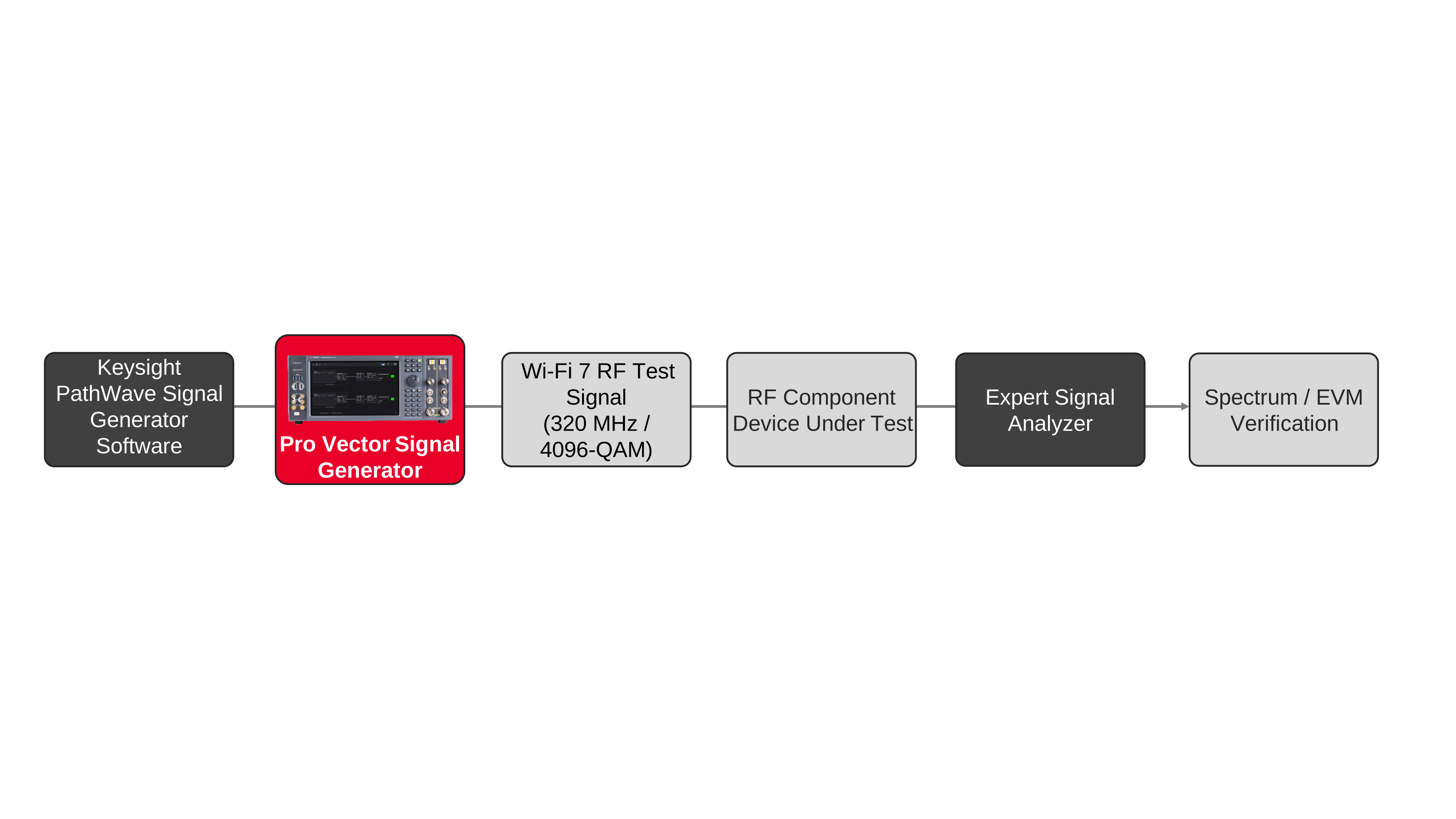
Configure an IEEE 802.11be wireless local area network (WLAN) waveform for a selected channel bandwidth, modulation and coding scheme, payload, and frame format. A vector signal generator plays the waveform at a specified radio-frequency (RF) level and center frequency. Available 802.11be parameters include 20, 40, 80, 160, and 320 MHz channel bandwidths, extreme high throughput (EHT) multi-user physical layer protocol data units, and modulation choices extending to 4096-quadrature amplitude modulation (QAM). Engineers configure data sources, framing fields, channel coding, scrambling, and spectrum-shaping settings in the waveform application. For transmitter or RF component characterization, route the generated signal through the device under test and measure channel power, occupied bandwidth, adjacent-channel behavior, and error vector magnitude (EVM) using a suitable signal analyzer. Changes to waveform parameters can be compared at the same generator output setting.
For Wi-Fi 7 receiver testing, generate fully channel-coded frames and route the RF output to the receive input through the specified attenuation and coupling arrangement. Configure medium access control (MAC) header fields, frame check sequence, payload data, and sequence control so the receiver can decode and count packets. Sweep input power to measure packet error rate (PER) or determine receiver sensitivity against the test's selected acceptance criterion. The waveform application supports configurations with multiple transmit chains and spatial streams, including multiple-input multiple-output (MIMO) signaling with up to eight streams when the hardware arrangement supports it. Spatial mapping and channel modeling can be configured for a MIMO test. Record waveform settings, received packet counts, input power, modulation settings, bandwidth, and any inserted impairments for repeatable comparisons across receiver operating conditions.

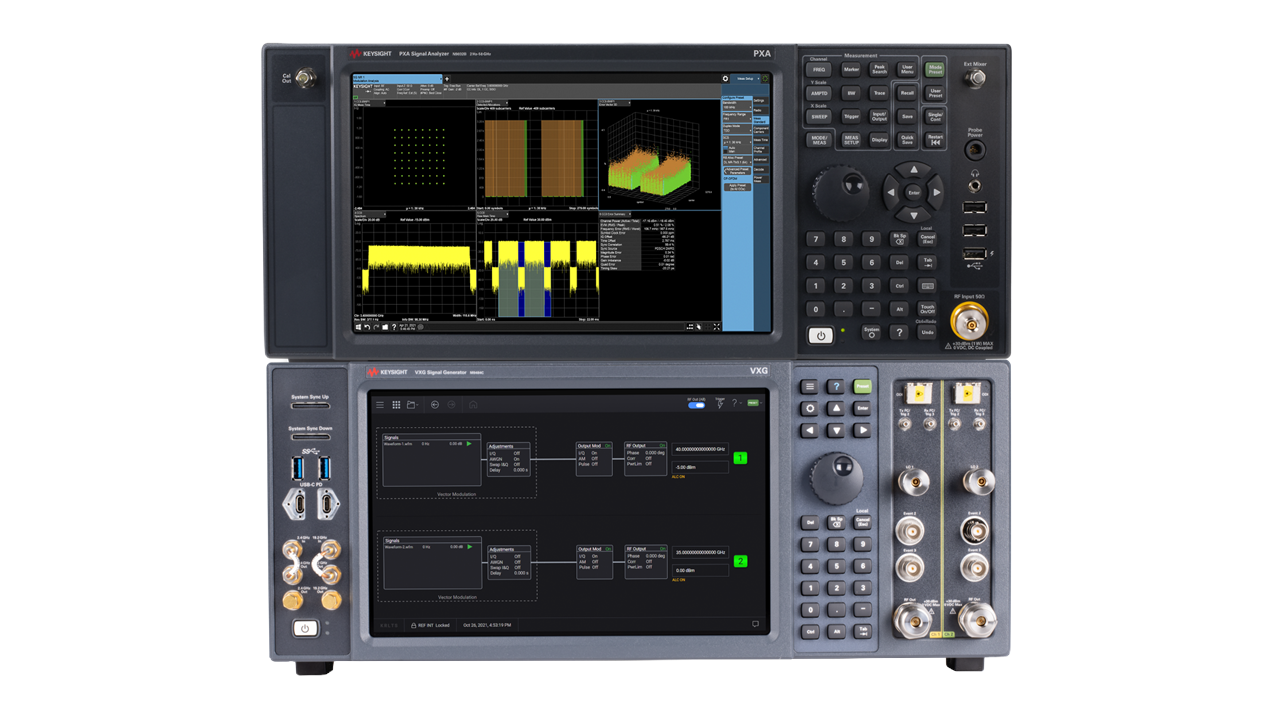
Wi-Fi 7 Signal Generation Solution
See Block Diagram of Wi-Fi 7 Signal Generation Solution

Explore Products in Our Wi-Fi 7 Signal Generation Solution
-

![]()
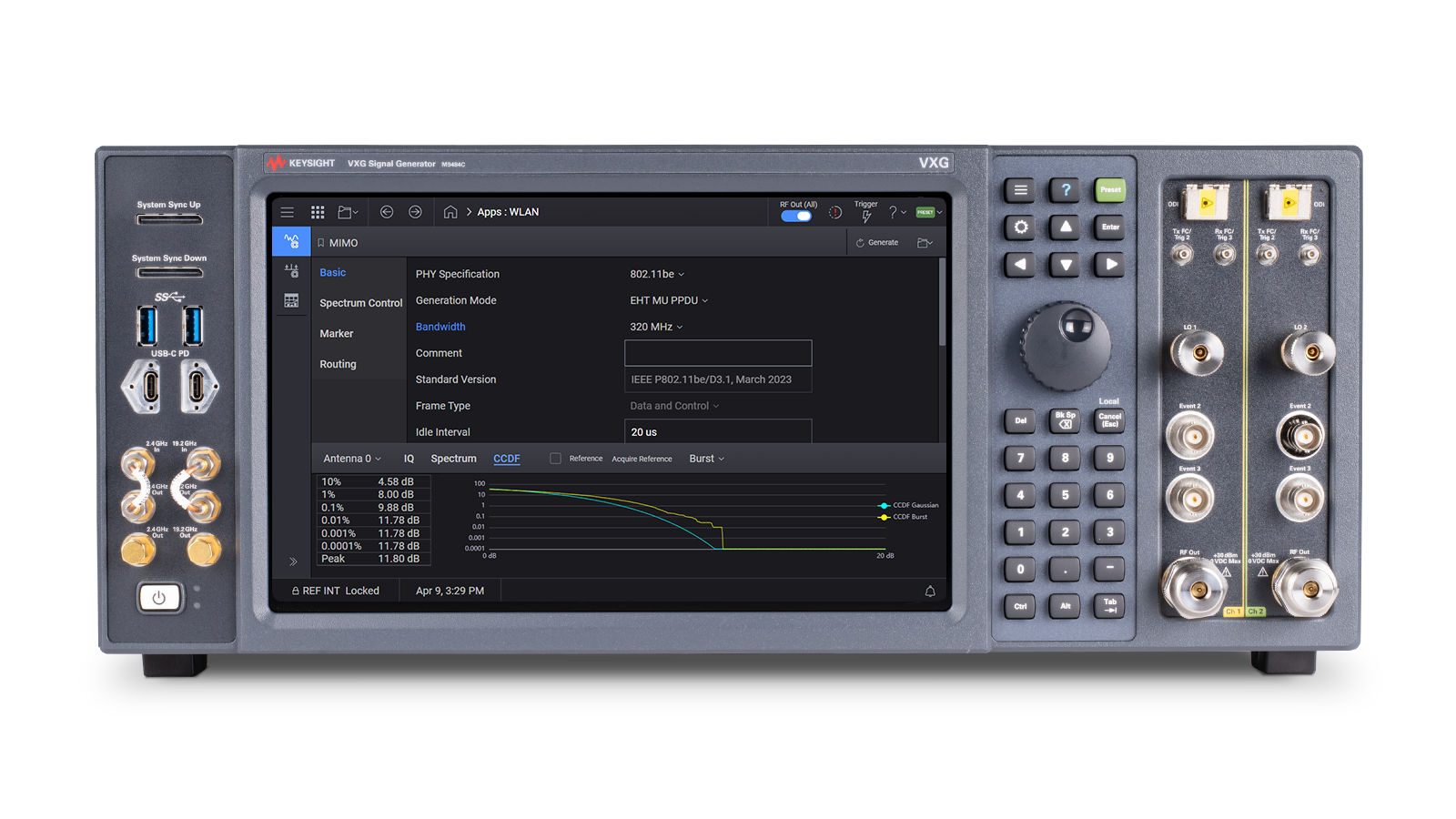
M9484C VXG Vector Signal Generator
-
![]()
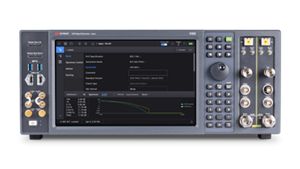
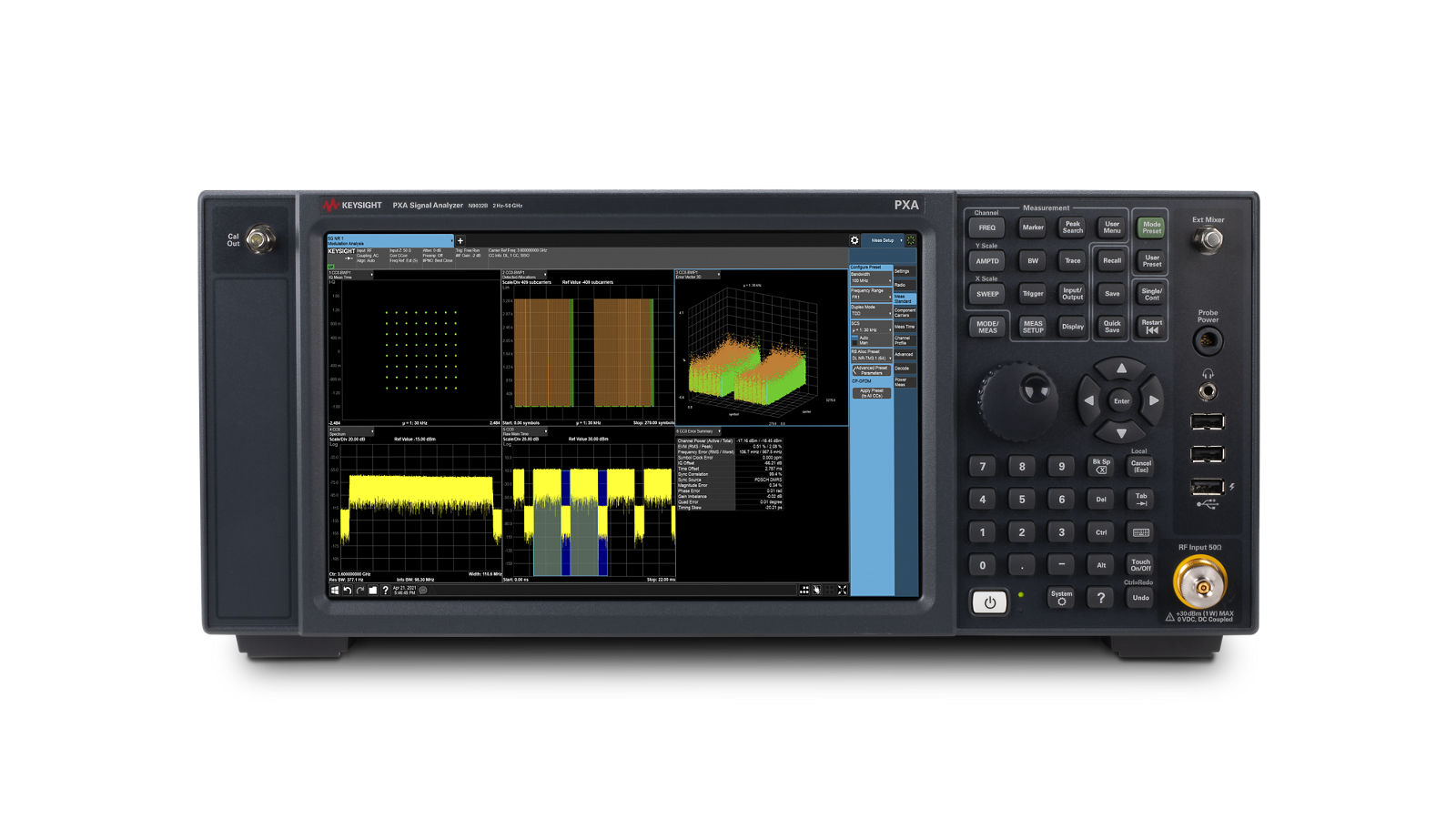
N9032B PXA Signal Analyzer, 2 Hz to 55 GHz
-

![]()
PathWave Signal Generation for WLAN, Embedded Application for N7617APPC/E7617APPC


Discover Resources and Insights
Discover Resources and Insights Additional Resources for Wi-Fi 7 Signal Generation
Related Use Cases


-
![]()
Learn More
How to Eliminate Thermal EMF Measurement Errors
Learn how to eliminate thermal EMF errors in low-resistance measurements using current reversal, applying forward and reverse current and averaging the voltages to cancel offset errors.
Learn More

-
![]()
Learn More
How to Improve Micro Ohm Measurement Stability
Improve measurement stability for low resistance testing applications.
Learn More
-
![]()
Learn More
How to Simulate Battery Power Accurately
Simulate battery power behavior using DC supplies to validate IoT device performance under real-world conditions.
Learn More

Get in Touch With One of Our Experts
Need help finding the right solution for you?