Here's the page we think you wanted.
See search results instead:
What are you looking for?
Suggested searches
No product matches found - System Exception
Matched content
Optimize Your Design in CODE V and LightTools
A seamless experience for your engineering, design, and simulation needs
Combine the Power of CODE V and LightTools
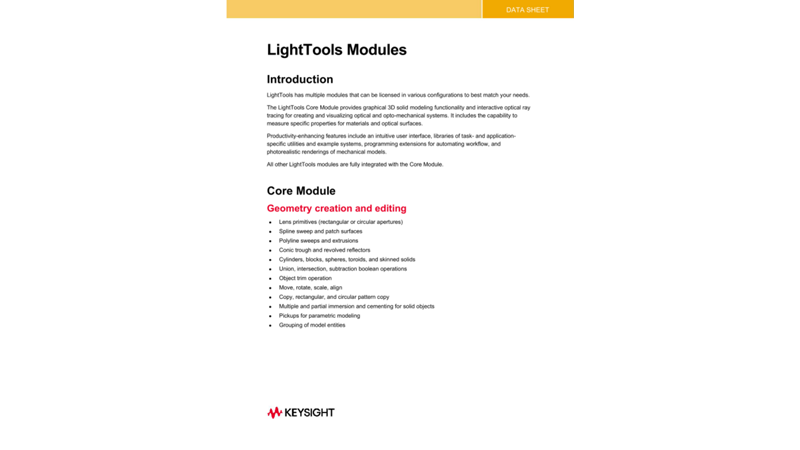
New and improved interoperability features between CODE V and LightTools enable designers to easily simulate optical systems that contain imaging and non-imaging components and save product development time. LightTools can automatically convert CODE V surface-based models to solid models for high-fidelity optical product simulations. The two products seamlessly maintain design updates, including all optical properties, receivers, and sources.
Innovate New Systems with CODE V and LightTools
CODE V for Imaging Design
- Built-in optimization intelligence that gives you the best design solutions, as fast as possible
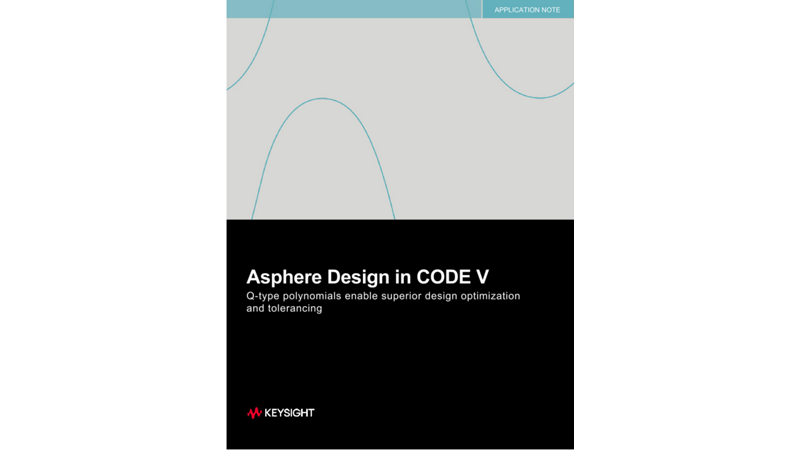
- Wavefront Differential Tolerancing algorithm provides the fastest, most accurate tolerancing to reduce manufacturing costs
- Powerful, efficient diffraction analysis
LightTools for Illumination Analysis
- Sophisticated solid modeling with full optical accuracy and state-of-the-art ray tracing speed
- Multiple optimization engines that are specially tailored to solve illumination and stray light challenges
- Advanced stray light analysis to pinpoint and correct issues early in the design process — including ghost images and flare
Support Productivity by Combining CODE V and LightTools


Easily Import and Update Your Model
- Transfer a CODE V lens file to LightTools with ease and accuracy.
- When importing a CODE V model into LightTools, LightTools will automatically convert surface-based models into solid models.
- Maintain the surface geometry from CODE V while applying optical properties, receivers, and sources in LightTools.
- Work in a seamless, iterative design environment.
- As your design changes, you can apply updates from CODE V into LightTools with the click of a button.
- Develop your best design as fast and as error-free as possible and save valuable time.
Explore CODE V and LightTools Resources



Discover Related Blogs







Want help or have questions?