


Why Engineers Choose LightTools
Solve complex illumination design challenges earlier.
LightTools enables engineers to evaluate illumination performance before physical prototypes are built. Accurately simulate LEDs, displays, LiDAR systems, automotive lighting, AR/VR optics, and other illumination applications while reducing design iterations, lowering prototyping costs, and improving performance confidence.
 Reduce Prototype IterationsIdentify performance issues virtually and make informed design decisions before physical hardware is built.
 Accelerate Time-to-MarketAutomate repetitive design tasks and evaluate more design options in less time.
 Improve Optical PerformanceOptimize illumination efficiency, uniformity, and light distribution to meet demanding product requirements.
 Increase Confidence in Design DecisionsSimulate real-world optical behavior with advanced ray tracing, physical materials, and realistic surface properties.
 Validate Complete System BehaviorUnderstand interactions between illumination and imaging subsystems earlier in development.
 Create Better Products FasterCombine simulation, optimization, and visualization tools in a unified workflow that supports the entire design process.
Key Features

Analyze complex illumination systems with forward, backward, hybrid ray tracing that accurately models reflection, refraction, scattering, polarization, and material behavior.

Define performance objectives and automatically explore design alternatives to identify high-performing solutions while reducing manual iteration.

Design and optimize freeform optics, light guides, reflectors, lenses, and geometrically complex optical components used in advanced illumination systems.

Generate realistic visualizations that help evaluate illumination quality, validate designs, and communicate results effectively to stakeholders. VisionSym integration further enhances rendering workflows.

Analyze imaging and non-imaging optical systems within a connected workflow through integration with CODE V, supporting stray light, ghost image, and optical performance analysis.

Accelerate the development of next-generation optical systems with support for AR waveguide design, meta-optic simulations, and advanced photonic modeling workflows.
Core Module
Create, visualize, and manage optical and opto-mechanical systems with intuitive 3D modeling tools and application-specific utilities. Required for all additional LightTools modules.
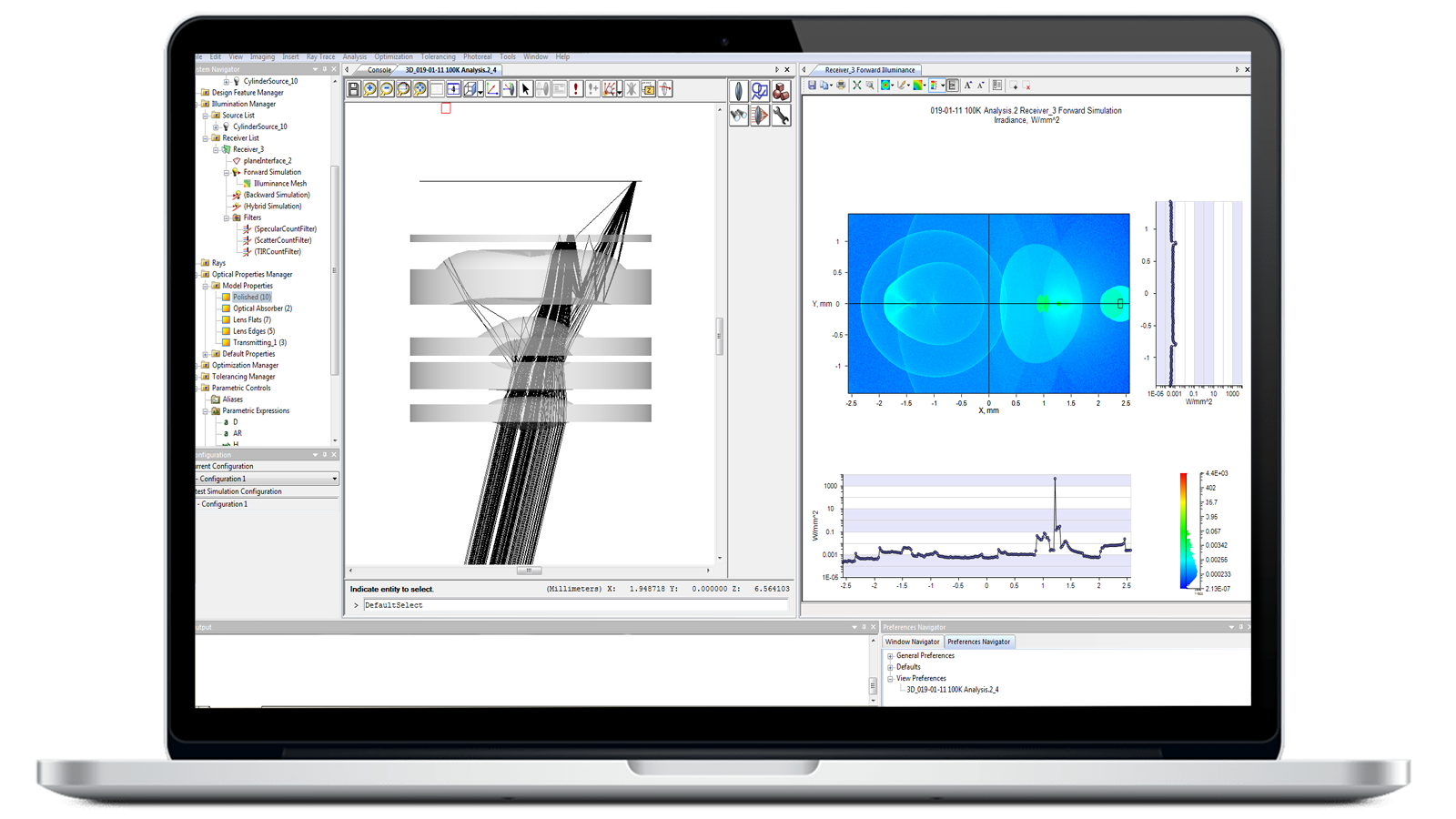
Illumination Module
Simulate and analyze light as it traverses optical and mechanical components in a model. Get accurate predictions of intensity, luminance, and illuminance with Monte Carlo ray tracing.
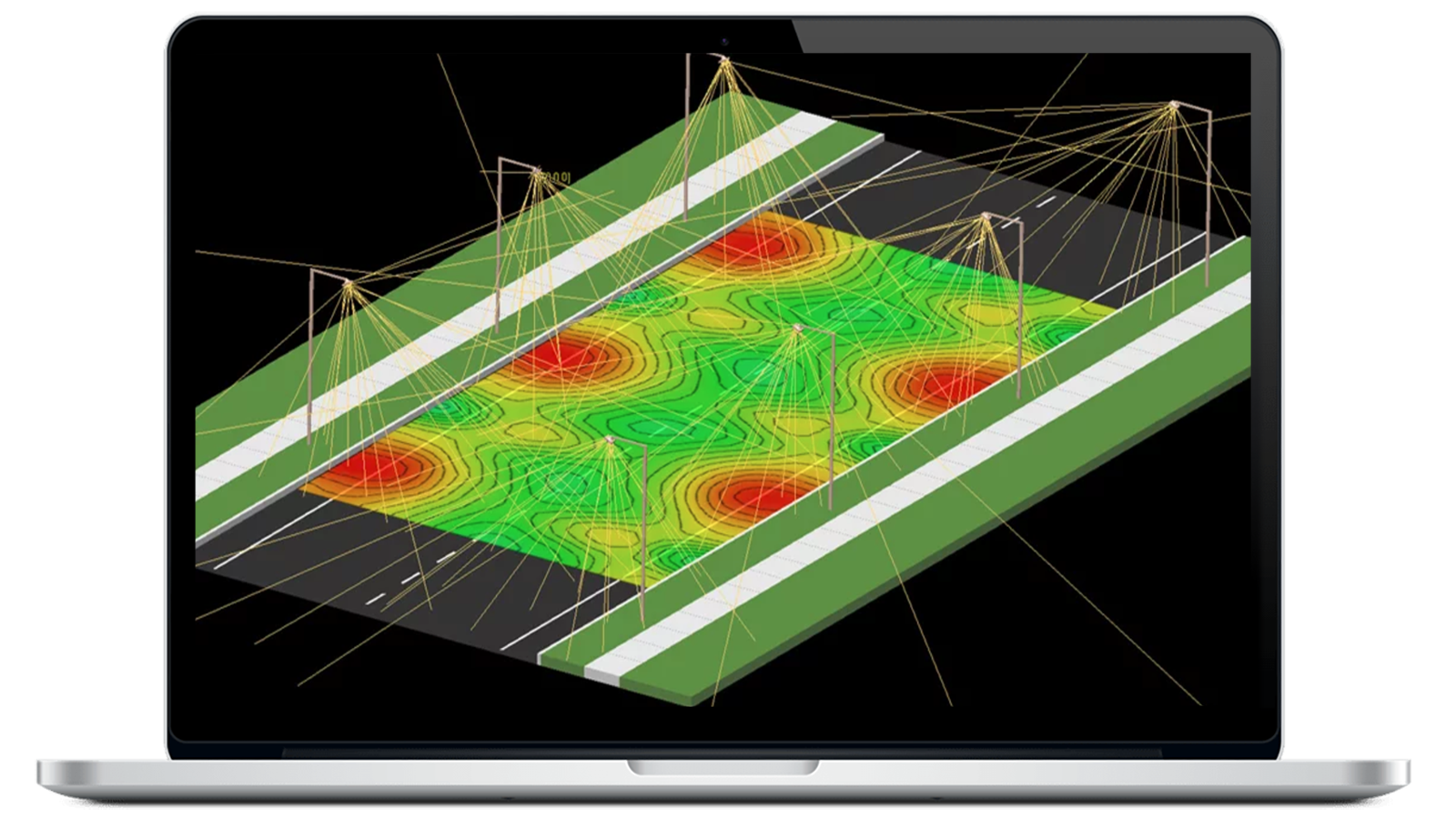
Optimization Module
Automatically improve the performance of your illumination system with the Optimization Module. Get practical, realistic solutions faster with integration in the LightTools 3D solid modeling environment.
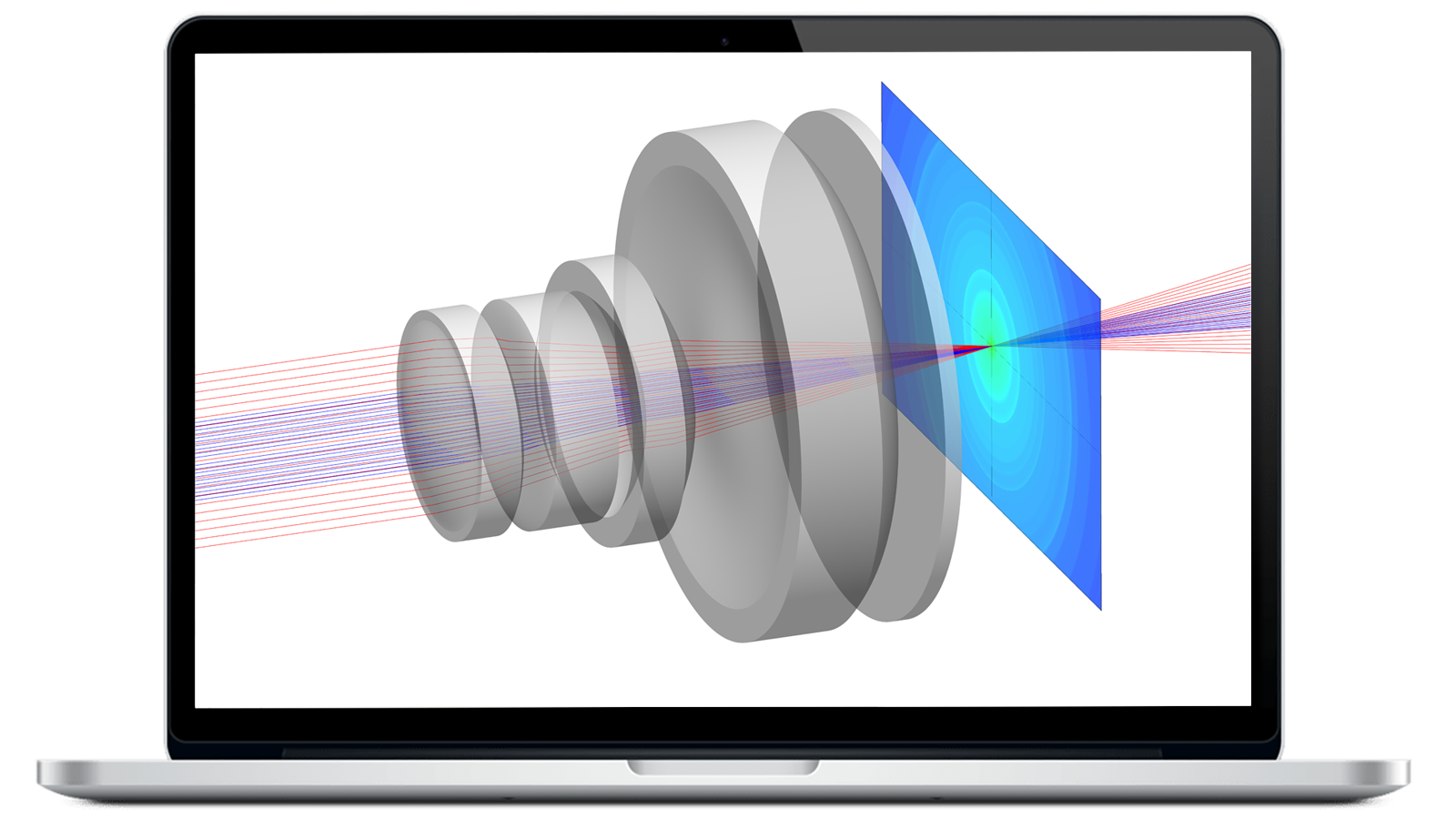
Advanced Design Module
Use specialized tools for fast, robust modeling of reflective and refractive freeform optics in single-surface and segmented configurations for illumination applications.
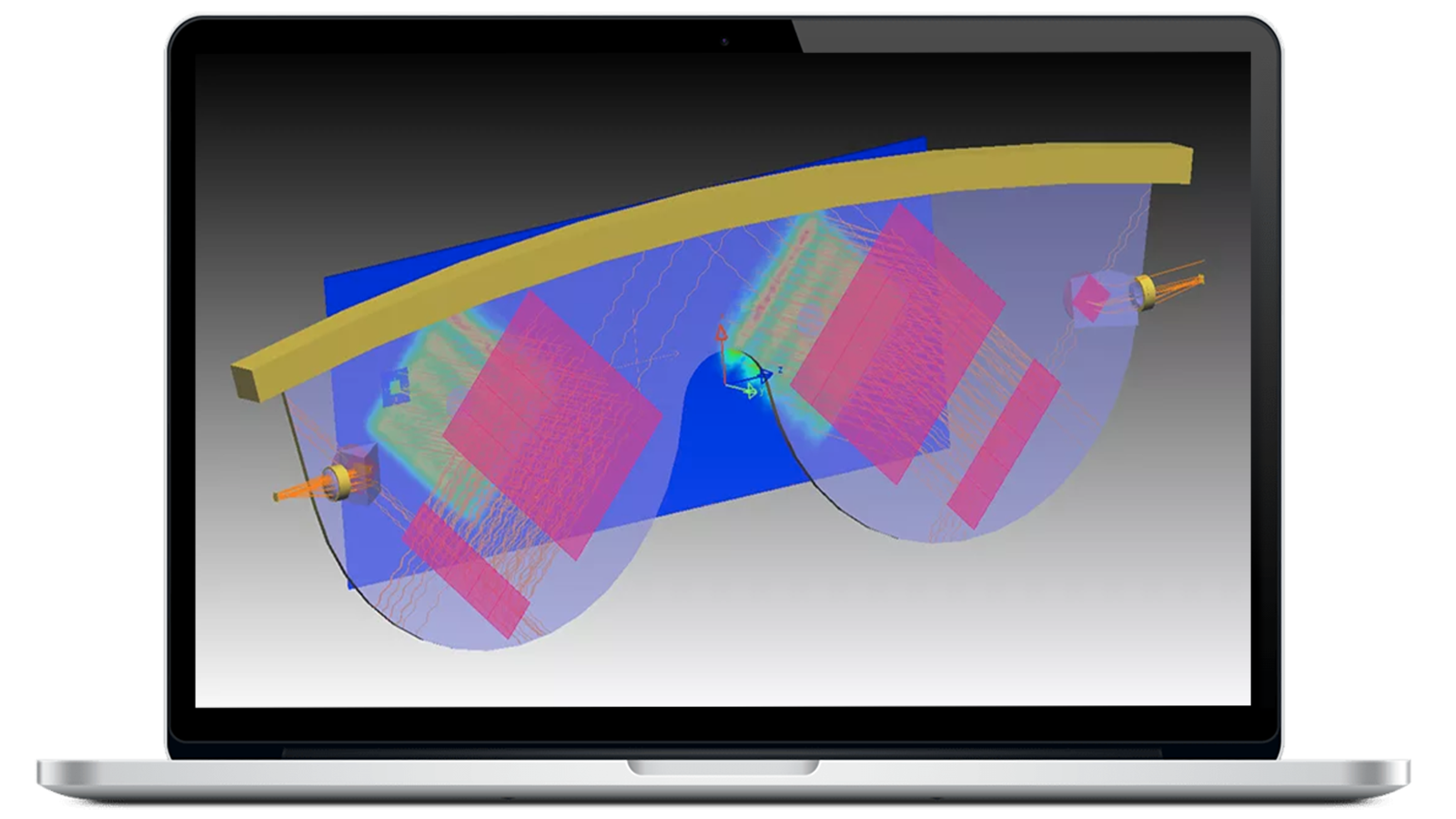
Advanced Physics Module
Extend optical modeling capabilities for custom optical parts and advanced illumination subsystems, including phosphors, user-defined optical properties, and gradient index materials.
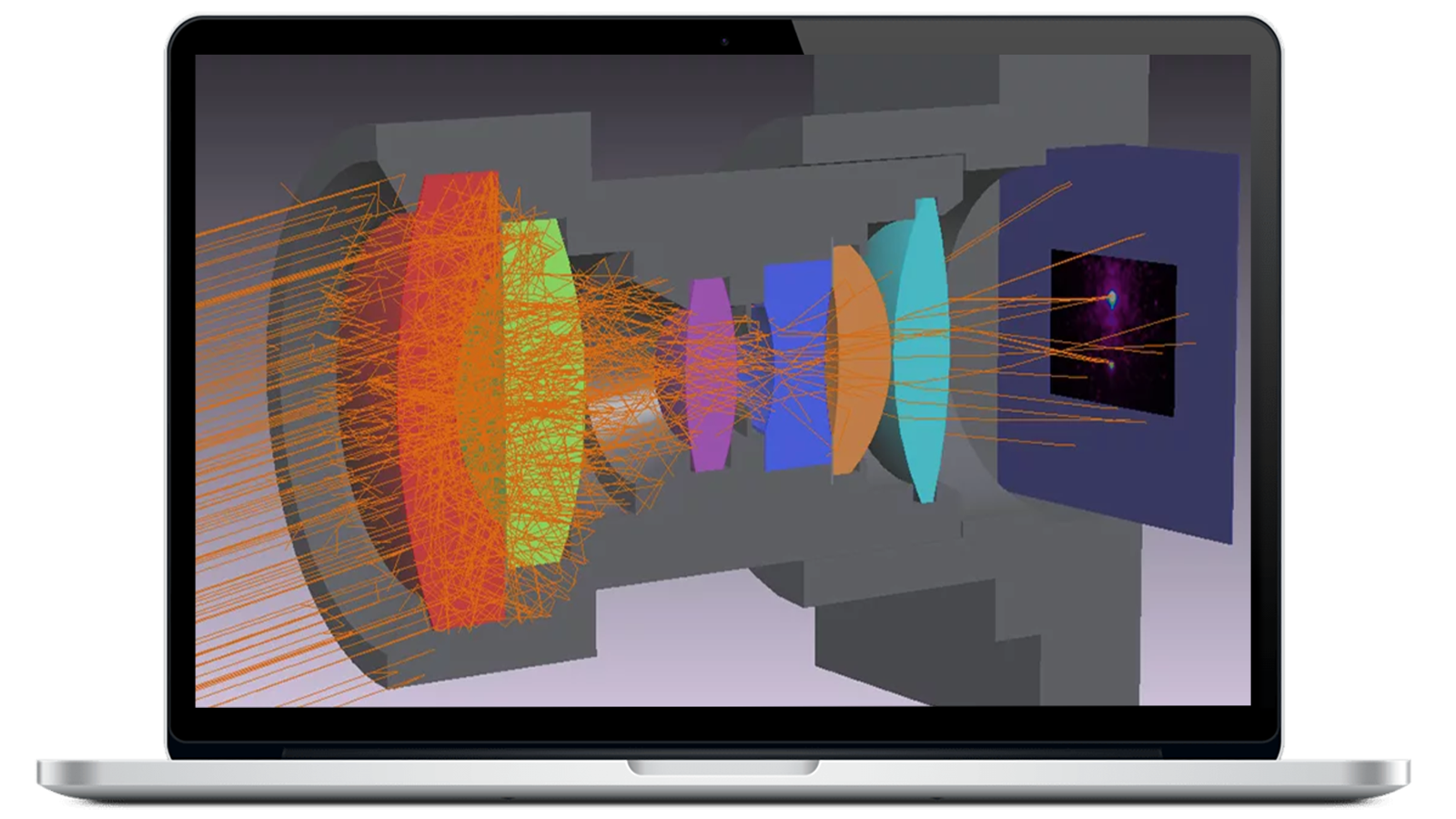
SOLIDWORKS Link Module
Link SOLIDWORKS mechanical models to LightTools to improve workflow and design accuracy. Assign optical properties, optimize, and update your SOLIDWORKS design.
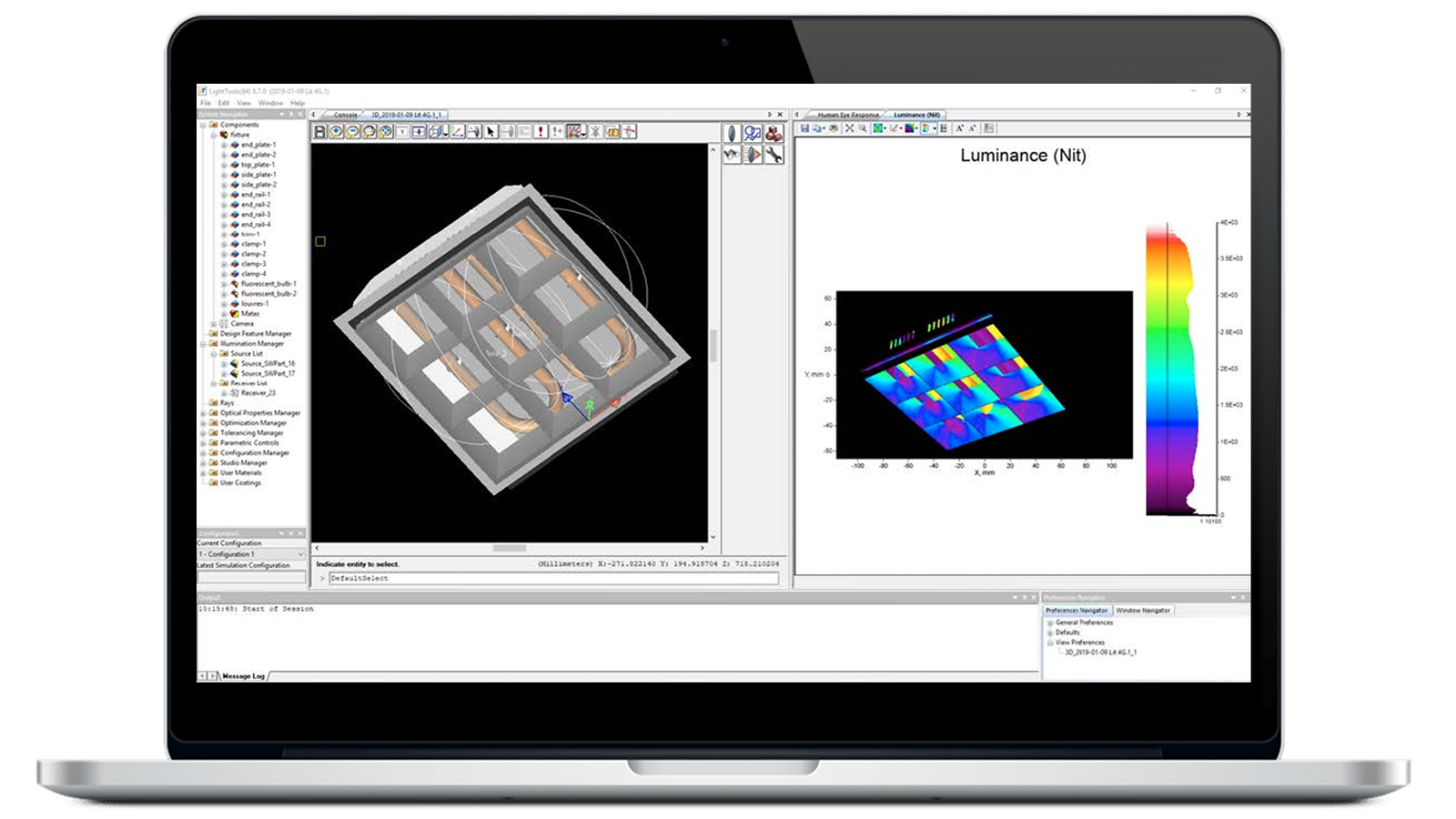
Data Exchange Module
Import complex geometries into LightTools and export industry-standard CAD formats, including IGES, STEP, SAT, CATIA V4 and V5, and Parasolid formats.
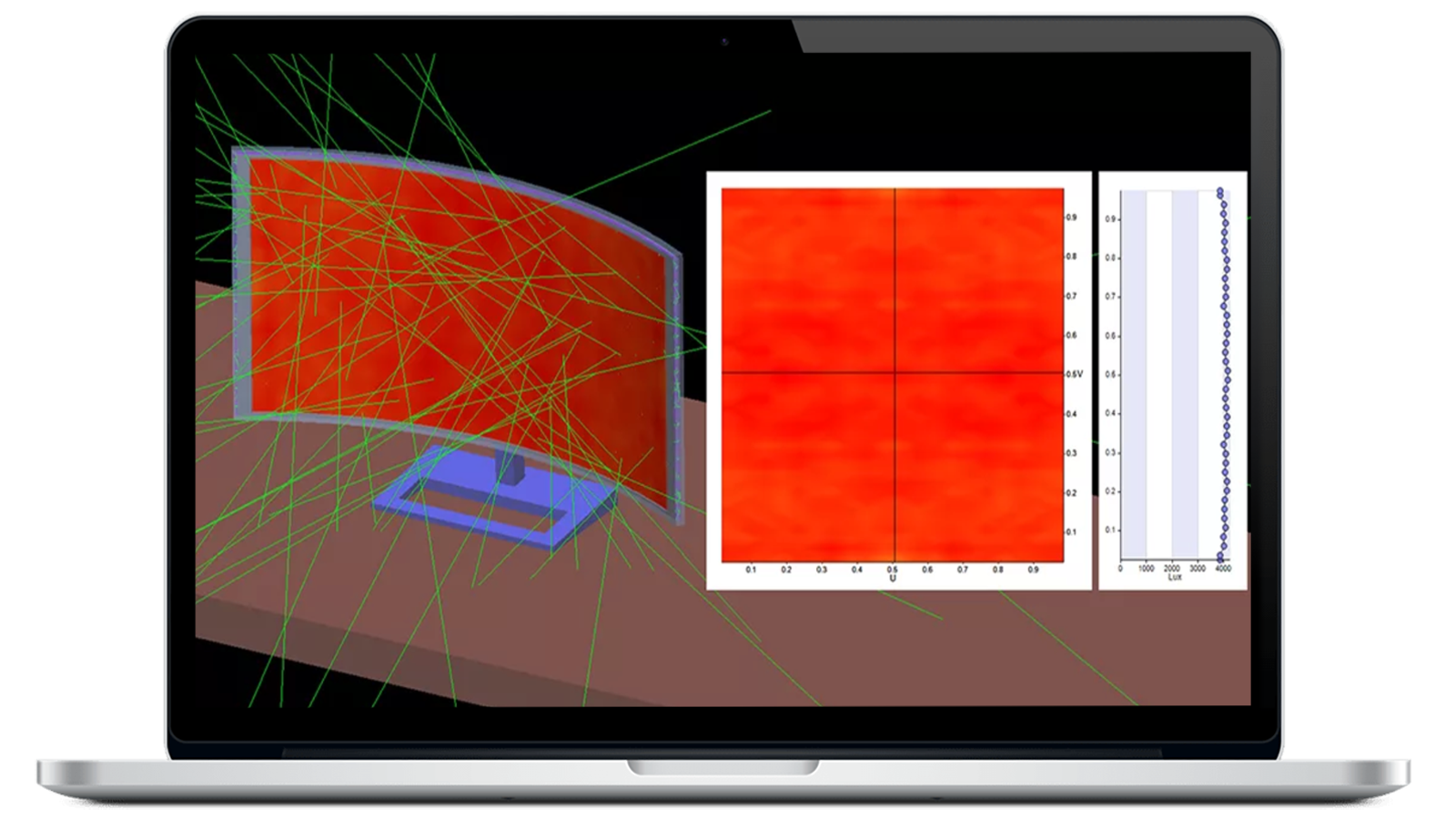
LightTools SmartStart Library Module
Access materials and media libraries with refractive index and absorption data, plus pre-defined volume scatter and BSDF materials.
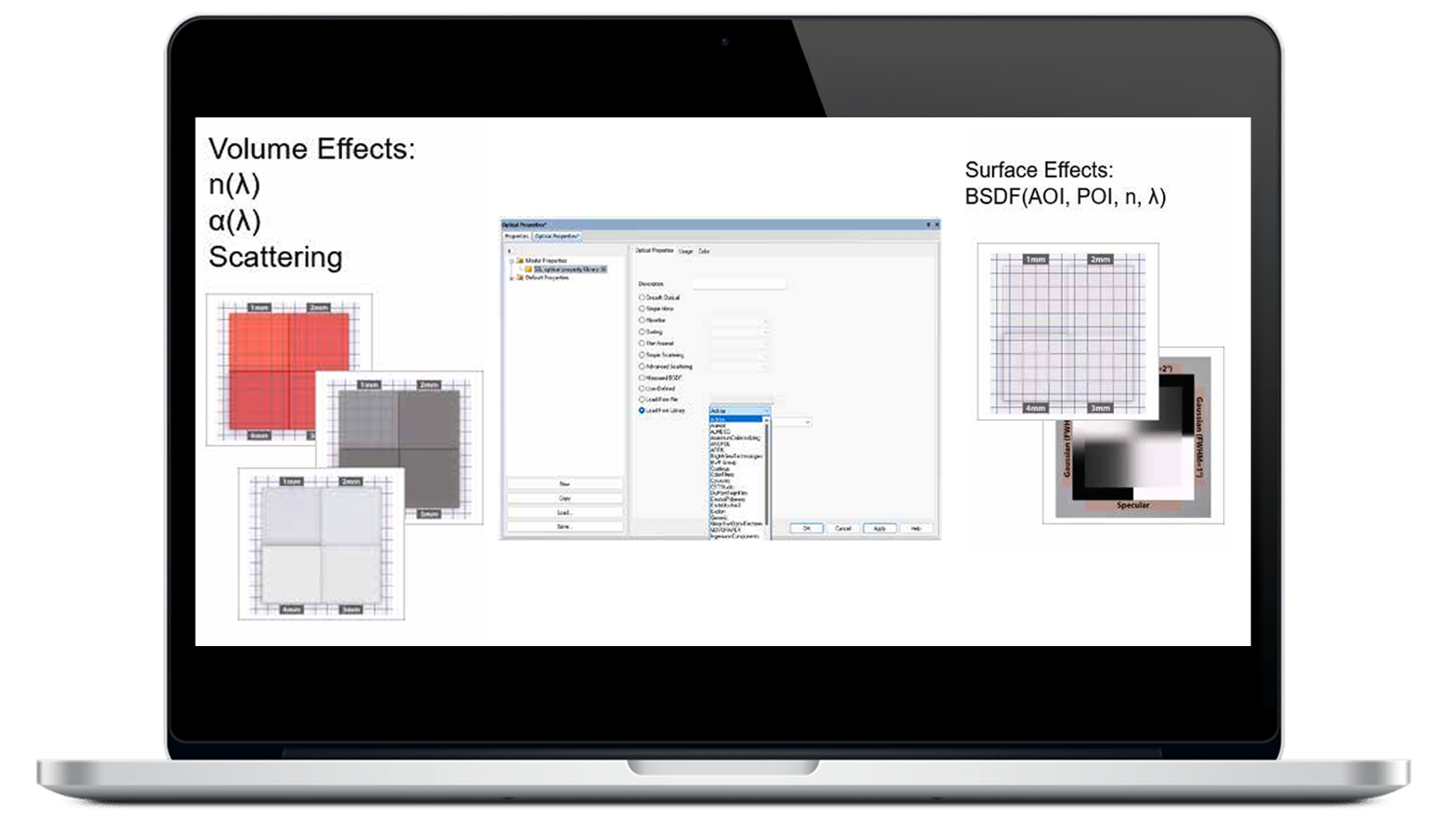
Imaging Path Module
Define an imaging path based on sequential optical surfaces and perform lens analyses on image quality, aberrations, magnification, and more. Use directly in LightTools or with CODE V.
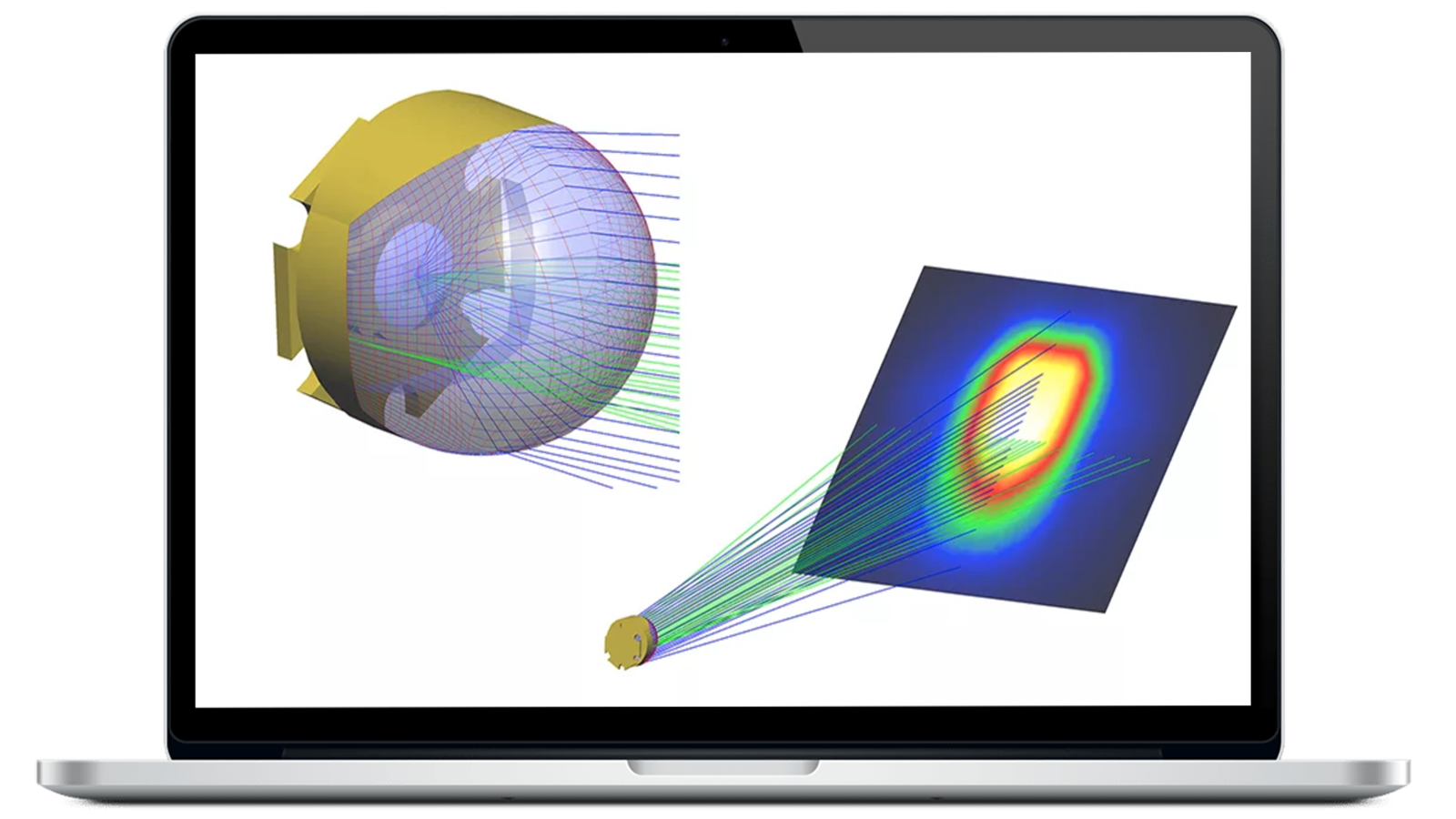
Distributed Simulation Module
Distribute computation-intensive Monte Carlo ray tracing across multiple computers for faster analysis.
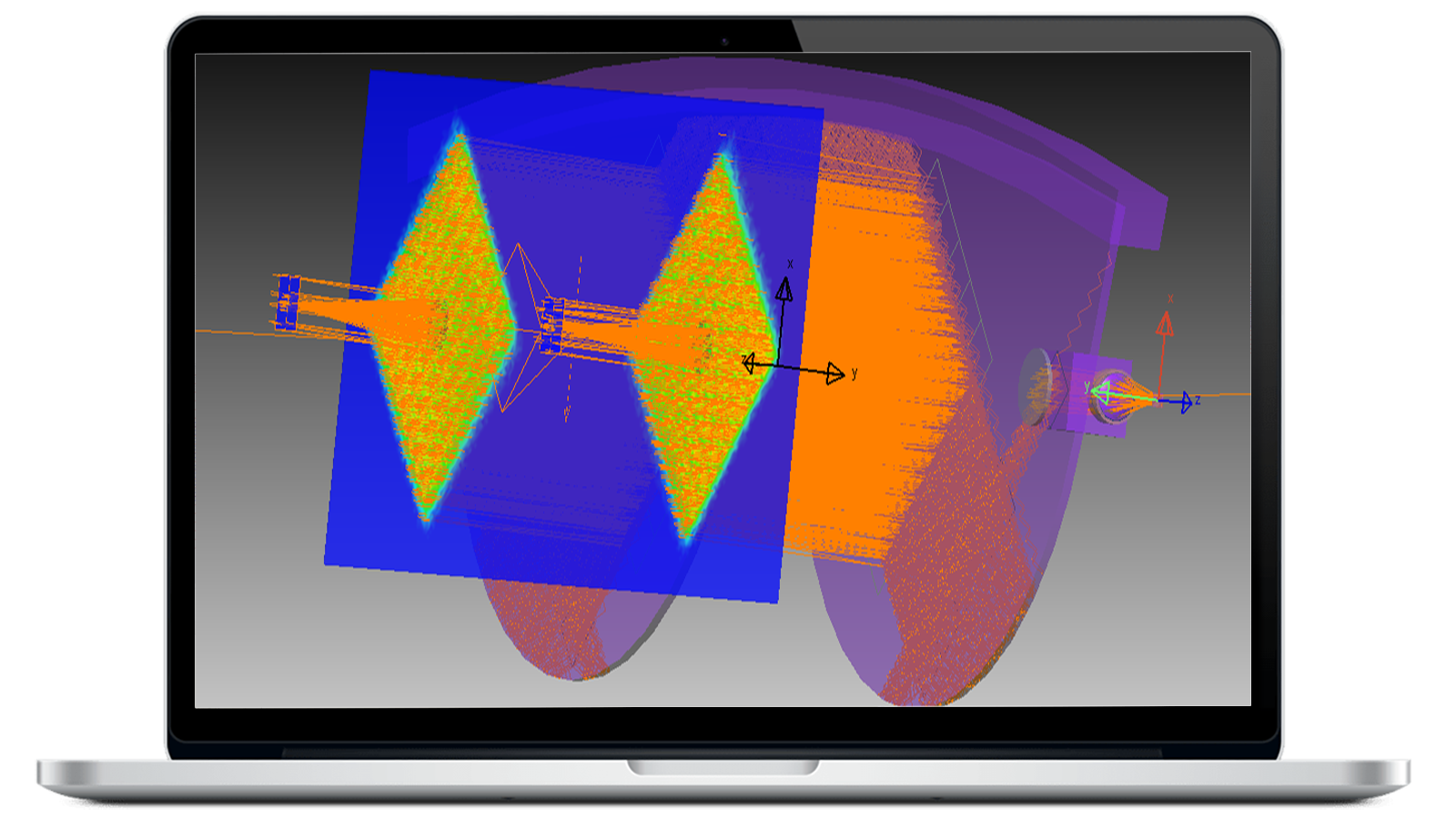
LightTools MetaOptic Design Module
Accurately characterize gratings with RSoft Photonic Device Tools’ proprietary BSDF formulation in the MetaOptic Design Module. Save resources and reduce the complexity of setting up and analyzing an AR/VR system.
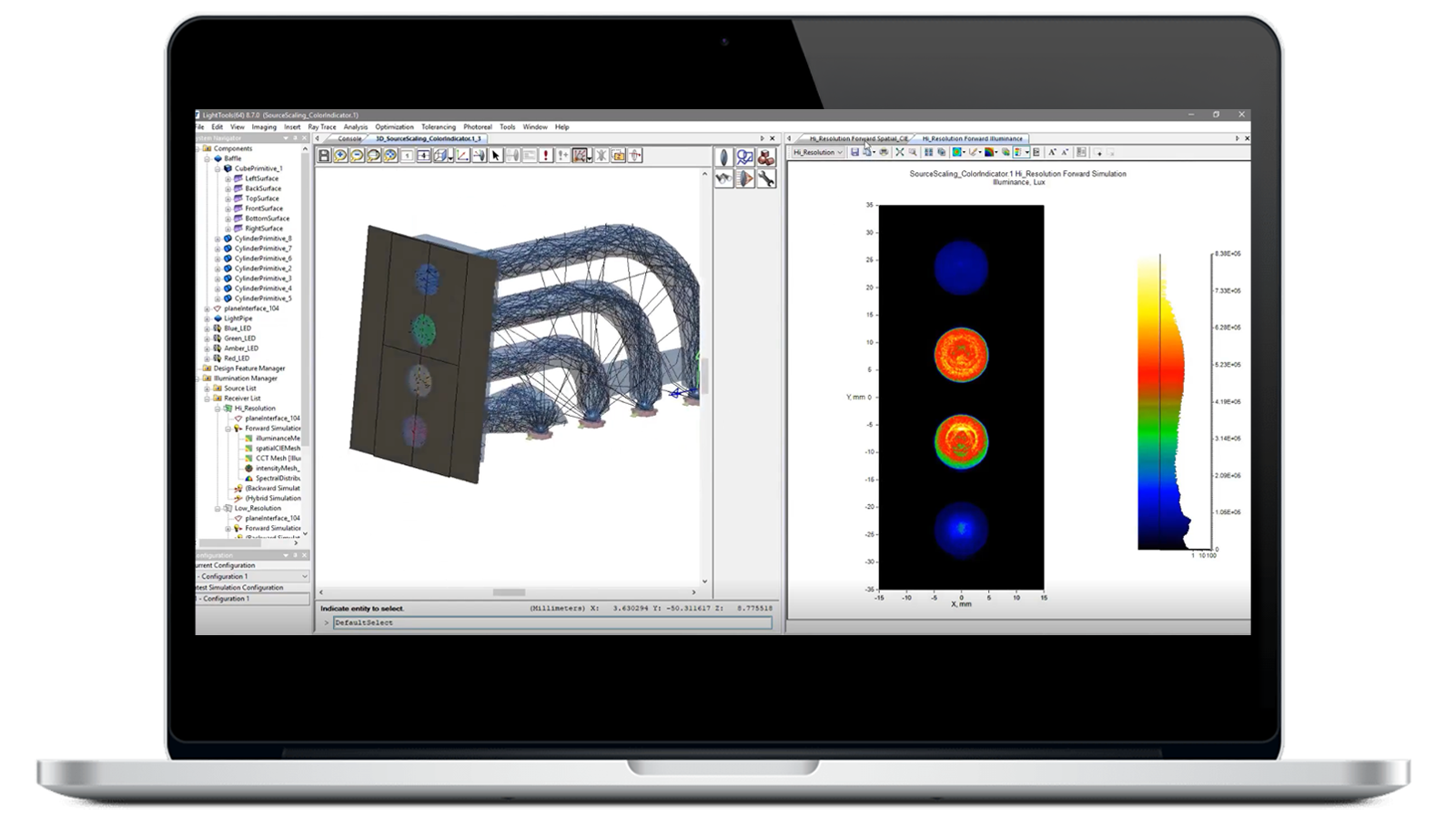
Imaging Analysis Module
Trace rays that contribute to desired paths with defined surface sequences. Improve accuracy and reduce computation time with sequence ray tracing.
Resources to Get You Started
LightTools is a powerful 3D optical design and simulation software that enables engineers to design, analyze and optimize illumination systems for a wide range of applications. With features like accurate ray tracing, photorealistic rendering and automatic system optimization, LightTools helps accelerate product development while improving optical performance and manufacturability.


Blogs
More Resources
Flyers
What’s New in LightTools 2026

Brochures
LightTools Illumination Design Software
Flyers
What's New in LightTools
Data Sheets
LightTools Modules
Data Sheets
LightTools Illumination Optimization
Have Questions? We've Got Answers
Illumination design software enables engineers to model, analyze, optimize, and validate how light propagates through optical and mechanical systems before physical prototypes are built. LightTools supports virtual prototyping, ray tracing, optical analysis, and photorealistic visualization to help engineers develop high-performing illumination systems.
LightTools is used to design and optimize illumination systems for applications including automotive lighting, AR/VR displays, LiDAR systems, LEDs, light guides, consumer electronics, and specialty lighting. Engineers use LightTools to predict optical performance, evaluate design alternatives, and reduce development risk through simulation-driven design.
Engineers use LightTools to create virtual prototypes that simulate real-world optical behavior before hardware is manufactured. This enables teams to validate performance, identify issues earlier, and reduce costly physical prototype iterations.
Engineers use LightTools to design and optimize automotive interior lighting applications, including instrument panels, infotainment displays, multimedia displays, navigation displays, ambient lighting, glovebox lights, mirror lighting, overhead lighting, reading lights, storage lights, trunk lights, and door illumination. LightTools helps teams simulate light distribution, appearance, efficiency, and user experience, enabling virtual validation before physical prototypes are built.
Stray light analysis uses optical simulation to identify unwanted reflections, scattering effects, ghost images, and other sources of undesired light that can impact system performance. LightTools supports the analysis of complex optical systems to help engineers improve optical efficiency and image quality.
Yes. LightTools enables engineers to model illumination sources, design and optimize AR waveguides and diffractive gratings, analyze light propagation, and evaluate image quality for near-eye display applications. The software supports simulation-driven development of advanced AR/VR optical systems.
LightTools is designed primarily for illumination system design, light propagation analysis, visualization, and optimization. CODE V focuses on imaging optical system design and lens optimization. Together, they provide a connected workflow for evaluating complete optical system performance.
LightTools integrates with CODE V to help engineers analyze both illumination and imaging performance within a unified optical design workflow. This allows teams to evaluate complete systems rather than isolated optical components.
Yes. Engineers use LightTools to analyze light propagation, optical efficiency, illumination patterns, and system-level optical performance for LiDAR and sensing applications. Through simulation and virtual prototyping, teams can evaluate design alternatives earlier and improve system performance before hardware is built.