Choose a country or area to see content specific to your location
What are you looking for?
-
-
Integrated Physics Suite
Bridging design and physical testing to evaluate drop, impact, shock, and vibration compliance before hardware exists.


-
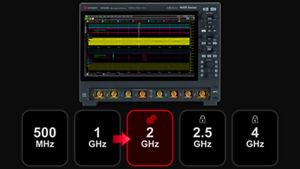
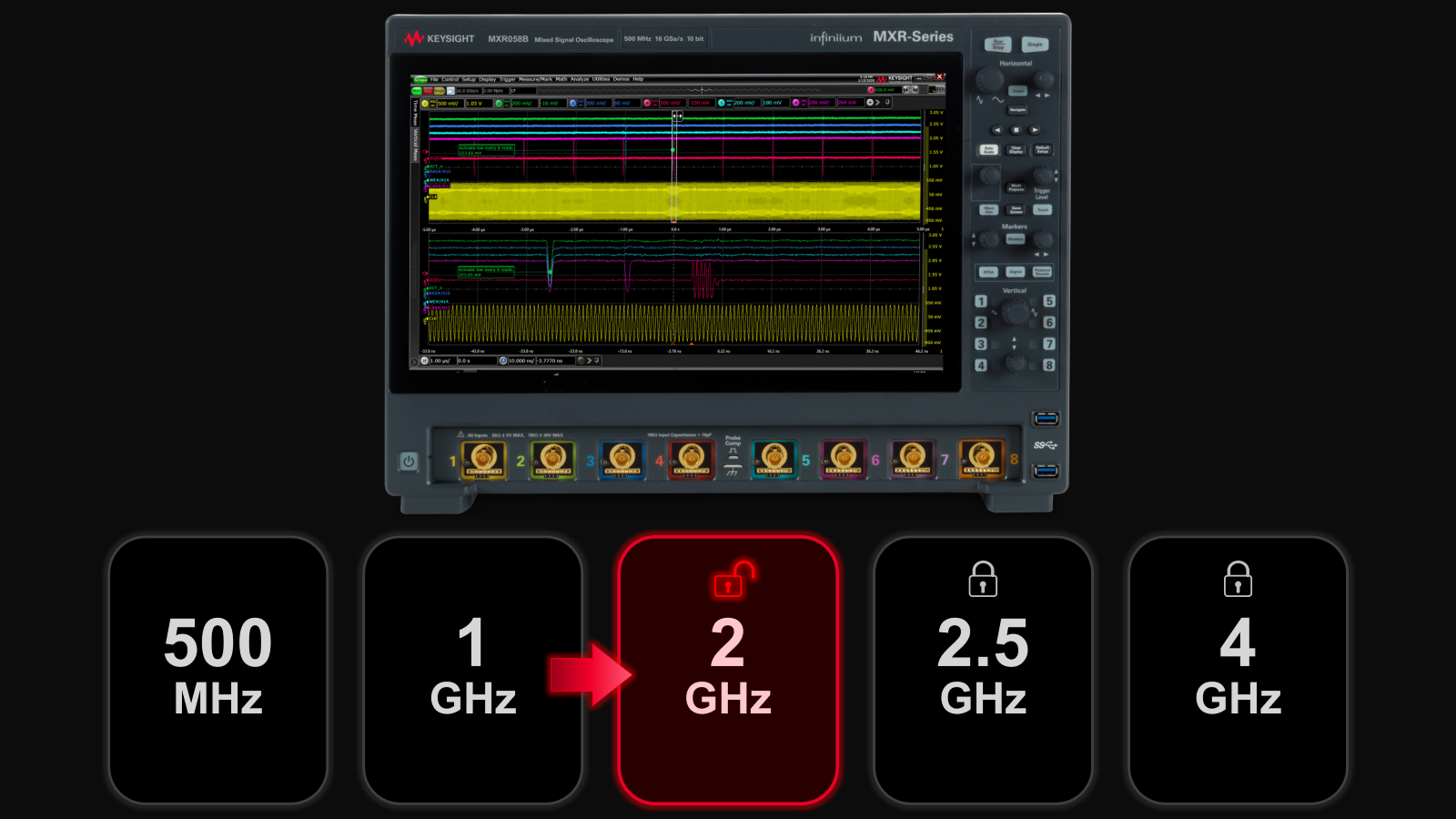
Buy an Expert Oscilloscope, Boost Your Bandwidth
Unlock your free upgrade to the next bandwidth tier.
-
End-to-End Validation for AI Data Center
Strengthen 1.6T network reliability for AI-scale workloads from transceivers to interconnects.

-
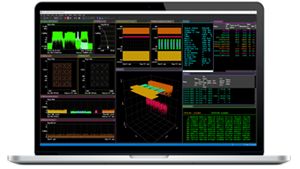
Take On Complex MIMO Signals
Pair Keysight VSA software with the new XA5 signal analyzer for advanced visualization, demodulation, and analysis — start your 30-day trial today.
-
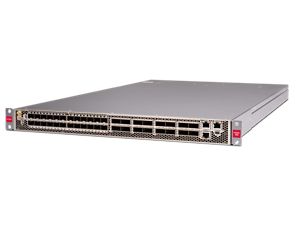
Introducing AI-Enhanced Packet Brokers
With extra memory and storage, these enhanced NPBs run Keysight's AI security and performance monitoring software and AI stack.
-
Accelerate Semiconductor Innovation
Explore end-to-end workflows spanning IC design, validation, wafer test, and photonics.
-
Accelerate Your Innovation Engine
Explore curated support plans, prioritized to keep you innovating at speed.

-
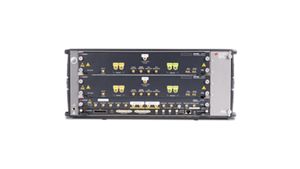
448 Gb/s Waveform Generation
Achieve 200+ Gbaud multi-level modulated signals with high-speed AWGs for digital and optical standards.
-
The Right Connection Makes the Measurement
Maximize accuracy and performance with precision accessories engineered for Keysight instruments.

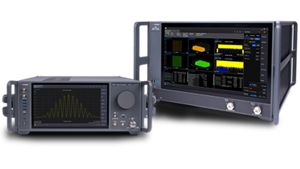
Analyze Complex RF Signals FasterExplore dual-channel and ultra-wideband signal analysis for demanding RF workflows.
 Digital Validation. Faster.
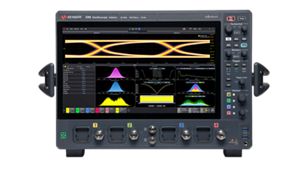
Get faster, clearer insights with our new multicore, 12-bit oscilloscope up to 33 GHz. Trade in your old oscilloscope and get credit toward a new XR8.
-
-
Purpose-built solutions engineered for the design and test challenges unique to your industry.
Use Cases mapped to every stage of your product lifecycle, from design through operations.
Success Stories
HPE Juniper Networking Builds Next-Gen AI Infrastructure -
Authoritative application notes, data sheets, reference designs, and test procedures to accelerate design and validation decisions.
FeaturedHands‑on bootcamps that teach system design, test methods, and production workflows engineers can apply immediately.
Learning Hub
AI TechnologyExplore methodologies, test strategies, and technical resources for designing, validating, and scaling AI systems and networks.
-
Quick access to support related self-help tasks.
Additional content to support your product needs.
Do more with Keysight ServicesExplore services to accelerate every step of your innovation journey.









All Software Catalog
Explore the complete portfolio of Keysight software, from design engineering tools to emulator and instrument software, built to extend and enhance your Keysight instruments. Whether you are configuring measurements, automating tests, analyzing data, or validating compliance, use the filters below to identify the right software to support your workflow — from design and validation through manufacturing and deployment.
Showing 8 of 8
No Filter available
No Filter available
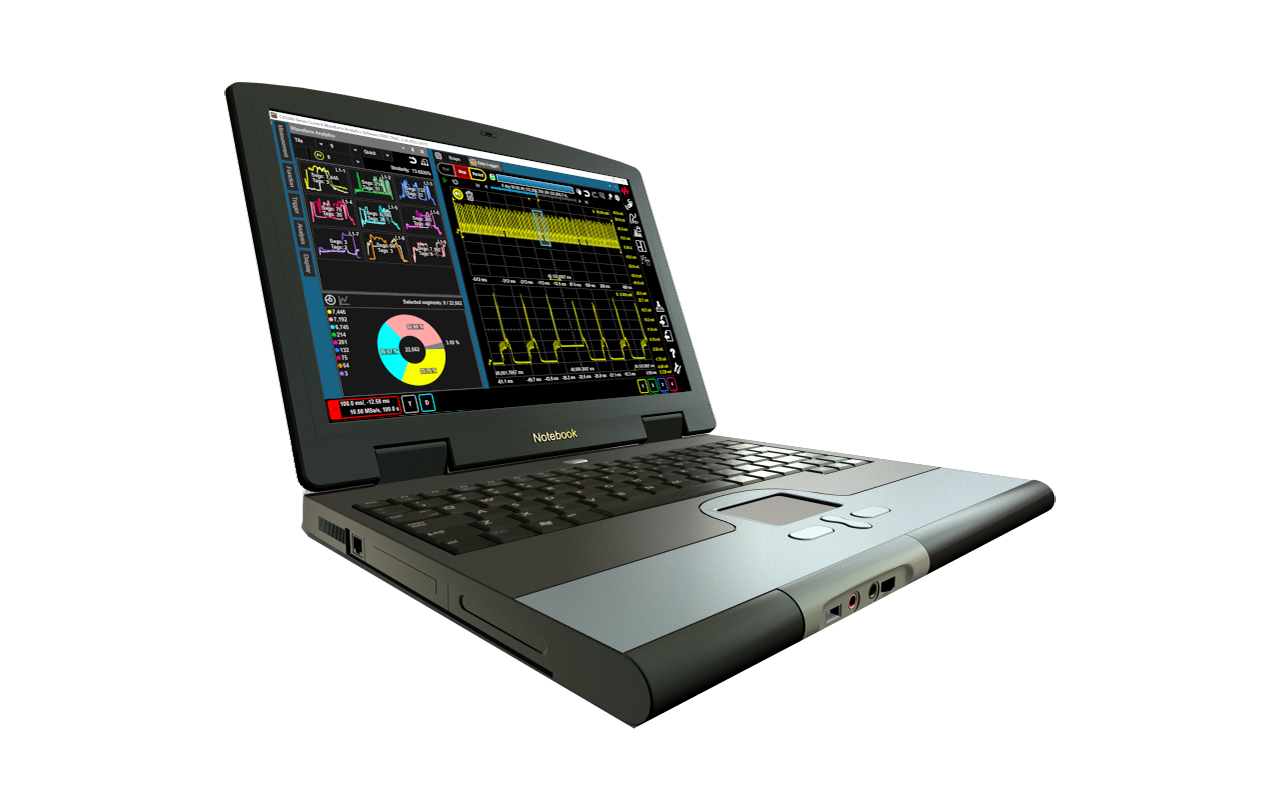
Current Waveform Analytics Software
CX3300APPC current waveform analytics software enables the post-measurement analysis tasks without the instrument and accelerates the entire R&D process.
CX3300APPC current waveform analytics software enables the post-measurement analysis tasks without the instrument and accelerates the entire R&D process.
Current Waveform Analytics Software
CX3300APPC
CX3300APPC current waveform analytics software enables the post-measurement analysis tasks without the instrument and accelerates the entire R&D process.
- Take advantage of offline analysis to improve CX3300 utilization and analysis efficiency.
- Waveform Analytics feature enables you to identify anomalies quickly
- All analysis capabilities are available on your PC
CX3300APPC current waveform analytics software provides the CX3300A’s power analysis capabilities offline, including Waveform Analytics feature, the math functions, FFT, CCDF, power/current profiler, trend analyzer and so on. It enables the post-measurement analysis tasks without the instrument and accelerates the entire R&D process.
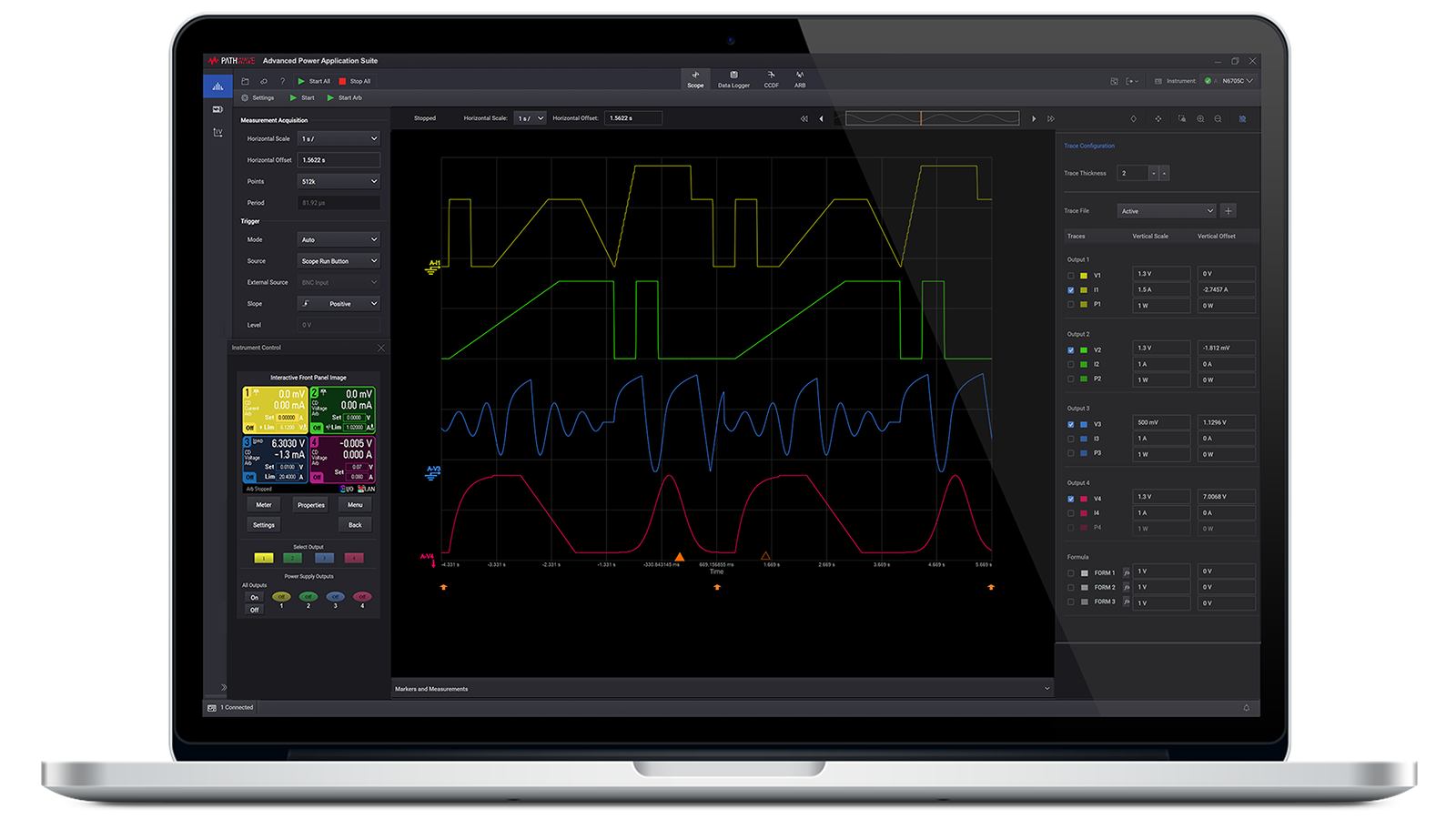
PathWave Advanced Power Control and Analysis
Control and analyze voltage and current measurements from multiple Keysight N6705C, N7900, RP7900 Series or E36150 Series power supplies.
Control and analyze voltage and current measurements from multiple Keysight N6705C, N7900, RP7900 Series or E36150 Series power supplies.
PathWave Advanced Power Control and Analysis
PW9252A
Control and analyze voltage and current measurements from multiple Keysight N6705C, N7900, RP7900 Series or E36150 Series power supplies.
Keysight PW9252A PathWave advanced power control and analysis software provides seamless access to sophisticated sourcing and measurement capabilities in the N6705C DC power analyzer, RP7900 Series regenerative power system, and N7900 Series advanced power system power supplies. The advanced tool enables precise control and analysis of voltage and current measurements across multiple N6705C, N7900, RP7900 Series, or E36150 Series devices. The PW9252A enables you to do the following:
- Control up to 10 instruments concurrently. Depending on the number of licenses purchased, each license connects to one instrument)
- Track and record power supply outputs to assess the impact of events on power consumption.
- Configure and analyze power systems with three modes:
- scope (short-term waveform capture)
- data logger (long-term waveform capture)
- complementary cumulative distribution function (statistical analysis)
- Create complex waveforms to stimulate or load a device under test using built-in functions, imported data, or custom formulas.
- Export data for further power system analysis and transfer seamlessly to PW9253A PathWave advanced battery test and emulation software.
Software Download
PathWave Advanced Battery Test and Emulation
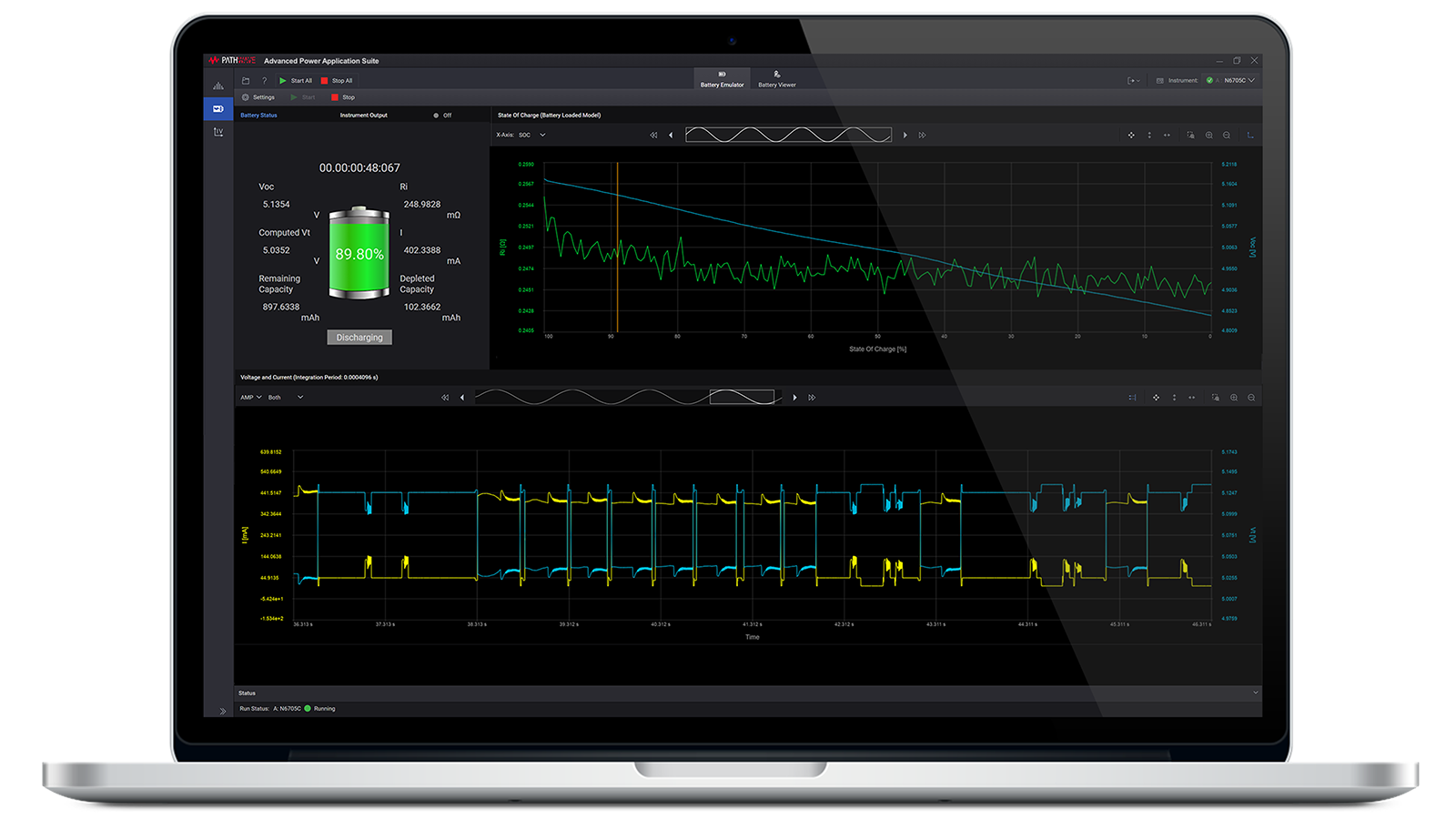
Keysight PathWave PW9253A advanced battery emulation software helps determine your device's power consumption, emulate batteries, and import existing battery models.
Keysight PathWave PW9253A advanced battery emulation software helps determine your device's power consumption, emulate batteries, and import existing battery models.
PathWave Advanced Battery Test and Emulation
PW9253A
Keysight PathWave PW9253A advanced battery emulation software helps determine your device's power consumption, emulate batteries, and import existing battery models.
The PW9253A is an advanced tool designed to provide higher accuracy, repeatability, and safety by using emulation based on a unique battery model. It enables you to analyze your device's power consumption, emulates real batteries, and imports existing battery models for testing. Each license connects to one instrument, with support for up to 10 instruments simultaneously, enabling scalable and comprehensive testing.
The PW9253A enables you to do the following:
- Analyze how your device consumes power.
- Simulate actual battery performance and behavior.
- Import existing battery model data from CSV files.
- Test and emulate batteries up to 200 kW and 2 kV.
- Profile batteries through charge / discharge cycles to create a unique battery model.
Software Download
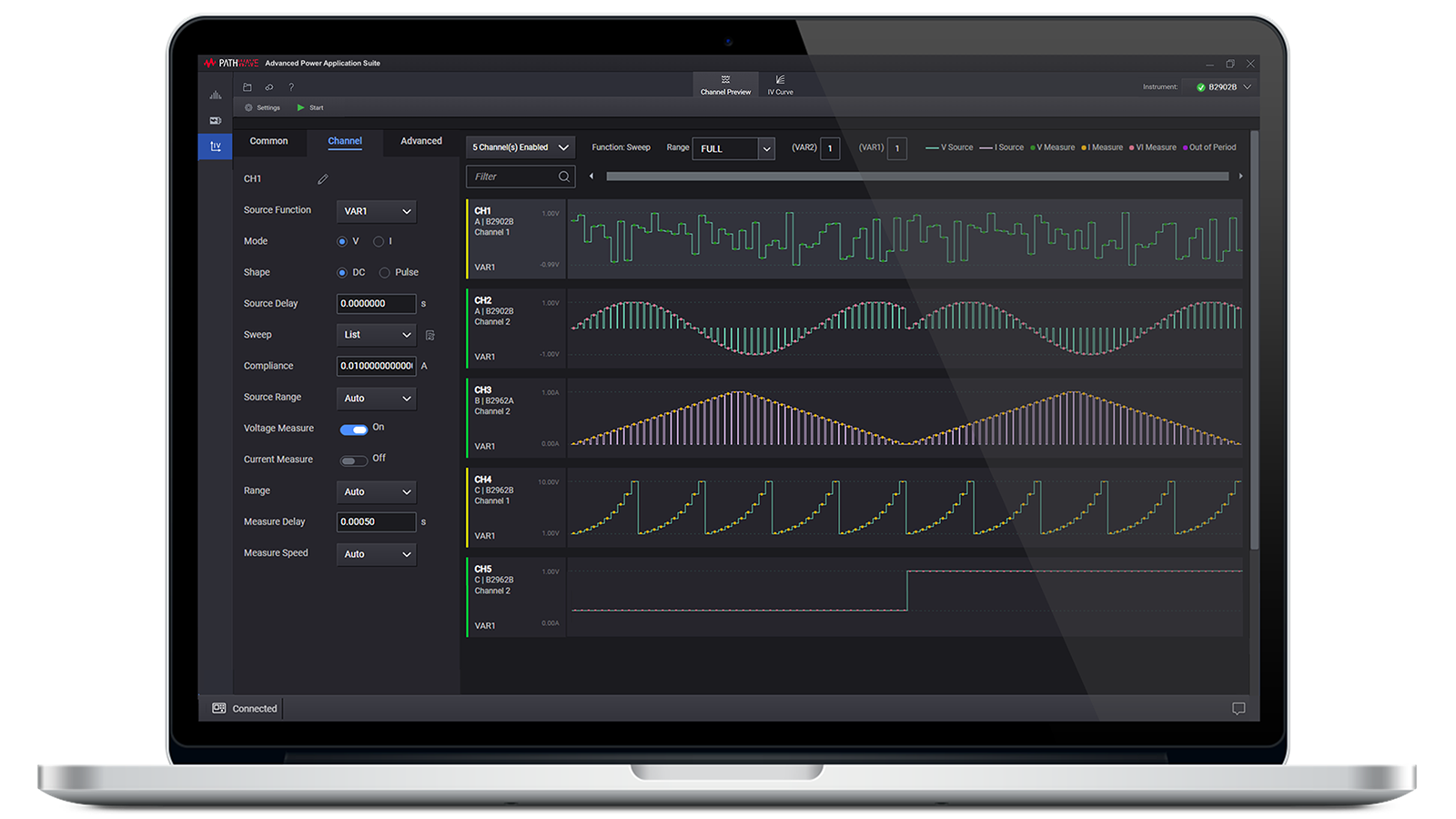
PathWave Advanced Power Application Suite Bundle License
The Keysight PW9254A PathWave advanced power application suite bundle license provides access to three integrated applications for power control and testing, enabling seamless data sharing and flexible licensing.
The Keysight PW9254A PathWave advanced power application suite bundle license provides access to three integrated applications for power control and testing, enabling seamless data sharing and flexible licensing.
PathWave Advanced Power Application Suite Bundle License
PW9254A
The Keysight PW9254A PathWave advanced power application suite bundle license provides access to three integrated applications for power control and testing, enabling seamless data sharing and flexible licensing.
- PathWave IV curve measurements — PW9251A
- PathWave advanced power control and analysis — PW9252A
- PathWave advanced battery test and emulation — PW9253A
This bundle supports up to 10 instruments concurrently and offers real-time data sharing between power control analysis and battery testing applications. Purchasing the bundle enables you to do the following:
- Share data in real time between power control analysis and battery testing applications.
- Consolidate your tools into one integrated suite, eliminating the need to switch between applications.
- Support up to 10 instruments concurrently for comprehensive testing. (Depending on the number of licenses purchased, each license connects to one instrument)
- Expand the number of simultaneous channel outputs available in the application.
Software Download

PathWave BenchVue Power Supply Software
Keysight PathWave BenchVue power supply software offers easy control of your power supplies to set parameters, visualize I/V data, and quickly build automated tests.
Keysight PathWave BenchVue power supply software offers easy control of your power supplies to set parameters, visualize I/V data, and quickly build automated tests.
PathWave BenchVue Power Supply Software
BV0003B
Keysight PathWave BenchVue power supply software offers easy control of your power supplies to set parameters, visualize I/V data, and quickly build automated tests.
Power Supply Software for Simplified Automation
Software designed for your ease of use, enabling easy power supply control to set parameters and visualize I/V data on a trend chart.
- Track and record your power supply output within the software to understand the impact of power draw for specific events.
- Connect and control your power supplies remotely.
- Export data to popular tools, such as MATLAB, Microsoft Excel, or Microsoft Word, for further analysis.
- Get a KeysightCare software support subscription with a new instrument purchase.
Power Supply Software FAQs
There are many programming languages, such as Python, MATLAB, C#, and C++. The easiest and quickest to implement will be to use power supply software, such as the PathWave BenchVue power supply software, that allows for instrument control by a simple drag-and-drop option.
Yes, you can use the power supply software to help you create commands or command sequences that can then be exported to many programming languages. In PathWave BenchVue, the sequence can be created and then brought into Test Flow.
The easiest and quickest way to do this is to use the power supply software's Test Flow application to save time and achieve faster results—all without ever having to write a computer program. The intuitive drag-and-drop interface in Test Flow enhances your workflow with the ability to create custom, automated test sequences, a task that typically requires days using traditional programming languages. Moreover, you can obtain a deeper understanding of your data using Test Flow’s built-in analysis tools, which log and graph with selectable x-axis and y-axis formats and much more. With the Test Flow capabilities, you can create test sequences without any programming on your power supply software.
Yes, the PathWave BenchVue power supply software allows intuitive control and measurement of hundreds of different power supply models. More 3rd party power supplies can also be controlled using SCPI commands through LAN or GPIB. Here's the complete list of power supplies and other BenchVue-supported instruments.
Yes, the PathWave BenchVue Complete Control Collection, which includes power supply software, among many other test instrument types such as function generators, digital multimeters (DMMs), oscilloscopes, spectrum analyzers, and others, is a standardized PC software that helps to configure a wide range of instrument controls and measurements that all organizations and test teams need - to ensure accuracy and productivity. You could ultimately reduce your overall system bring-up time and increase team productivity by implementing standardized software across your organization.
PathWave BenchVue Complete Control Collection
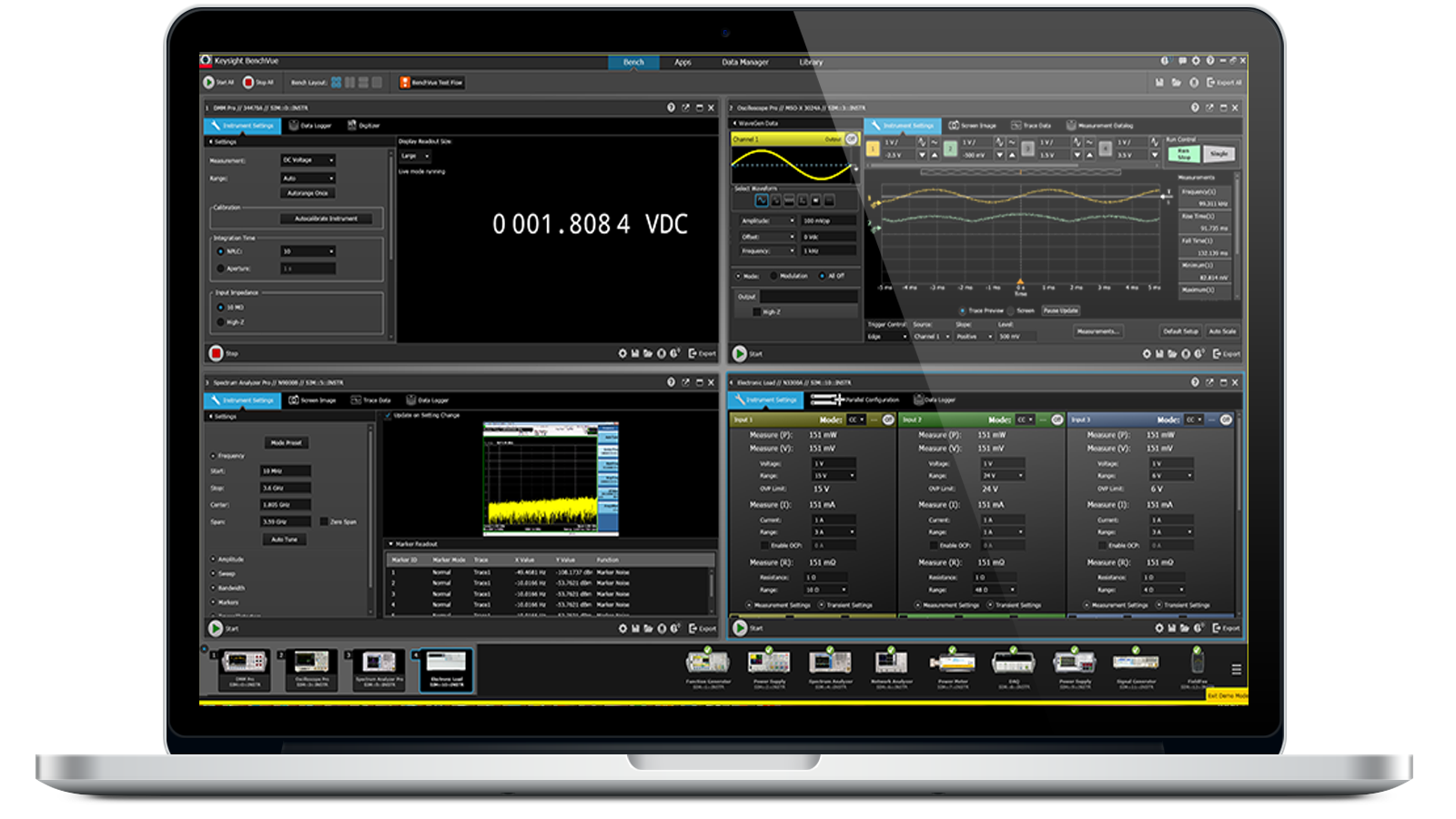
Instantly control your spectrum or signal analyzers to quickly capture screens, build automated tests and log trace data for more efficient analysis.
Instantly control your spectrum or signal analyzers to quickly capture screens, build automated tests and log trace data for more efficient analysis.
PathWave BenchVue Complete Control Collection
BV9001B
Instantly control your spectrum or signal analyzers to quickly capture screens, build automated tests and log trace data for more efficient analysis.
Easy Instrument Control and Simplified Automation with PathWave BenchVue Software Bundle
The PathWave BenchVue Complete Control Software Bundle contains a collection of the most popular BenchVue instrument control software for easy control, automation and analysis.
- Keysight’s most popular BenchVue software bundle includes all available instrument control and automation apps for a simplified workflow across multiple instrument families
- Dedicated apps for 12 Keysight instrument families, supporting several hundred instruments (and the list continues to grow)
- Easily log and export data and images in a few clicks for faster analysis
- Quickly create automated test sequences with minimal instrument knowledge
- KeysightCare software support subscription included
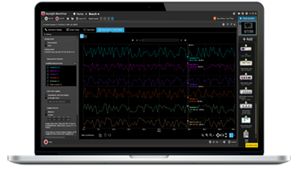

Current Analyzer Control And Automation App
Intuitively control your current analyzer, build automated tests, and log data easily with BenchVue current analyzer software app for deeper current analysis.
Intuitively control your current analyzer, build automated tests, and log data easily with BenchVue current analyzer software app for deeper current analysis.
Current Analyzer Control And Automation App
BV0013B
Intuitively control your current analyzer, build automated tests, and log data easily with BenchVue current analyzer software app for deeper current analysis.
Easy Current Analyzer Control and Simplified Automation
The BenchVue current analyzer software app controls your current analyzer (CX3300 series), quickly builds automated tests, and easily log measurement data for more efficient and deeper current analysis.
- Quickly capture and log measurements with screen images, trace data and measurements for CX3300 series of current analyzers
- Rapidly develop custom test procedures or sequences with Test Flow
- Export results to popular tools, such as MATLAB and Microsoft Excel or Word for further analysis
- Remotely access and control your CX3300 series of current analyzers
- Deeper instrument controls with Command Expert integration
- KeysightCare software support subscription included
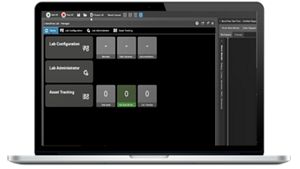

PathWave BenchVue Lab Management and Control Solution
A network-based application software that enables all instruments to be interconnected via LAN or WLAN, control all the instruments in the lab from anywhere.
A network-based application software that enables all instruments to be interconnected via LAN or WLAN, control all the instruments in the lab from anywhere.
PathWave BenchVue Lab Management and Control Solution
PW9111EDU
A network-based application software that enables all instruments to be interconnected via LAN or WLAN, control all the instruments in the lab from anywhere.
