How to Test 18650 Battery Cells

18650 Battery Cell Testing and Modeling
18650 battery testing begins with a controlled electrical connection that can source and sink current while measuring the cell directly at its terminals. Use a four-wire connection so lead resistance does not distort the programmed voltage or measured terminal voltage. Start by recording open-circuit voltage, then apply a defined current profile and log voltage, current, elapsed time, and extracted charge. For battery capacity validation, discharge the cell to the selected cut-off condition and integrate the delivered charge over the test. Internal resistance measurement uses short current pulses separated by rest intervals, with resistance calculated from the change in load voltage divided by the change in current. This sequence provides the core measurements needed for repeatable 18650 battery testing under a defined test profile.
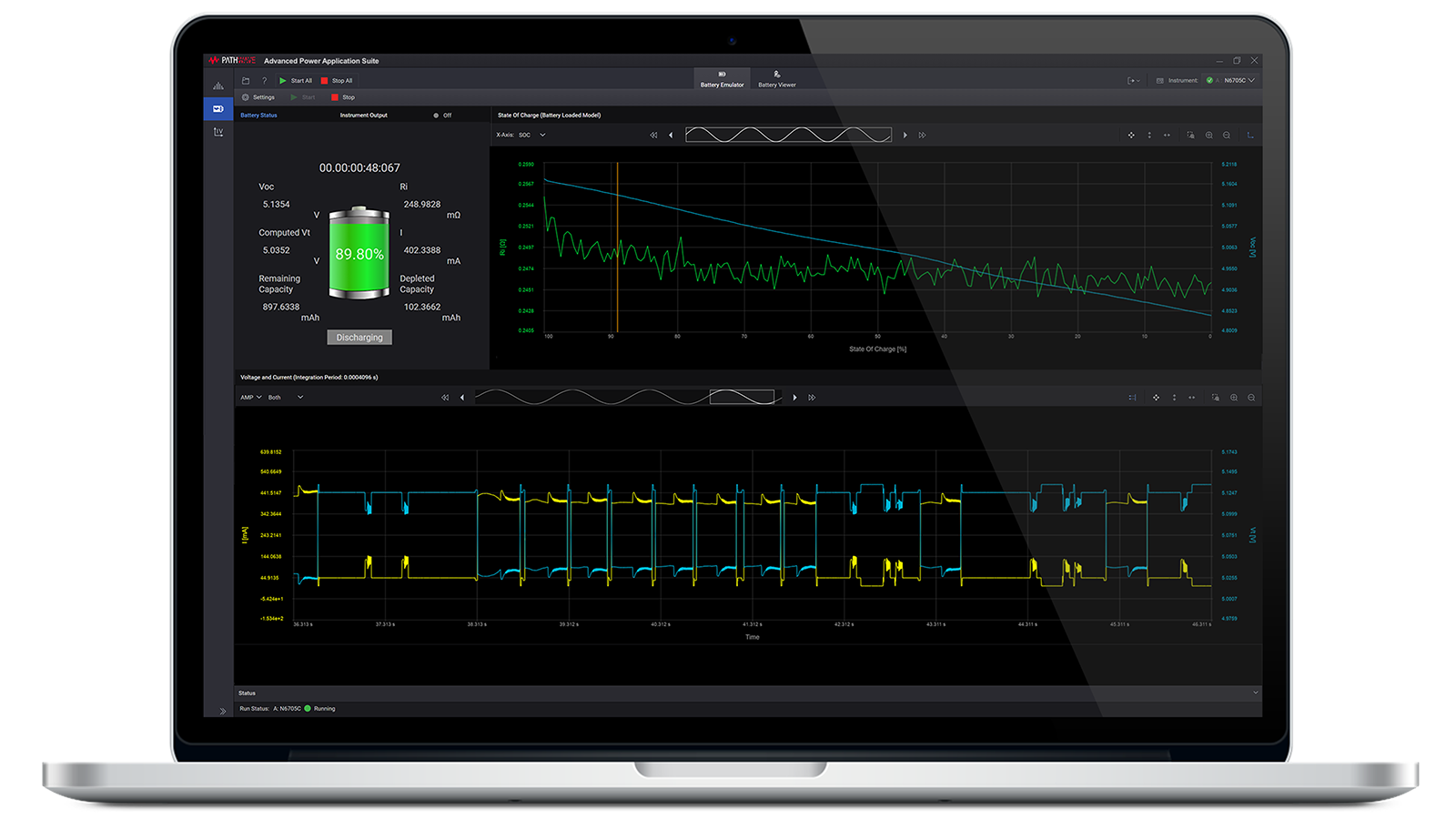
Battery modeling extends the measurement across state of charge (SoC) by periodically capturing open-circuit voltage and series internal resistance as the cell discharges. Select current pulse width and rest time to represent the load behavior of the intended application, then use battery discharge testing with either a constant current or imported dynamic load profile. Continue data logging until the configured cut-off voltage, load voltage, or consumed-capacity threshold is reached. The resulting data set supports battery modeling by pairing open-circuit voltage and internal resistance with state of charge at each measurement point. Review the extracted capacity, voltage response, and resistance trend, export the results for analysis, or use the model later for battery emulation. These steps combine battery capacity validation, internal resistance measurement, and battery discharge testing in one workflow.

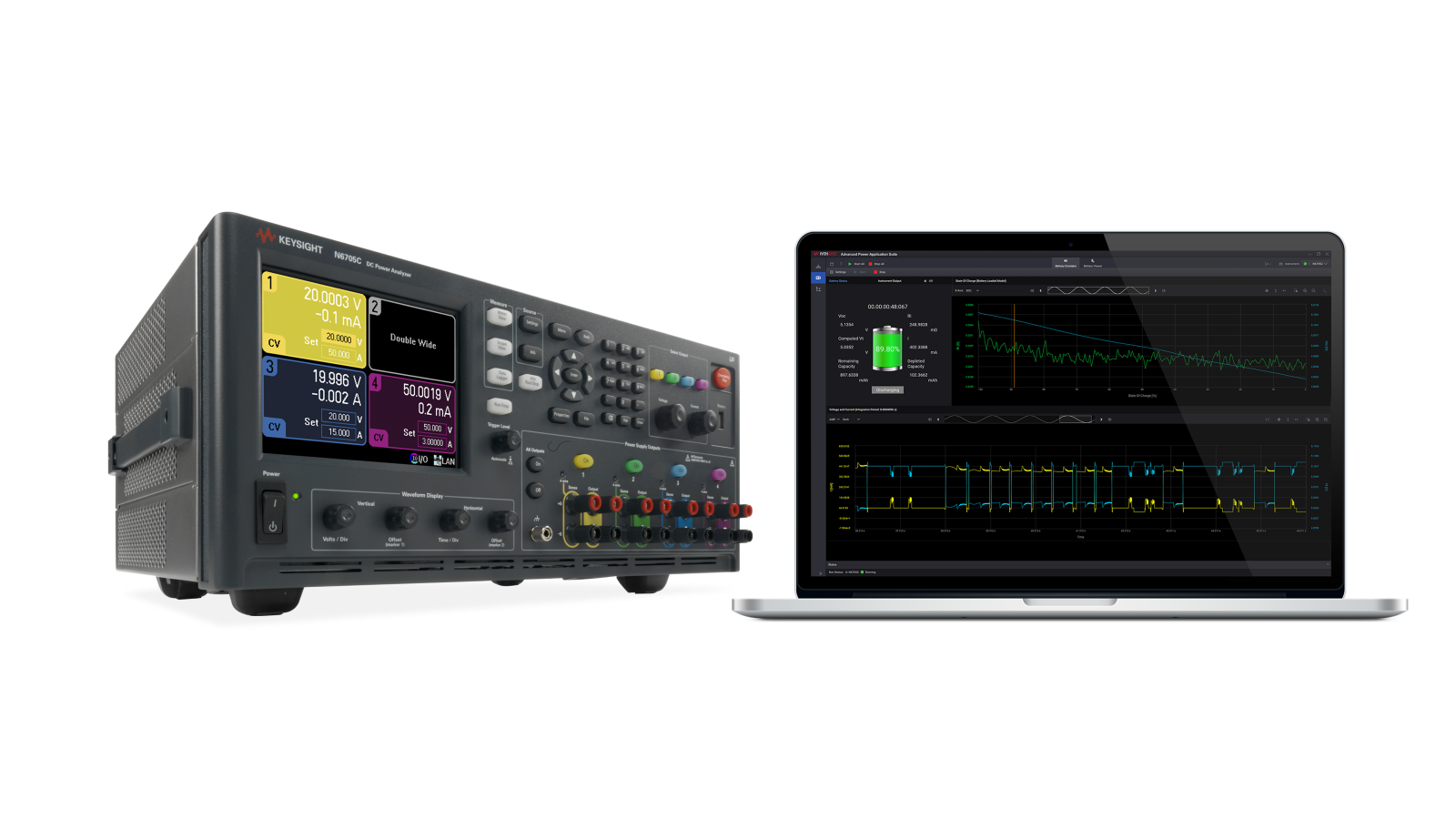
18650 Battery Cell Test Solution
Block Diagram of 18650 Battery Cell Test Solution


Explore Products in Our 18650 Battery Cell Test Solution
-

![]()
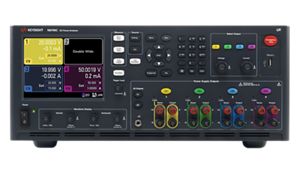
N6705C DC Power Analyzer
-

![]()
PW9253A PathWave Advanced Battery Test and Emulation


Discover Resources and Insights
Additional Resources for 18650 Battery Cell Test
Related Use Cases

-
![]()
Learn More
How to Validate Solar Inverter Maximum Power Point Tracking Efficiency
Validate solar inverter MPPT efficiency using solar array simulators to replicate real-world irradiance and optimize power tracking performance.
Learn More

-
![]()
Learn More
How to Analyze Grid-Tied Inverter Transient Response
Analyze inverter transient response under dynamic irradiance and grid conditions to ensure stability, performance, and compliance.
Learn More
-
![]()
Learn More
How to Test Solar Inverter Startup Behavior
Test inverter startup and shutdown behavior using solar array simulators to ensure reliable operation under varying irradiance and power conditions.
Learn More

Get in Touch with One of Our Experts
Need help finding the right solution for you?