How to Log RF Power Trends with a Handheld Power Meter

Monitor RF Power Over Time
Logging RF power over time allows engineers to identify changes that may not be apparent from a single measurement. Gradual drift, intermittent variations, and changes in transmitter output can require repeated measurements over an extended observation period. Engineers establish the measurement frequency and expected power range, connect the handheld power meter to the appropriate measurement point, and acquire repeated average power readings under consistent conditions. Maintaining the same connection and configuration helps ensure that recorded variations reflect changes in the signal rather than changes in the measurement setup.
For measurements that require recording and subsequent analysis, the handheld power meter can be connected to a computer through USB for remote control and data collection. Repeated readings can then be captured and stored for comparison over time. Engineers can review the measurement record to identify trends, compare power levels at different points in the test period, and investigate unexpected changes in RF output. This workflow supports troubleshooting, field verification, maintenance, and other engineering measurements where observing power behavior over time provides more information than an isolated reading.

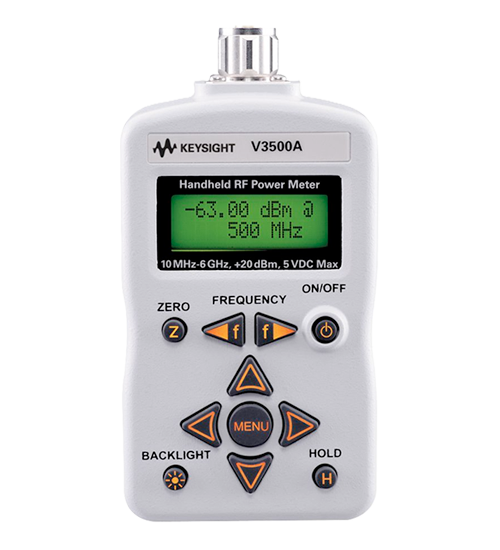
RF Power Trend Logging Solution
See Block Diagram of RF Power Trend Logging Solution

Explore Products in Our RF Power Trend Logging Solution
-

![]()
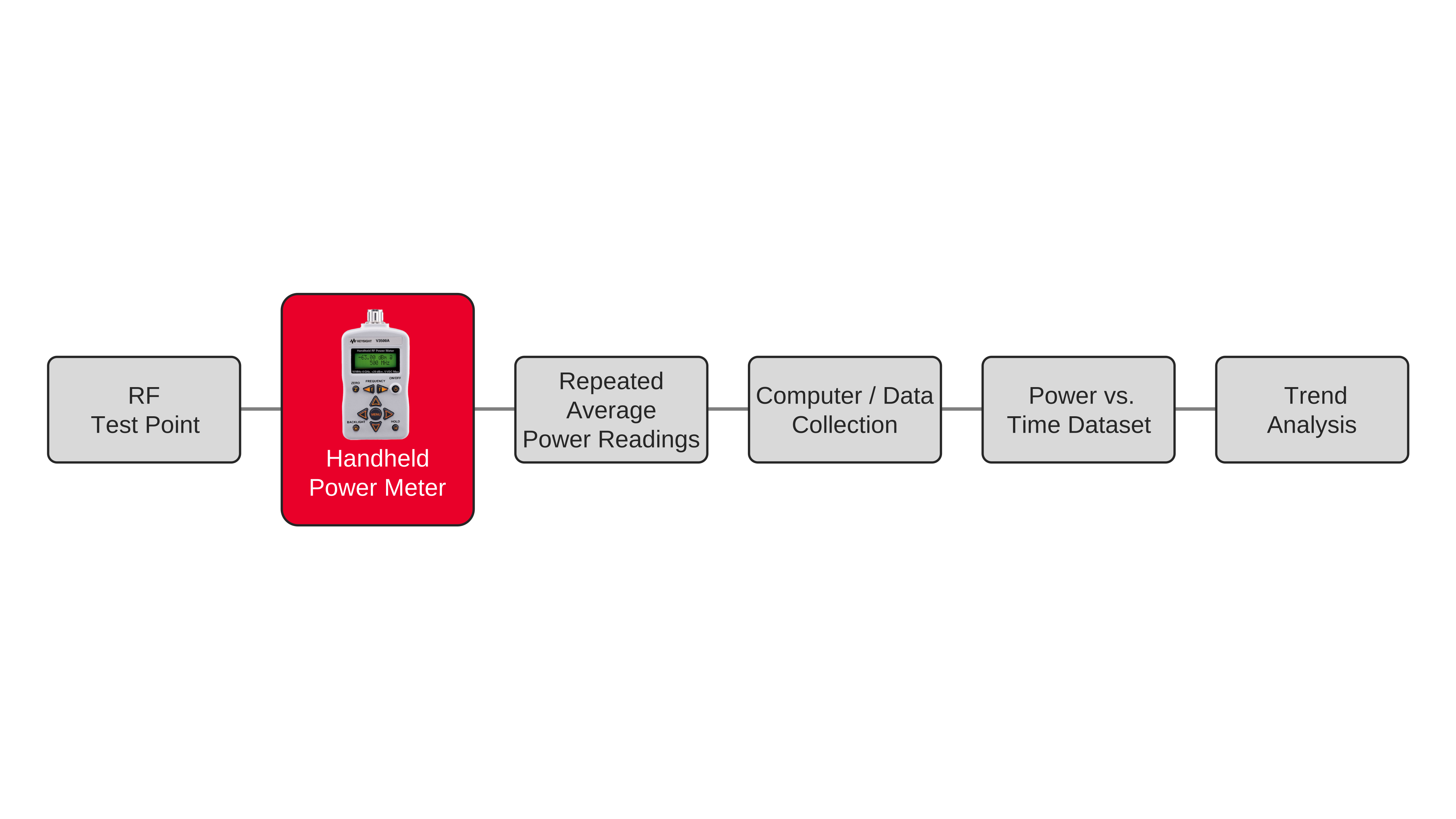
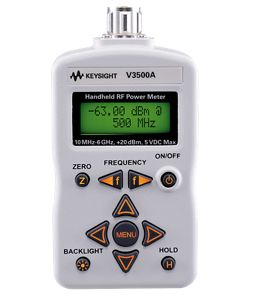
V3500A Handheld RF Power Meter


Discover Resources and Insights
Additional Resources for RF Power Trend Logging
Related Use Cases


-
![]()
Learn More
How to Compare Thermistor and Diode Sensor Measurement Accuracy
Compare thermistor and diode sensor accuracy across power levels to improve measurement confidence using power sensors, power meters, and automated measurement control and data logging software.
Learn More

-
![]()
Learn More
How to Ensure Measurement Traceability in Radio Frequency Calibration Chains
Ensure traceable radio frequency power measurements across calibration chains with controlled uncertainty using power sensors, power meters, and automated measurement control and data logging software.
Learn More
-
![]()
Learn More
How to Automate RF Power Logging for Environmental Testing
Automate RF power logging during environmental testing using a power meter, continuous measurement, data acquisition, and software-controlled workflows.
Learn More

Get in Touch with One of Our Experts
Need help finding the right solution for you?