
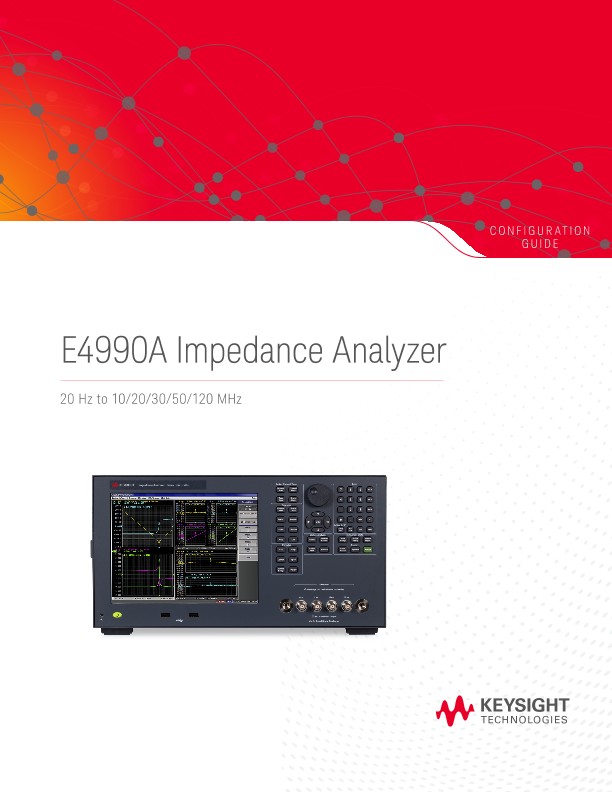
E4990A Impedance Analyzer 20 Hz to 10/20/30/50/120 MHz
Configuration Guides
E4991B Impedance Analyzerx
1 MHz to 500 M/1 G/3 GHz
Ordering Guide
The following steps will guide you through configuring your E4991B.
Standard furnished item
Step 1. Choose hardware option - frequency (mandatory)
Step 2. Choose hardware option – frequency reference if not required, go to Step 3)
Step 3. Choose hardware option – DC bias (If not required, go to Step 4)
Step 4. Choose software option (If not required, go to Step 5)
Step 5. Choose accessory option – test kit (If not required, go to step 6)
Step 6. Choose accessory option - general/miscellaneous accessories (If not required, go to step 7)
Step 7. Choose calibration certificate option
Hardware Upgrade
Software Upgrade
Application Software
Available Accessories - Measurement Accessories
Available Accessories - Measurement Accessories (Continued)
Available Accessories – for Performance Test and Maintenance
Literature Resource
Web Resource
Have Access to the following website to acquire the latest news, product and support information, application literature and more. www.keysight.com/find/impedance