Learn More
segmentation:campaign/Bench,segmentation:product-category/DMMs_DAQs_Function_Generators,segmentation:product-category/DMMs_DAQs_Function_Generators/Function_Generators,segmentation:business-unit/EISG,keysight:product-lines/gm,segmentation:funnel/bofu,keysight:dtx/solutions/facets/development-area/high-speed-digital,keysight:dtx/solutions/facets/design-and-test-product/waveform-and-function-generators,keysight:dtx/solutions/facets/workflow-stage/functional-test,keysight:dtx/solutions/facets/industry/semiconductor,keysight:models/33/33511bsegmentation:campaign/Bench,segmentation:product-category/DMMs_DAQs_Function_Generators,segmentation:product-category/DMMs_DAQs_Function_Generators/Function_Generators,segmentation:business-unit/EISG,keysight:product-lines/gm,segmentation:funnel/bofu,keysight:dtx/solutions/facets/development-area/high-speed-digital,keysight:dtx/solutions/facets/design-and-test-product/waveform-and-function-generators,keysight:dtx/solutions/facets/workflow-stage/functional-test,keysight:dtx/solutions/facets/industry/semiconductor,keysight:models/33/33511bsegmentation:campaign/Bench,segmentation:product-category/DMMs_DAQs_Function_Generators,segmentation:product-category/DMMs_DAQs_Function_Generators/Function_Generators,segmentation:business-unit/EISG,keysight:product-lines/gm,segmentation:funnel/bofu,keysight:dtx/solutions/facets/development-area/high-speed-digital,keysight:dtx/solutions/facets/design-and-test-product/waveform-and-function-generators,keysight:dtx/solutions/facets/workflow-stage/functional-test,keysight:dtx/solutions/facets/industry/semiconductor,keysight:models/33/33511bsegmentation:campaign/Bench,segmentation:product-category/DMMs_DAQs_Function_Generators,segmentation:product-category/DMMs_DAQs_Function_Generators/Function_Generators,segmentation:business-unit/EISG,keysight:product-lines/gm,segmentation:funnel/bofu,keysight:dtx/solutions/facets/development-area/high-speed-digital,keysight:dtx/solutions/facets/design-and-test-product/waveform-and-function-generators,keysight:dtx/solutions/facets/workflow-stage/functional-test,keysight:dtx/solutions/facets/industry/semiconductor,keysight:models/33/33511bsegmentation:campaign/Bench,segmentation:product-category/DMMs_DAQs_Function_Generators,segmentation:product-category/DMMs_DAQs_Function_Generators/Function_Generators,segmentation:business-unit/EISG,keysight:product-lines/gm,segmentation:funnel/bofu,keysight:dtx/solutions/facets/development-area/high-speed-digital,keysight:dtx/solutions/facets/design-and-test-product/waveform-and-function-generators,keysight:dtx/solutions/facets/workflow-stage/functional-test,keysight:dtx/solutions/facets/industry/semiconductor,keysight:models/33/33511bsegmentation:campaign/Bench,segmentation:product-category/DMMs_DAQs_Function_Generators,segmentation:product-category/DMMs_DAQs_Function_Generators/Function_Generators,segmentation:business-unit/EISG,keysight:product-lines/gm,segmentation:funnel/bofu,keysight:dtx/solutions/facets/development-area/high-speed-digital,keysight:dtx/solutions/facets/design-and-test-product/waveform-and-function-generators,keysight:dtx/solutions/facets/workflow-stage/functional-test,keysight:dtx/solutions/facets/industry/semiconductor,keysight:models/33/33511bsegmentation:campaign/Bench,segmentation:product-category/DMMs_DAQs_Function_Generators,segmentation:product-category/DMMs_DAQs_Function_Generators/Function_Generators,segmentation:business-unit/EISG,keysight:product-lines/gm,segmentation:funnel/bofu,keysight:dtx/solutions/facets/development-area/high-speed-digital,keysight:dtx/solutions/facets/design-and-test-product/waveform-and-function-generators,keysight:dtx/solutions/facets/workflow-stage/functional-test,keysight:dtx/solutions/facets/industry/semiconductor,keysight:models/33/33511bsegmentation:campaign/Bench,segmentation:product-category/DMMs_DAQs_Function_Generators,segmentation:product-category/DMMs_DAQs_Function_Generators/Function_Generators,segmentation:business-unit/EISG,keysight:product-lines/gm,segmentation:funnel/bofu,keysight:dtx/solutions/facets/development-area/high-speed-digital,keysight:dtx/solutions/facets/design-and-test-product/waveform-and-function-generators,keysight:dtx/solutions/facets/workflow-stage/functional-test,keysight:dtx/solutions/facets/industry/semiconductor,keysight:models/33/33511bsegmentation:campaign/Bench,segmentation:product-category/DMMs_DAQs_Function_Generators,segmentation:product-category/DMMs_DAQs_Function_Generators/Function_Generators,segmentation:business-unit/EISG,keysight:product-lines/gm,segmentation:funnel/bofu,keysight:dtx/solutions/facets/development-area/high-speed-digital,keysight:dtx/solutions/facets/design-and-test-product/waveform-and-function-generators,keysight:dtx/solutions/facets/workflow-stage/functional-test,keysight:dtx/solutions/facets/industry/semiconductor,keysight:models/33/33511bsegmentation:campaign/Bench,segmentation:product-category/DMMs_DAQs_Function_Generators,segmentation:product-category/DMMs_DAQs_Function_Generators/Function_Generators,segmentation:business-unit/EISG,keysight:product-lines/gm,segmentation:funnel/bofu,keysight:dtx/solutions/facets/development-area/high-speed-digital,keysight:dtx/solutions/facets/design-and-test-product/waveform-and-function-generators,keysight:dtx/solutions/facets/workflow-stage/functional-test,keysight:dtx/solutions/facets/industry/semiconductor,keysight:models/33/33511bsegmentation:campaign/Bench,segmentation:product-category/DMMs_DAQs_Function_Generators,segmentation:product-category/DMMs_DAQs_Function_Generators/Function_Generators,segmentation:business-unit/EISG,keysight:product-lines/gm,segmentation:funnel/bofu,keysight:dtx/solutions/facets/development-area/high-speed-digital,keysight:dtx/solutions/facets/design-and-test-product/waveform-and-function-generators,keysight:dtx/solutions/facets/workflow-stage/functional-test,keysight:dtx/solutions/facets/industry/semiconductor,keysight:models/33/33511b
How to Validate Modulated and Burst Signals
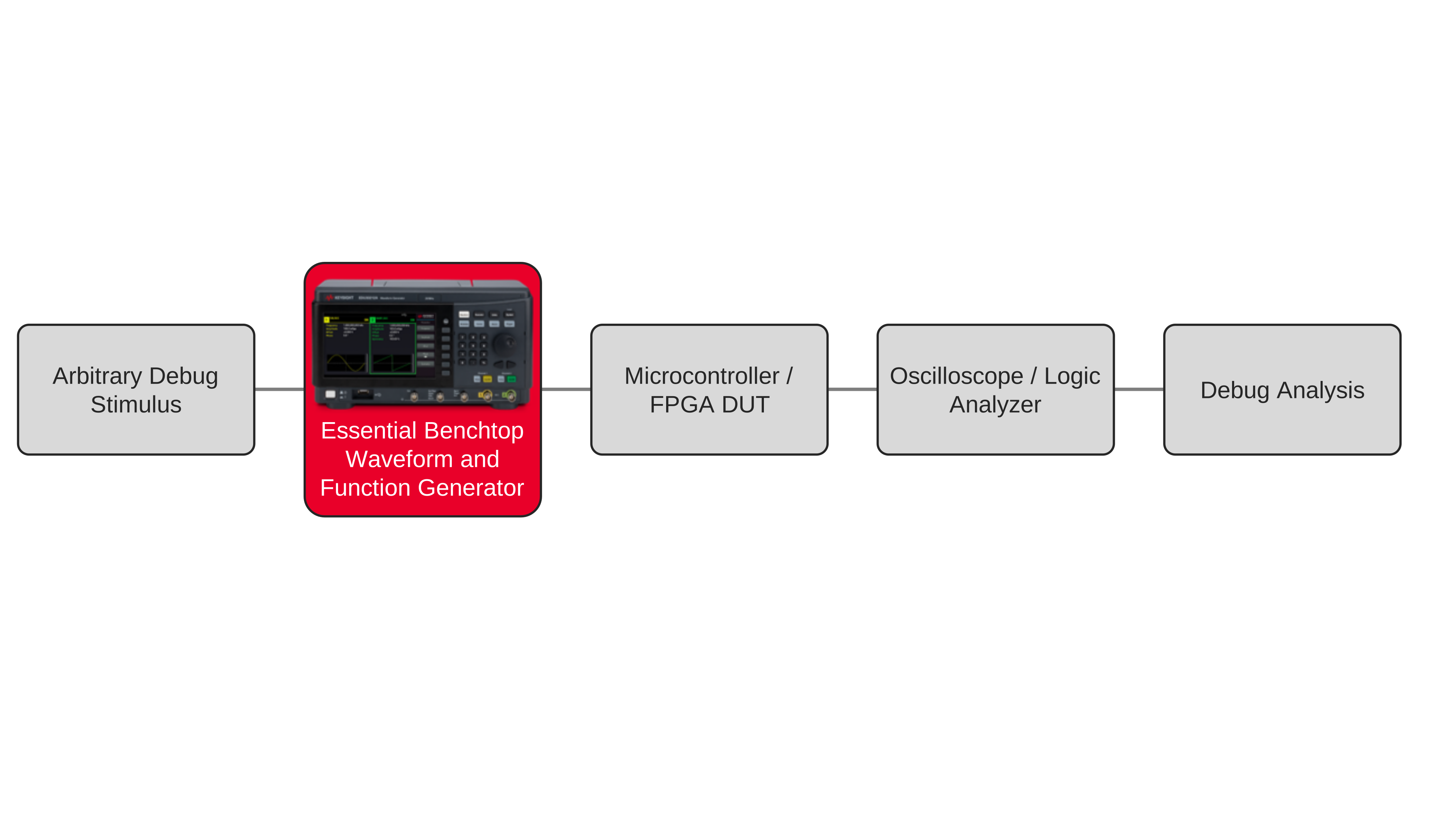
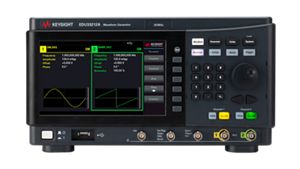
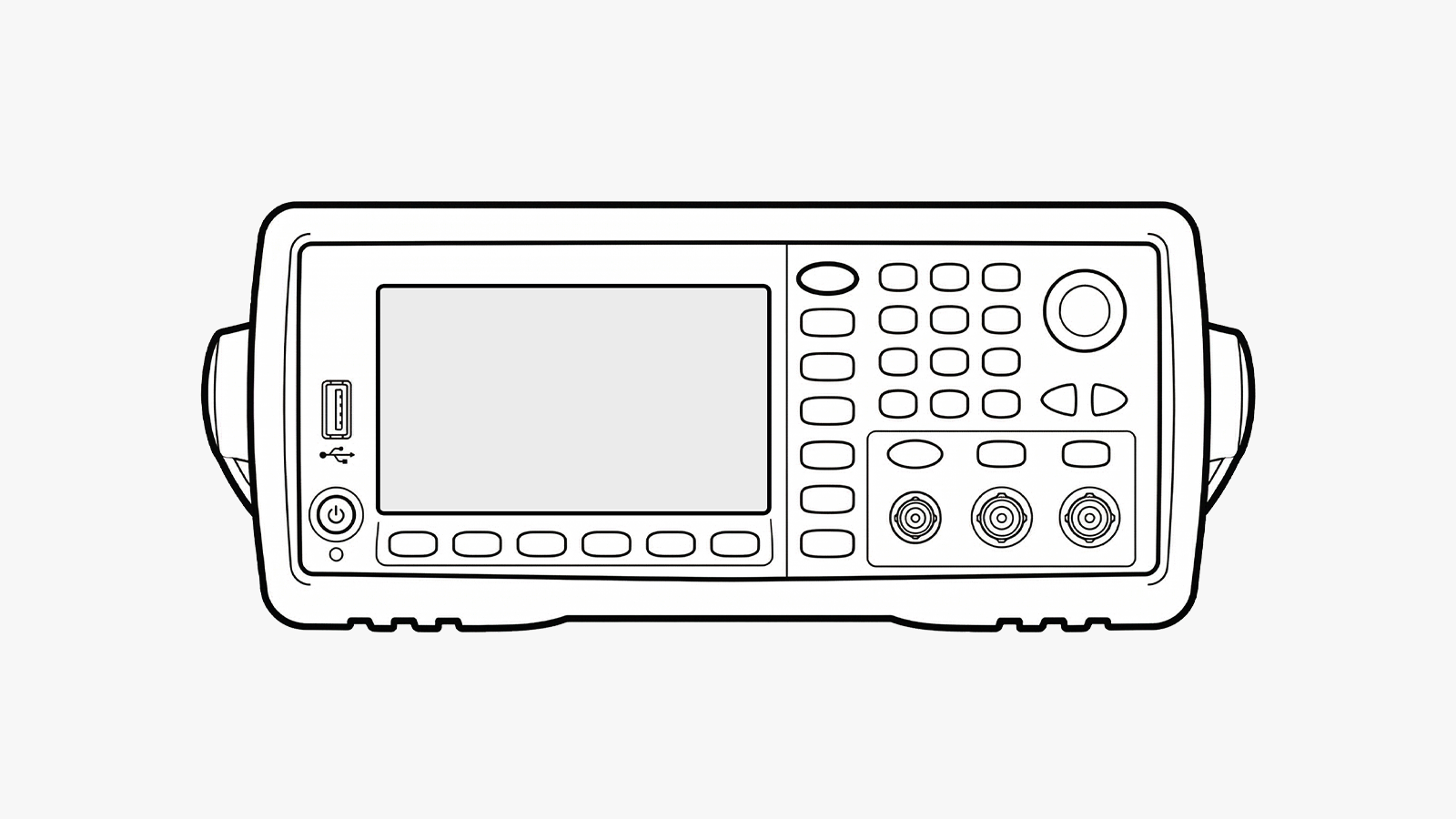
Create clean modulation, sweep, and burst signals with Advanced Benchtop Waveform and Function Generators to validate device under test (DUT) behavior with higher-fidelity stimulus and repeatable timing.
Learn More