How to Automate Signal Generator Control Using APIs

Automating Signal Generator Communication
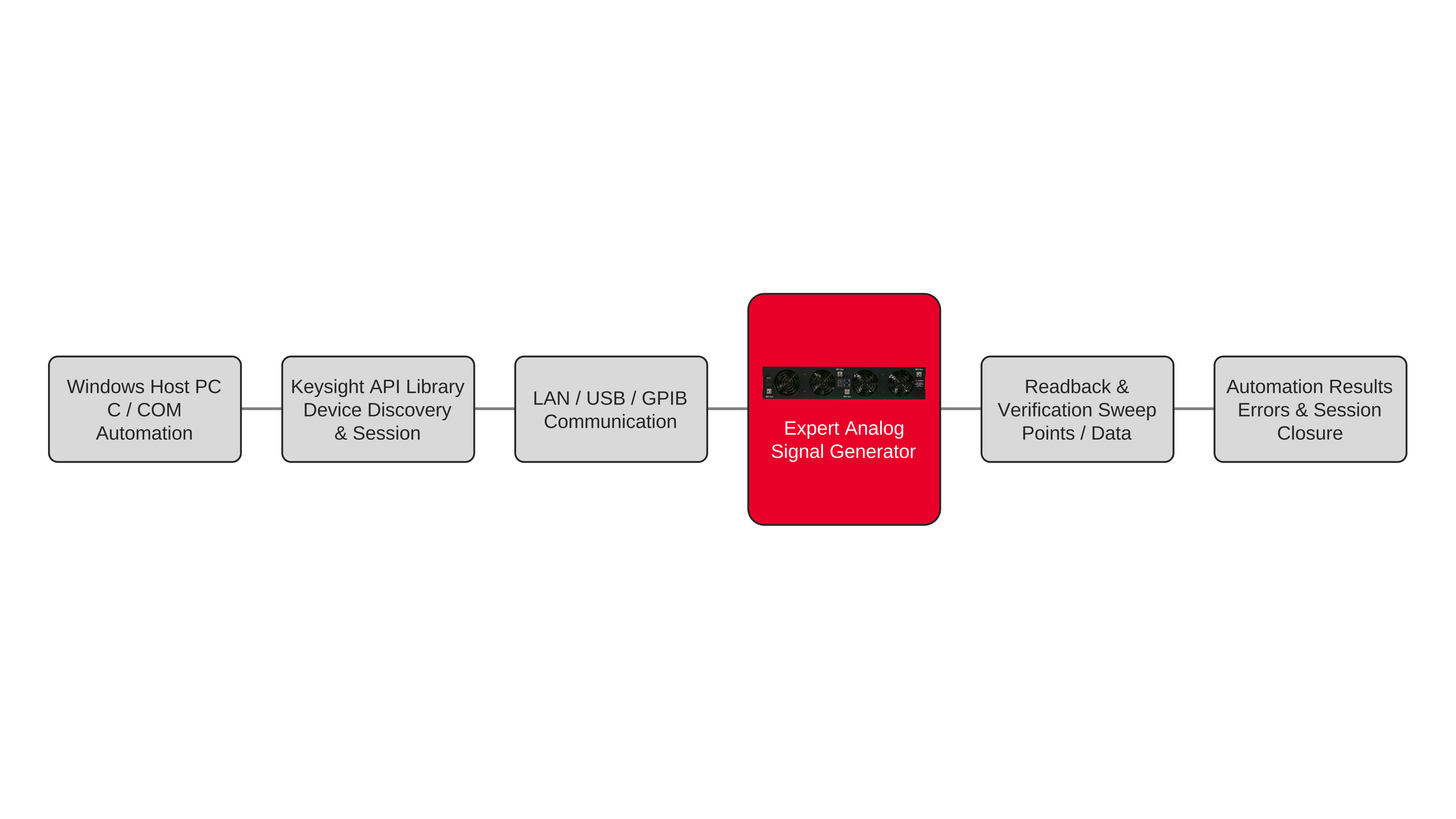
Signal generator automation begins by establishing a communication session between a control computer and the instrument through a supported interface. The setup includes a signal generator, a host application, the appropriate communication libraries, and a local area network (LAN), Universal Serial Bus (USB), or General Purpose Interface Bus (GPIB) connection. An instrument control application programming interface (API) provides the software interface for opening the session and exchanging commands. Engineers can use C and Component Object Model (COM) libraries to implement remote instrument control in their applications. The host identifies the instrument communication endpoint and initializes the connection before transmitting device-specific commands. The workflow includes discovering connected instruments, verifying instrument identity, and transferring configuration data between the host application and the signal generator. The instrument programmer’s manual defines the command set available to the connected device.
After establishing the session, the application executes a programmed sequence of supported instrument operations. A typical automated RF testing workflow initializes the connection, sends configuration commands, queries instrument status, and records returned data. Signal generator automation can be organized into reusable functions for session creation, command transmission, response parsing, block-data transfer, and communication error handling. The application can transfer frequency sweep configurations to the signal generator, verify the number of configured sweep points, and retrieve the stored configuration data. Timeout handling and connection cleanup are managed through library functions, while binary transfers use block-data operations. The instrument control API provides the communication layer, while the instrument’s programmer’s manual determines which signal parameters can be configured. Applications should distinguish communication failures from instrument-reported errors and verify that responses and transferred data match expected formats.

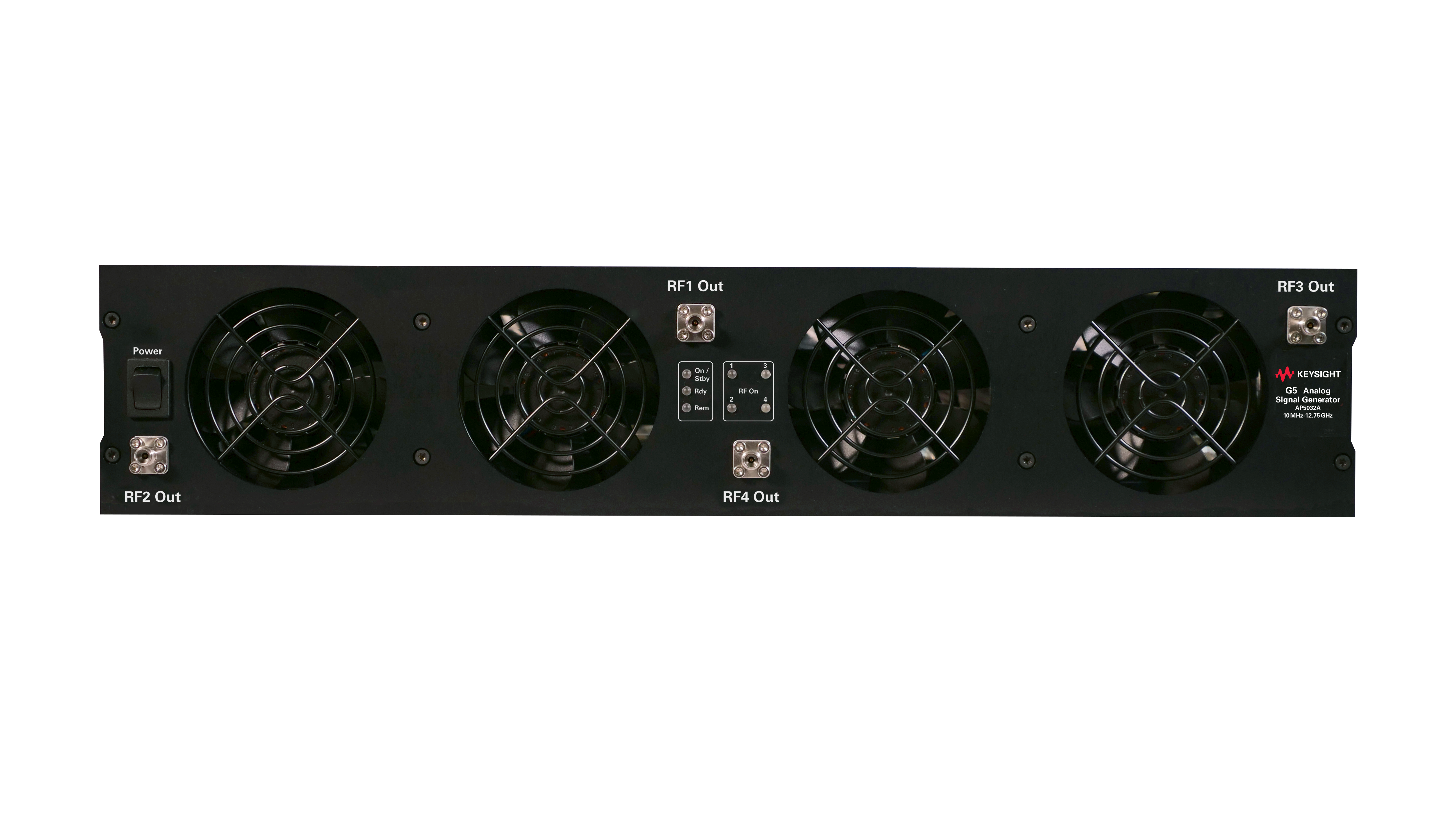
Automated Signal Generator API Control Solution
See Block Diagram of Automated Signal Generator API Control Solution

Explore Products for Our Automated Signal Generator API Control Solution
-


![]()
AP5032A Analog Signal Generator, 1 kHz to 51 GHz


Discover Resources and Insights
Additional Resources for Automated Signal Generator API Control
Related Use Cases


-
![]()
Learn More
How to Generate Wi-Fi 7 Test Signals
Configure IEEE 802.11be Wi-Fi 7 signals for transmitter and receiver testing using an M9484C vector signal generator and WLAN waveform application. Generate 320 MHz, 4096-QAM and coded packet waveforms to support modulation characterization, packet error rate measurements, and receiver sensitivity workflows.
Learn More

-
![]()
Learn More
How to Transfer Frequency Sweep Lists Using APIs
Learn how to transfer frequency sweep lists to a signal generator through a host application and instrument communication APIs. Discover how to send structured sweep configurations, verify the received point count, read back the list, and check data integrity during automated RF testing.
Learn More
-
![]()
Learn More
How to Create Wireless Receiver Test Signals
Create and download custom custom in-phase and quadrature (I/Q) waveforms to validate wireless receiver response with RF vector signal generators.
Learn More

Get in Touch with One of Our Experts
Need help finding the right solution for you?