What are you looking for?
AI Networks
Maximize AI data center performance.
Optimize AI Network Performance and Efficiency
Accelerate AI data center deployments, validate SmartNIC performance, and pressure test networking components. Use real-world traffic emulators to track an array of industry-standard AI metrics — such as job completion time and collective communication bandwidth — in real time. Benchmark AI network performance, detect bottlenecks, and optimize AI workload distribution with AI-optimized network test tools, including AI workload emulators, distributed network traffic generators, and network traffic emulators.
Everything You Need to Know About AI Networks


Juniper Builds Next-Generation AI Networks with Keysight
Discover how Juniper Networks partnered with Keysight to build network infrastructure for AI networks. Learn how Keysight network emulation tools helped Juniper test and validate their products against the real-world demands of AI data centers.

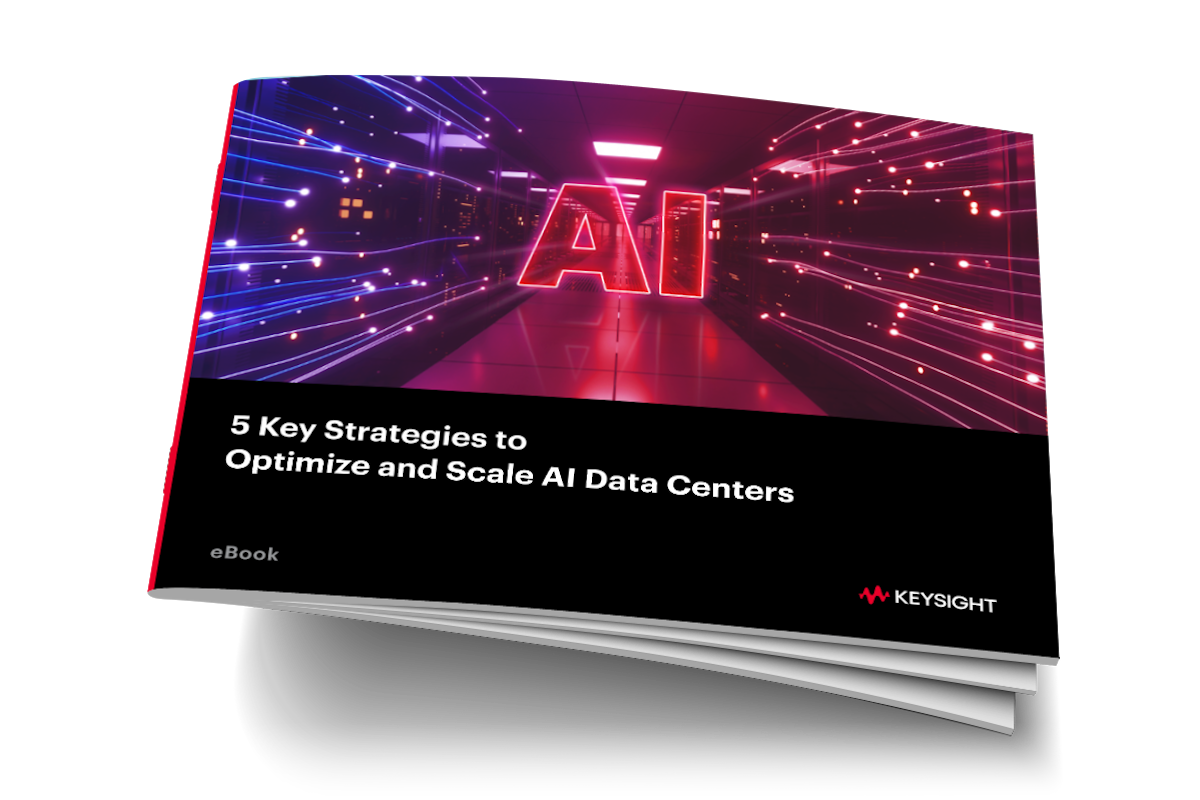
5 Strategies to Optimize and Scale AI Data Centers
AI is transforming industries and driving innovation. However, unique traffic patterns, dynamic workloads, and relentless performance pressures can escalate even the smallest issues into critical problems.
Read this eBook to discover five practical solutions to optimize AI data center performance for modern applications.

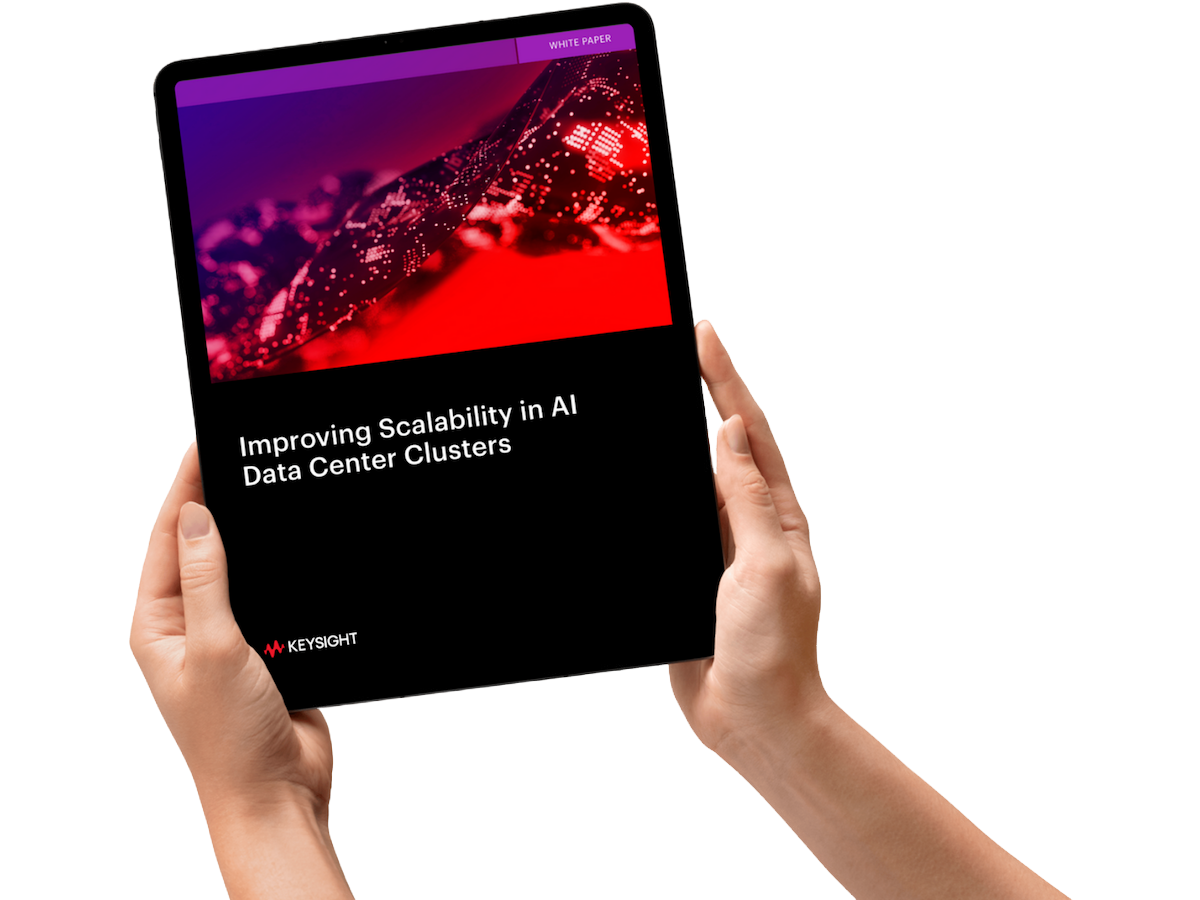
Improving Scalability in AI Data Center Clusters
Can your network infrastructure scale to handle the complex, high-traffic AI training workloads? This white paper delves into AI data center cluster scaling, identifies critical network challenges, and explains how to ensure scalable and reliable networks for your organization’s AI ambitions.

AI Networking Bootcamp
Join Keysight engineers for a deep dive into the world of testing AI networks and validating AI data center deployments. By the end of this course, you will gain the insights — and confidence — necessary to take control of this rapidly changing, innovative new networking paradigm.


Benchmarking Collective Operations
Measuring or benchmarking the network performance in an AI cluster can help organizations identify opportunities to optimize and improve overall throughput without additional hardware costs. This white paper explains the operation of AI collectives, defines terminology, and reviews the most common metrics associated with benchmarking AI networks.
Validate lossless Ethernet at speeds as high as 1.6T
Stay ahead of accelerating performance demands by ensuring reliable data transmission in AI / ML and high-performance computing networks.
Pressure-test AI network equipment against AI workload emulations
Reduce the need for costly GPU-based lab setups with high-density traffic generators that emulate AI workload behavior to optimize performance and efficiency.
See how AI-specific network parameters impact performance
Choose from an array of traffic models and workload profiles to simplify benchmarking and test network performance at the component and system level.
Explore Solutions for AI Networks

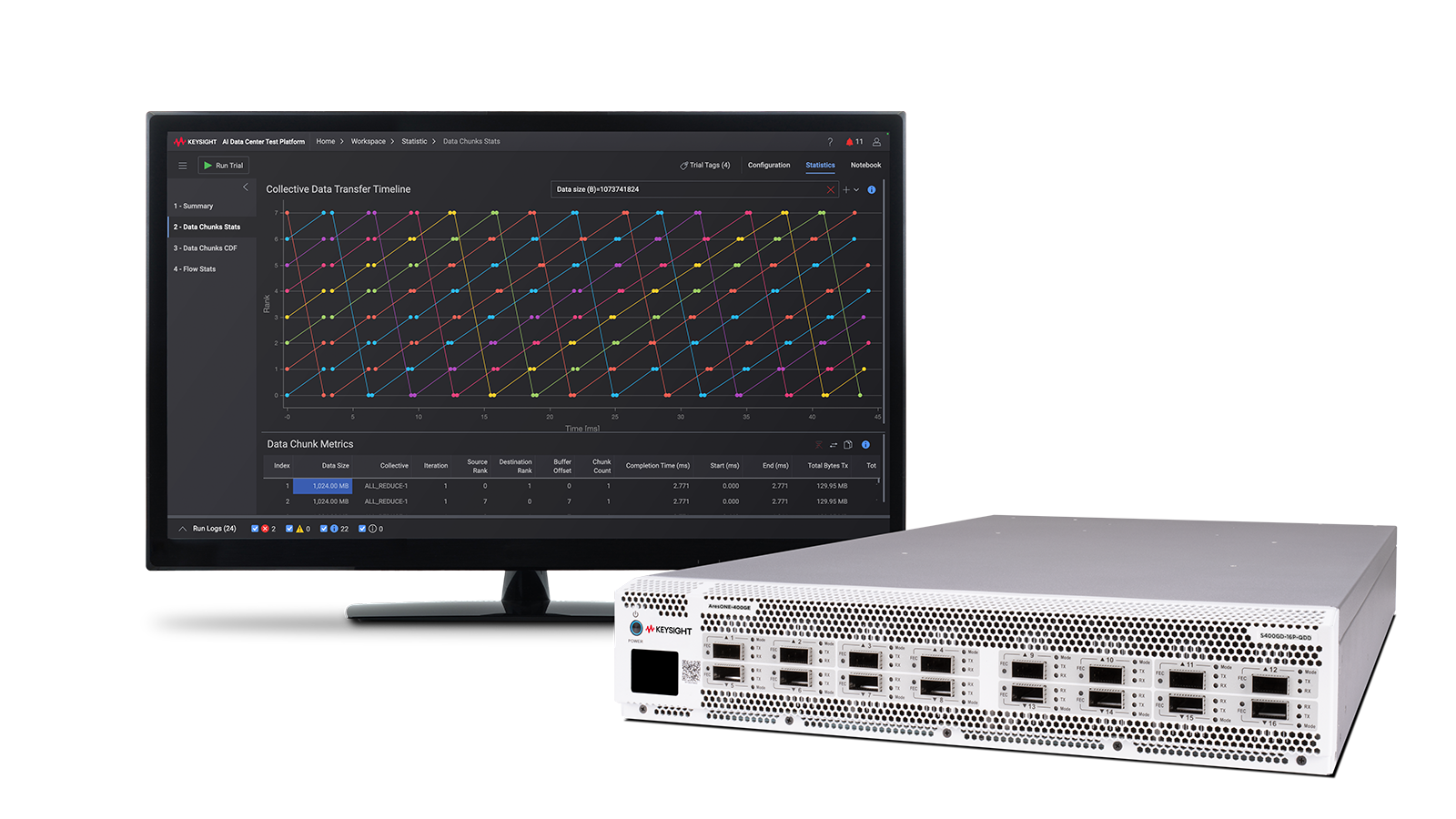
Optimize AI infrastructure with KAI Data Center Builder
Benchmark AI data center performance with unparalleled fidelity. KAI Data Center Builder emulates the combination of collective communications and algorithms used to build a large learning model (LLM) — making it easy to validate network infrastructure and AI fabrics via system-wide testing.

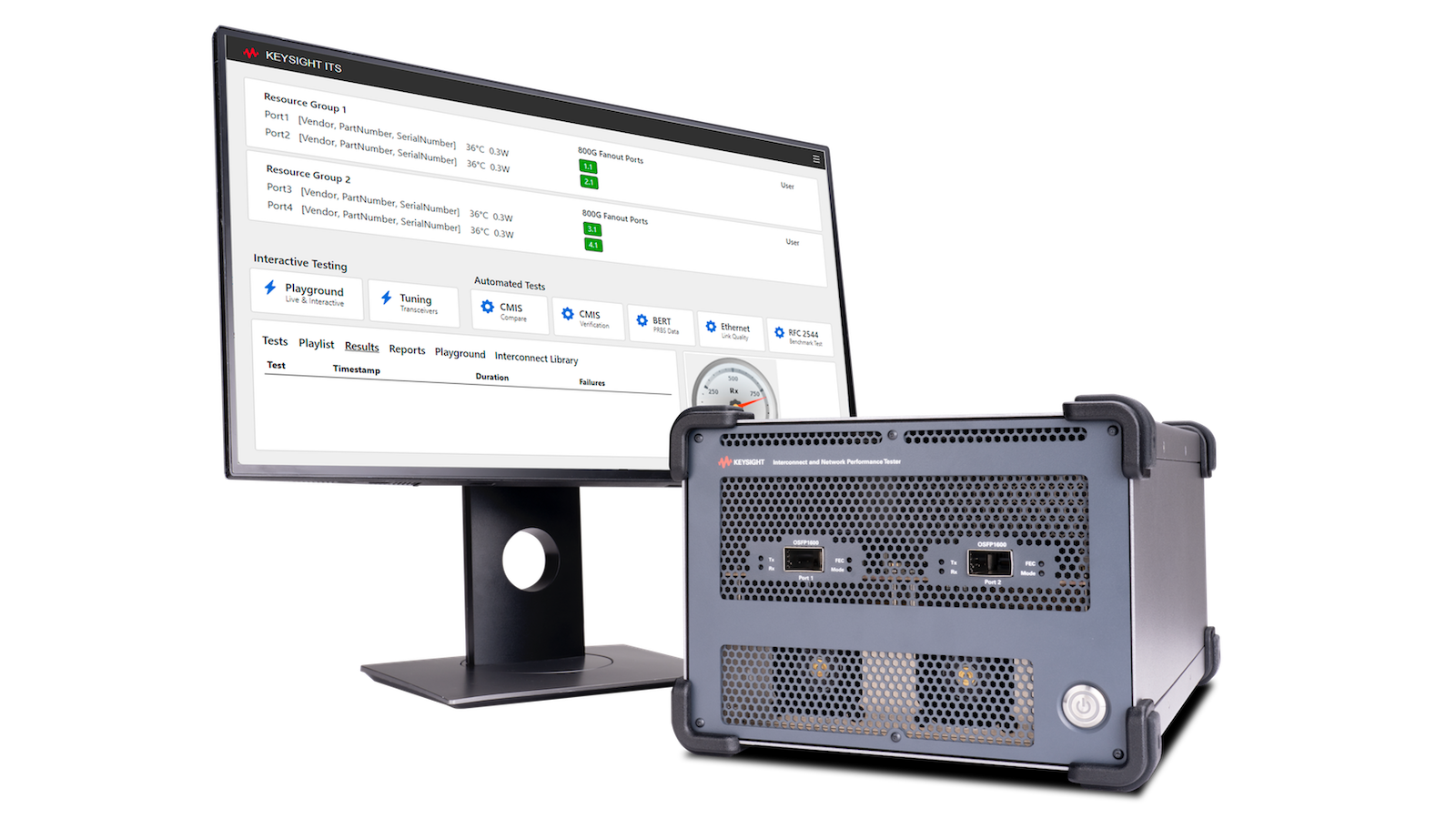
Maximize 1.6T Ethernet reliability and performance
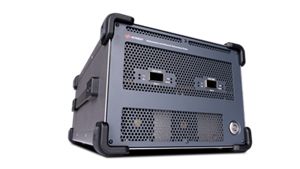
Test leading-edge Ethernet products for AI interconnects and data center networks. With physical (L1) and protocol (L2-3) layer test support, the Keysight Interconnect and Network Performance Tester 1600GE offers unmatched test coverage for optical and active cable interconnects, network switches, and AI networks.
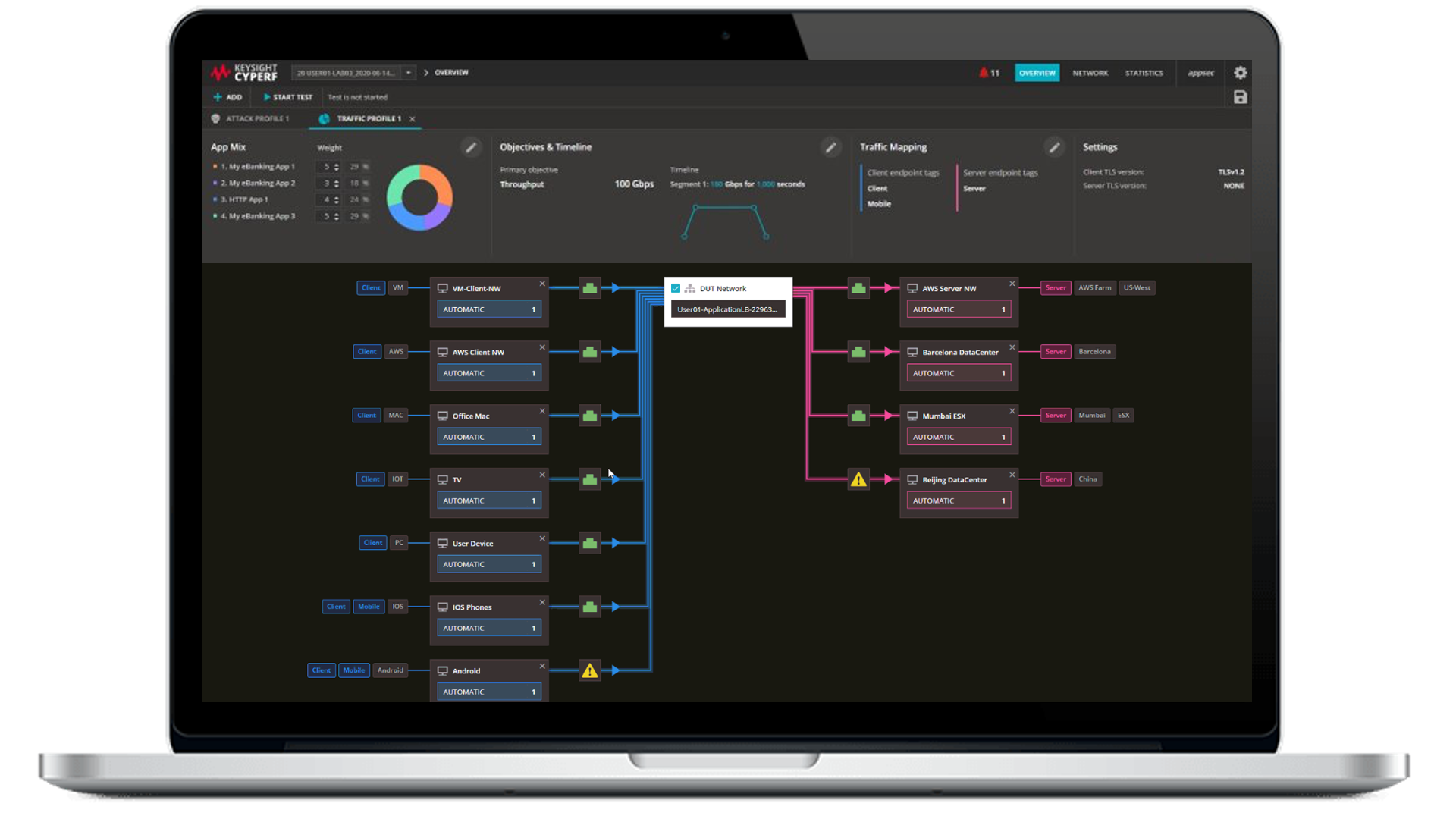
Validate SmartNICs and LLM infrastructure with CyPerf
Pressure-test high-performance network equipment against compute-intensive, AI-native traffic emulations and test scenarios. Keysight CyPerf makes it easy to assess system performance, scalability, and stability through benchmarking, real-world traffic simulation, and high-scale testing.
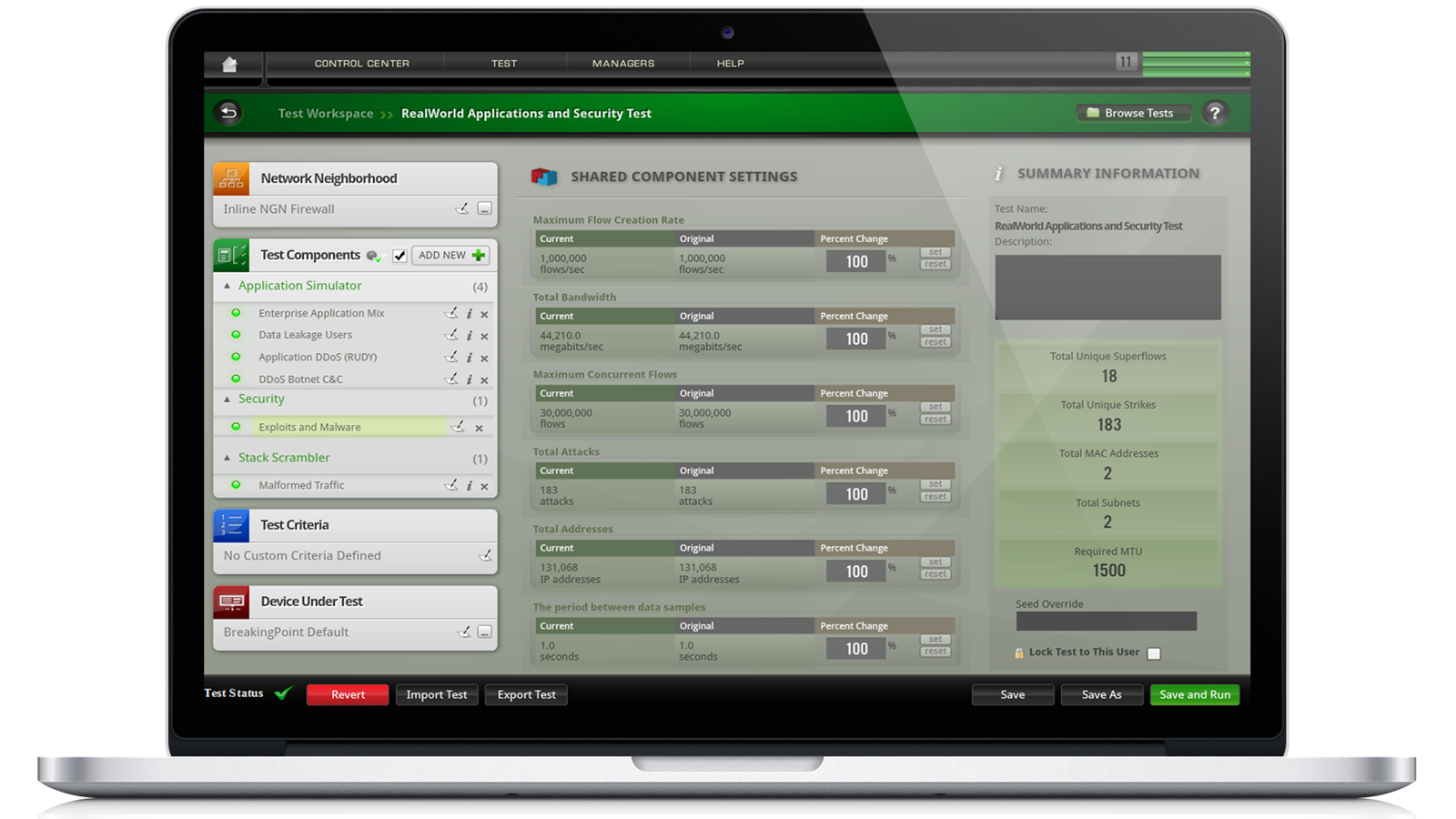
Protect LLMs from advanced attacks with BreakingPoint
Secure large language models from the most prevalent type of cyberattack impacting AI networks: prompt injection strikes. An advanced network security and application testing tool, Keysight BreakingPoint can validate the security, stability, and performance of AI networks — and the network equipment that powers them.
Executive Perspective: Keysight AI Solutions
Listen to Ram Periakaruppan, Vice President and General Manager of Network Applications and Security business at Keysight Technologies, discuss key challenges facing AI data centers, how to optimize AI performance and efficiency, and how Keysight’s helping with the Keysight AI portfolio of AI-ready data center solutions.
Test Setups for Validating AI Networks
Test AI Data Center Networks
Emulate AI workloads to benchmark network equipment and validate AI / ML fabrics.

Validate Ethernet Interconnects
Ensure high-quality data transmission and error correction by testing for reliability and performance.
Emulate AI Data Center Workloads
Optimize infrastructure for AI training performance with a consistent and scalable testing methodology.
Learn More About AI Networks













Frequently Asked Questions: AI Networks
In a traditional network, workload type and size varies, the traffic is distributed across different connections, grows proportionally with the number of users, and delayed or dropped packets do not typically cause significant problems. In an AI network, the GPUs all work on the same problem, building a large language model (LLM). The workloads to build an LLM required massive amounts of data to be shared between GPUs without dropping packets or encountering congestion. Because the GPUs are all working on the same problem, they complete a task when the last GPU finishes processing. Any delay in delivering data to one GPU means the entire workload is delayed.
Optimizing an AI network is different from optimizing a traditional data center network. AI networks run at near capacity and need to be lossless to maximize GPU utilization. Different congestion mechanisms are available with various settings. Running AI workloads in a lab setting with benchmarking tools provides a path to finding the optimal configurations and settings that can then be applied to production environments.
In an AI network, GPUs work on the same problem—only completing a task when the last GPU receives the data it needs and finishes processing. One of the key measurements of an AI network’s performance is tail latency — the flows with the longest completion times. The measurement is called P95 — the time for completion for the slowest five percent of network flows.
RDMA is an acronym that stands for Remote Direct Memory Access. RDMA allows GPUs to transfer data between each other in an AI data center with minimal involvement of the CPU and networking stacks. This allows for low-latency and high-throughput communications in an AI data center. RDMA-enabled network interface cards in a server connect to RDMA-enabled switches to enable high-speed communication between GPUs.
Ultra Ethernet (UE) adds capabilities to Ethernet to provide a fast, highly scalable, low-latency network for AI and high-performance computing requirements. Packet spraying allows flows to use more than one path to a destination, allowing improved load balancing across the network. Flexible ordering allows packets to arrive at their destination out of order. Receiver-based congestion control builds on existing sender-based congestion control mechanisms to improve in-cast congestion that occurs with AI collectives such as All-to-All. Improved telemetry allows faster control-plane signaling times, improving response to congestion events. UE is interoperable with existing data center Ethernet switches, but will run more efficiently — with higher network utilization and reduced tail latency — using UEC-based switches and network interface cards.
The movement of data among GPUs is called a Collective Operation. There are several different types, depending on the initial and final location of data and if there is a need to perform a mathematical run on the data during the process. Commonly used types are Broadcast and Gather, ReduceScatter, AllGather, AllReduce, and AlltoAll. The presence of the "reduce" keyword in the name of the operation signifies that this operation performs computations on the data. A collective operation can be implemented using any number of algorithms. Well-known algorithms for AllReduce are Unidirectional and Bidirectional Ring, Double Binary Tree, and Halving-Doubling. Each demonstrates better or worse performance depending on the number of GPUs and how they are interconnected.
Want help or have questions?