












- Overview
- All Models
- Support
Real-time protocol testing and emulation
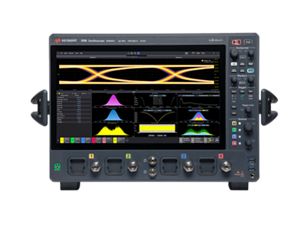
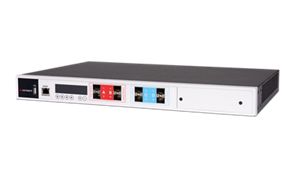
Keysight Network Emulator 2 solutions offer precision Ethernet test for 100 MbE, 1GE, and 10GE impairment emulation, ideal for validating applications, protocols, and hardware under realistic and worst-case network conditions. Built on an 8-port FPGA hardware architecture, this emulator delivers line-rate performance and flexible resource management that lets you mix and match speeds on the same device to test mixed-speed configurations simultaneously. Pair your network emulator with related software to emulate realistic network conditions, application traffic, and security threats to form a full test environment and tackle complex performance, interoperability, and disaster recovery scenarios with confidence. Request a quote for one of our popular configurations today. Need help selecting? Check out our resources below.
Real-world impairments
Precisely injects delays, jitter, packet loss, errors, drops, duplication, reordering, and IP fragmentation to stress systems and validate fail-over, application robustness, and operational behavior in the lab.
Multispeed, mixed-mode
Emulates mixed-speed configurations from 100 MbE to 10GE, applied per port or per flow, on a single platform — eliminating the need for multiple devices or test setups.
Compact and lightweight
Supports desktop or rack-mount configurations with scalable port counts to accommodate various testing environments such as predeployment, QA labs, and SD-WAN development.
Flexible resource management
Allows manual or automatic allocation of bandwidth and memory per port or per bank, enabling optimized performance for both high-throughput and parallel multi-port test scenarios.
-
Ports
2, 8
-
Interface speed modes
100 MbE, 1GE, 10GE
-
Form factor
Software, Appliance
Most popular configurations
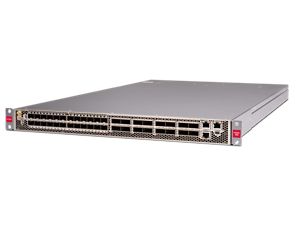
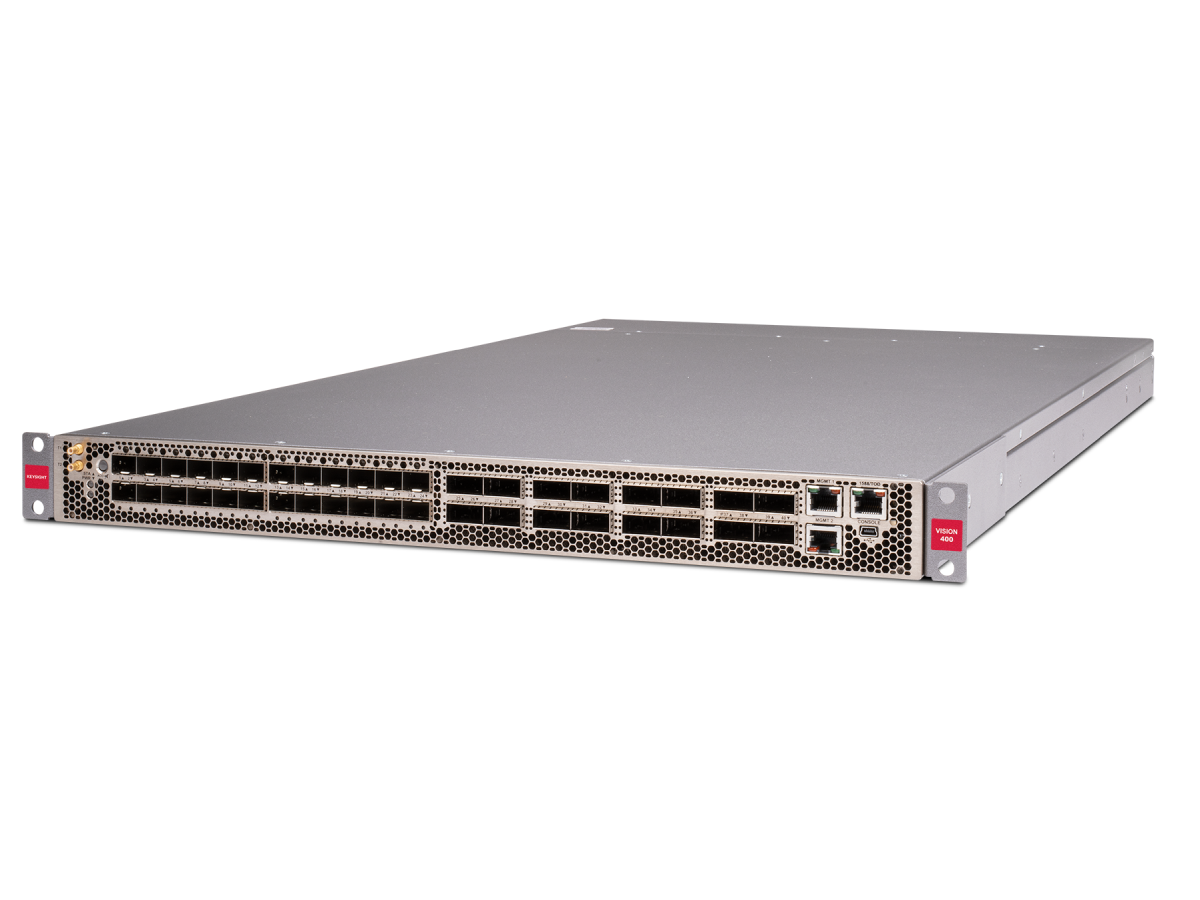
Network Emulator II: Rack-Mountable 1U 8-Port Emulator
Network Emulator II: 10GE, 1GE, and 100MbE with 8-Port Perpetual License
Network Emulator II: 1GE and 100MbE with 8-Port Perpetual License
Services and support
Innovate at speed with curated support plans and prioritized response and turn-around times.
Get predictable, lease-based subscriptions and full lifecycle management solutions—so you reach your business goals faster.
Experience elevated service as a KeysightCare subscriber to get committed technical response and more.
Ensure your test system performs to specification and meets local and global standards.
Make measurements quickly with in-house, instructor-led training, and eLearning.
Download Keysight software or update your software to the newest version.
Frequently asked questions
Testing over live networks introduces unpredictability, variability, and lack of control, making it hard to isolate, reproduce, or troubleshoot specific performance issues. Real-world networks also vary by geography, provider, time of day, and traffic load, which leads to inconsistent results.
Network emulators solve this by creating controlled, repeatable, and configurable network conditions in a lab environment. You can define exact impairments, latency, jitter, loss, bandwidth constraints, and replay them consistently across test cycles. This results in faster debugging, more reliable benchmarking, and automation-ready test environments that mirror the worst-case or edge-case behaviors seen in production.
Yes, network emulators are highly effective at identifying and reproducing intermittent network issues that are often difficult to isolate in live environments. Problems such as random packet loss, burst jitter, sudden latency spikes, or momentary link failures may only appear under very specific and unpredictable conditions, making them challenging to reproduce consistently through manual testing or field observation.
Emulators provide the ability to model these behaviors in a controlled, repeatable way, allowing engineers to simulate specific impairment patterns that mimic what was observed in production. This makes it easier to diagnose the root cause of failures, validate fixes, and confirm that applications, devices, or infrastructure can handle those edge-case scenarios. By offering granular control over timing, duration, severity, and sequencing of impairments, emulators eliminate the guesswork and allow teams to recreate problem conditions precisely, accelerating resolution and reducing reliance on time-consuming field debugging or trial-and-error testing.
Geographically distributed systems, such as cloud-native apps, SD-WAN deployments, or global enterprise networks, must perform reliably over long distances, where latency, packet loss, and congestion can vary widely. Network emulators allow you to simulate regional network behaviors in the lab, without relying on the public internet or setting up real-world test nodes.
Using network emulators, teams can emulate multi-site conditions, test failover between data centers, validate edge-to-cloud routing, and benchmark performance for global deployments, all from a centralized lab or CI/CD pipeline. This ensures that apps and infrastructure scale consistently across regions, providers, and network paths.