
Wideband Streaming Solutions
Configuration Guides
Introduction
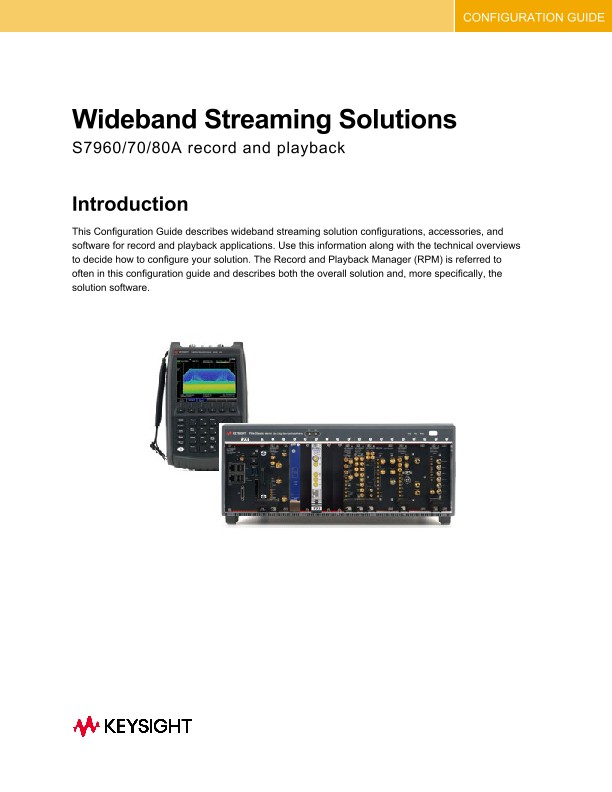
This Configuration Guide describes wideband streaming solution configurations, accessories, and software for record and playback applications. Use this information along with the technical overviews to decide how to configure your solution. The Record and Playback Manager (RPM) is referred to often in this configuration guide and describes both the overall solution and, more specifically, the solution software.
Configure Your Solution
Determine the solution’s capabilities
Address your application needs by selecting from the three types of solutions Keysight offers:
• Record solutions (S7960A-0xx) can record, store, and view time series IQ data for extended periods of time.
• Playback solutions (S7970A-0xx) can view and convert time-series IQ data files, then play them back through a wideband waveform generator.
• Record and Playback (S7980A-0xx) can record, store, view, and convert time-series IQ data and play them back through a wideband waveform generator.
Determine the solution’s frequency range
Once you have determined your solution’s capabilities, next you can determine the best frequency range for your application. The Keysight RPM solutions offer the following frequency ranges:
• Record solutions (S7960A):
o S7960A-002 DC to 2GHz
o S7960A-020 5 kHz to 26.5 GHz
o S7960A-044 5 kHz to 44 GHz
• Playback solutions (S7970A):
o S7970A-020 1 MHz to 20 GHz
o S7970A-044 1 MHz to 44 GHz
• Record and Playback solutions (S7980A):
o S7980A-020
- Record 5 kHz to 26.5 GHz
- Playback 1 MHz to 20 GHz
o S7980A-044
- Record 5 kHz to 44 GHz
- Playback 1 MHz to 44 GHz
Choose the solution’s accessories
Next, you can choose the accessories required to complete your solution. Keysight provides some accessories and others can be acquired from a third party. Your solution will ship from Keysight with the cables needed to connect between instruments and all inter-module cables installed.
Antennas
Applications that involve recording off the air require an antenna. Use any antenna with a compatible RF connecter with the Keysight RPM solutions. Recommended antennas, described below, have excellent performance and broad frequency coverage.
• Keysight’s N6850A Broadband Omnidirectional Antenna, 20 MHz to 6 GHz coverage.
• JEM-0221A Broadband Omni Antenna, 20 MHz to 20 GHz.
• JEM-440 Broadband directional horn antenna, 4 GHz to 44 GHz.
Keyboard/Video/Mouse (KVM)
A keyboard, monitor, and mouse are needed for local control of the solution. Alternatively, a remote desktop connection can be made to the RPM host PC.
Shipping case
A shipping case, suitable to accommodate your selected solution, is recommended for systems that will be transported to different locations.
Storage modules
Additional PXI data storage modules are recommended and can be obtained from Keysight (part number Z2092B-526) or from Conduant Corporation (part number DM-4M.2, 15.2 TB storage module).
Select solution software
The Keysight solutions include the N6880A Record and Playback Manager software configured for your requirement as shown here:
• S7960A Record solution includes N6880AR01 software feature for record
• S7970A Playback solution includes N6880AP01 software feature for playback
• S7980A Record and Playback includes N6880AR01 and N6880AP01 features for record and playback
Additional Keysight software applications, including guides and documentation, can be purchased and used with the Record and Playback solutions and are described below.
Signal search, classification, and analysis software are appropriate for the record (S7960A) and record and playback (S7980A) solutions only.