
PathWave Design Software University Educational Support Program
Technical Overviews
Graduate industry-ready students
PathWave Design Software provides a virtual environment to design and predict performance, just like industry counterparts are doing. Keysight has designed a University Educational Support Program to enable universities to use fully functional versions of the software in their curriculum to enable students to get experience with the same tools used by government and industry. Some of the PathWave Design University Educational Support Program benefits include:
• 52 floating industry-equivalent licenses for server
• minimal yearly costs
• unlimited student and professor licenses
• knowledge center access
• email-based technical support
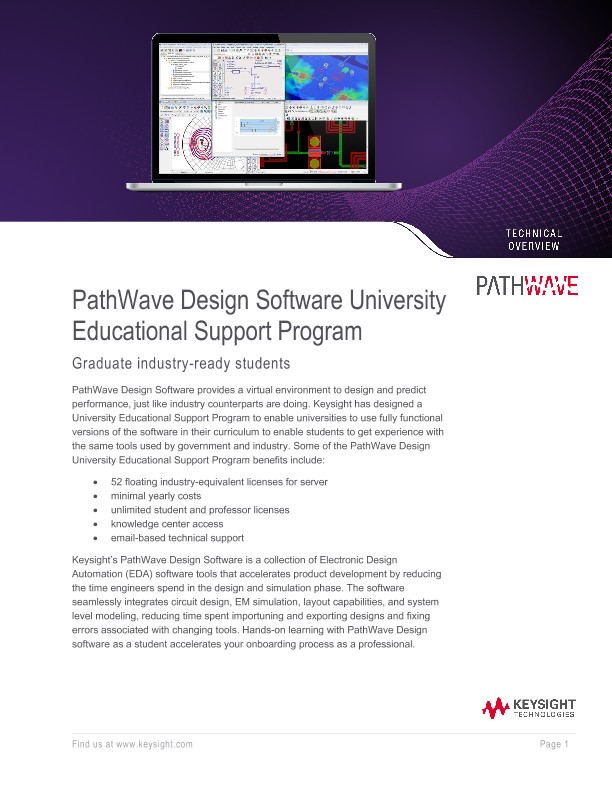
Keysight’s PathWave Design Software is a collection of Electronic Design Automation (EDA) software tools that accelerates product development by reducing the time engineers spend in the design and simulation phase. The software seamlessly integrates circuit design, EM simulation, layout capabilities, and system level modeling, reducing time spent importing and exporting designs and fixing errors associated with changing tools. Hands-on learning with PathWave Design software as a student accelerates your onboarding process as a professional.
The PathWave Design Software University Educational Support Program enables universities to get hands on learning with our top tools including, but not limited to:
PathWave Advanced Design System (ADS) is Keysight’s leading RF, microwave, signal integrity and power integrity design platform. With multiple libraries, bundles, design guides and simulation elements, PathWave ADS is the one software tool to help overcome any design challenge.
PathWave System Design (SystemVue) is a focused electronic design automation (EDA) environment for electronic system-level (ESL) design, offering automated AMI-model generation. RF and microwave circuit synthesis and simulation software for circuit board and subsystem designers.
PathWave EM Design (EMPro) provides the flexibility of drawing arbitrary 3D structures and the convenience of importing existing CAD files. Create 3D shapes, add material properties, set up simulations, and view results—all within the EM environment. Before building a PCB, you can run electromagnetic interference/compliance (EMI/EMC) tests with the solver and the emission calculator.
PathWave RF Synthensis (Genesys) Analyze RF and microwave circuits and systems with fast simulation and powerful optimization tools. Explore performance trade-offs with automatic circuit synthesis technology. PathWave RF Synthesis (Genesys) provides entry-level functionality suitable for all RF and microwave circuit board and subsystem designers.