What are you looking for?
PathWave ADS 2023 Update 2.0 Product Release

Highlights
The PathWave Advanced Design System (ADS) 2023 Update 2.0 product release includes new capabilities and enhancements for:
- Design and Technology Management
- Design Editing and Layout
- Design Import/Export | Ground Plane
- AEL Interfaces | Interconnect, Connectivity and Pin
- Quantum Electronics Layout
- Layout Verification
- Data Display
- Circuit Simulation
- High Speed Digital (HSD)
- EM Simulation
- Power Electronics
- High Performance Computing (HPC) Design Cloud
- Installation | Licensing | Queuing (BETA)
PathWave ADS 2023 Update 2.0 is available now!
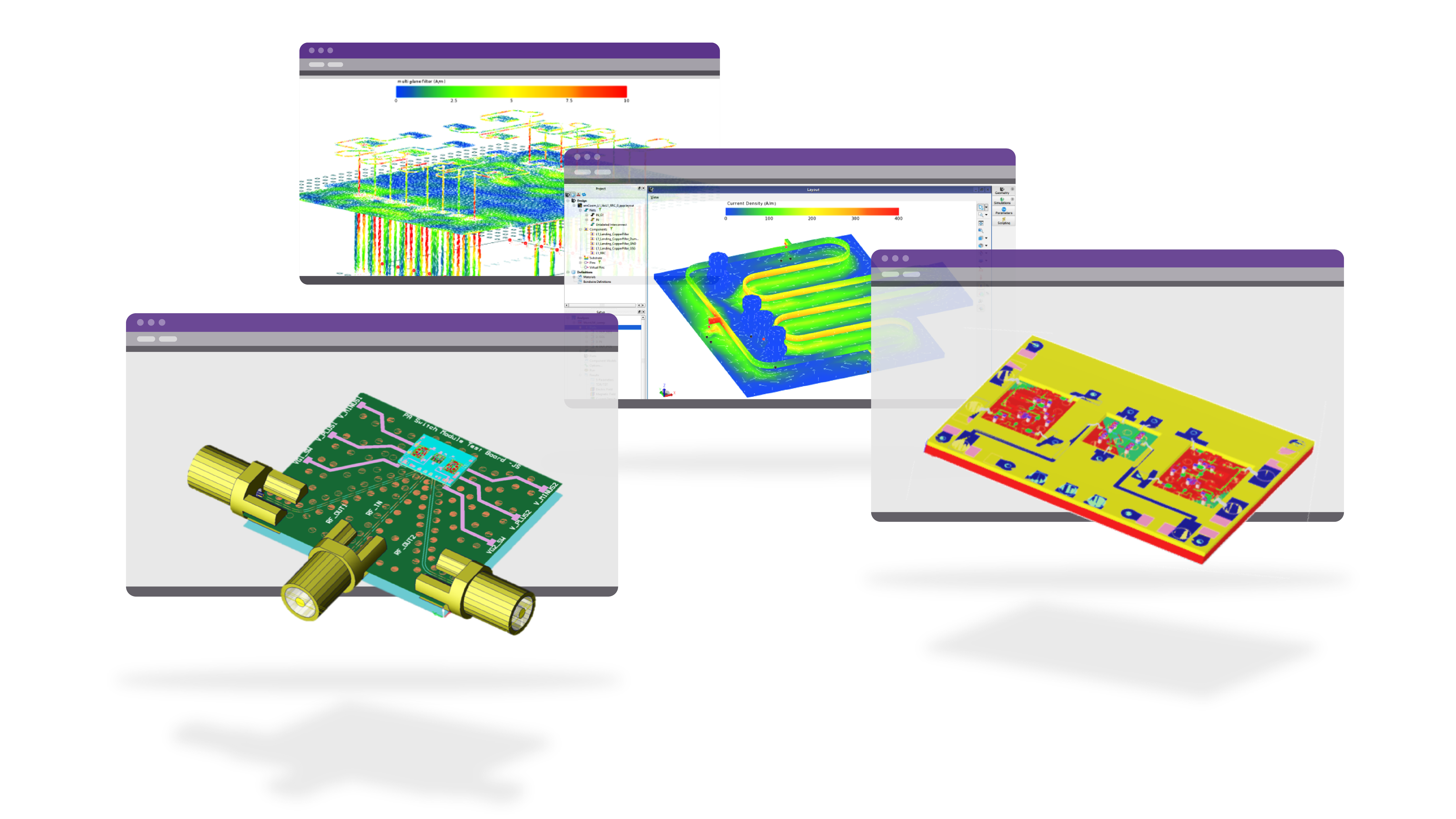
PathWave ADS 2023 Update 2.0 continues to offer the industry’s most complete RF and Microwave, High-Speed Digital, and Power Electronics design capabilities simulation software that you’ve come to depend on. This release delivers new and enhanced capabilities to improve productivity and usability for high frequency circuit and system designers.
Design and Technology Management
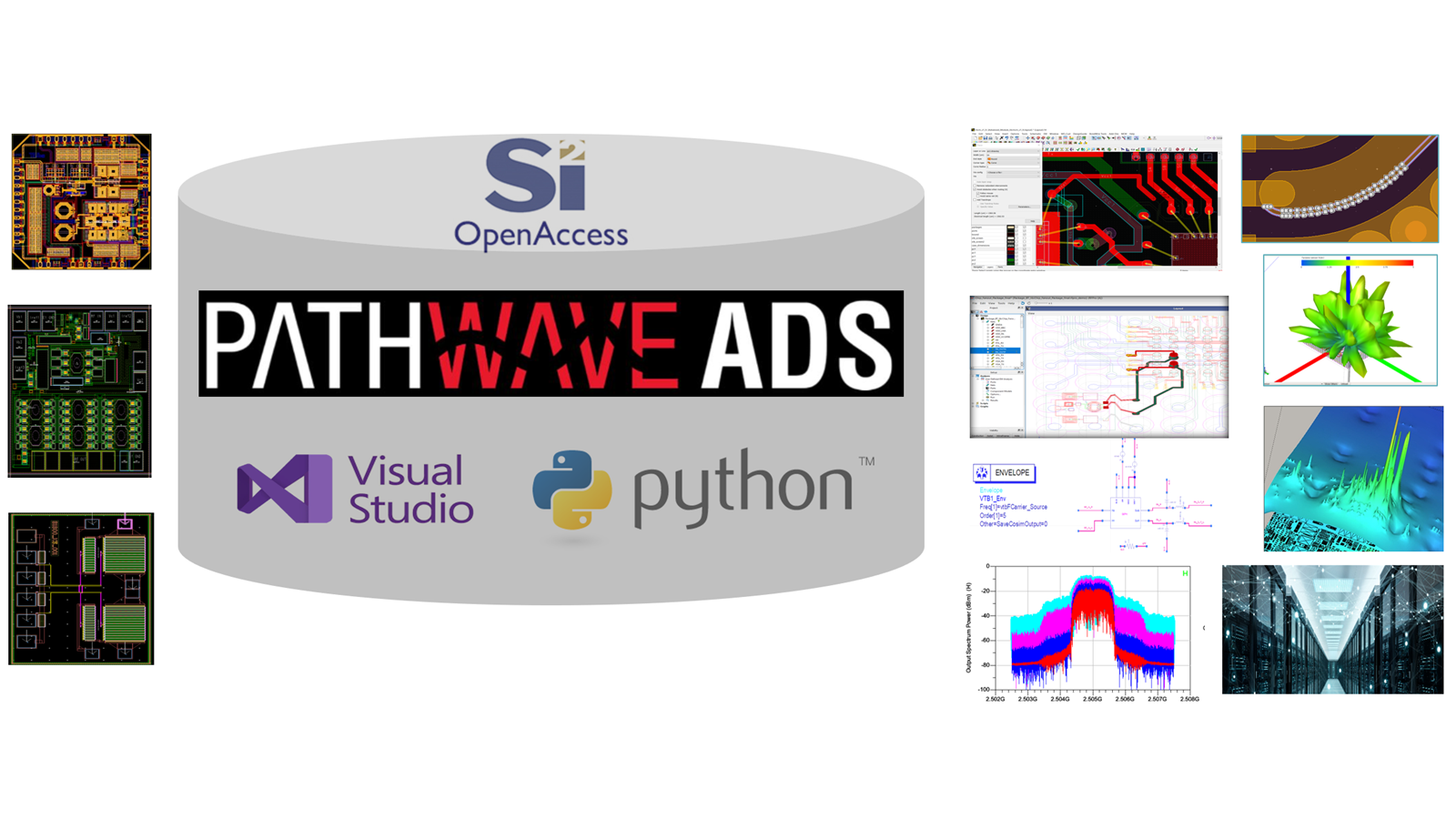
- Python console accessible from a new top-level 'Python' menu that will allow users to use Python to control workflow, modify workspaces, automate tasks and customize the user interface. The Python console can be activated by launching ADS with an additional command line argument: "ads.exe -python".
- Added capability for cleaning up the simulation log files in a workspace's data directory using the Cleanup Workspace.
- Improved the entry method for specifying Unarchive destination path. The recent destination paths are listed in the Unarchive destination path field and can be selected for reuse.
- Enhanced ADS Installer for supporting Windows multiuser systems. The HOME setting configured by the ADS installer on the Windows system is refined to better support multiuser systems.
- Enhanced support for dependent files in Version Control. Improved Include Hierarchy option to also list dependent files to the check in and check out list.
- Enhanced Version Control plugin interface for allowing extra command line options. Additional command options can be passed to the version control tool when files are checked in, checked out or tagged.

Design Editing and Layout
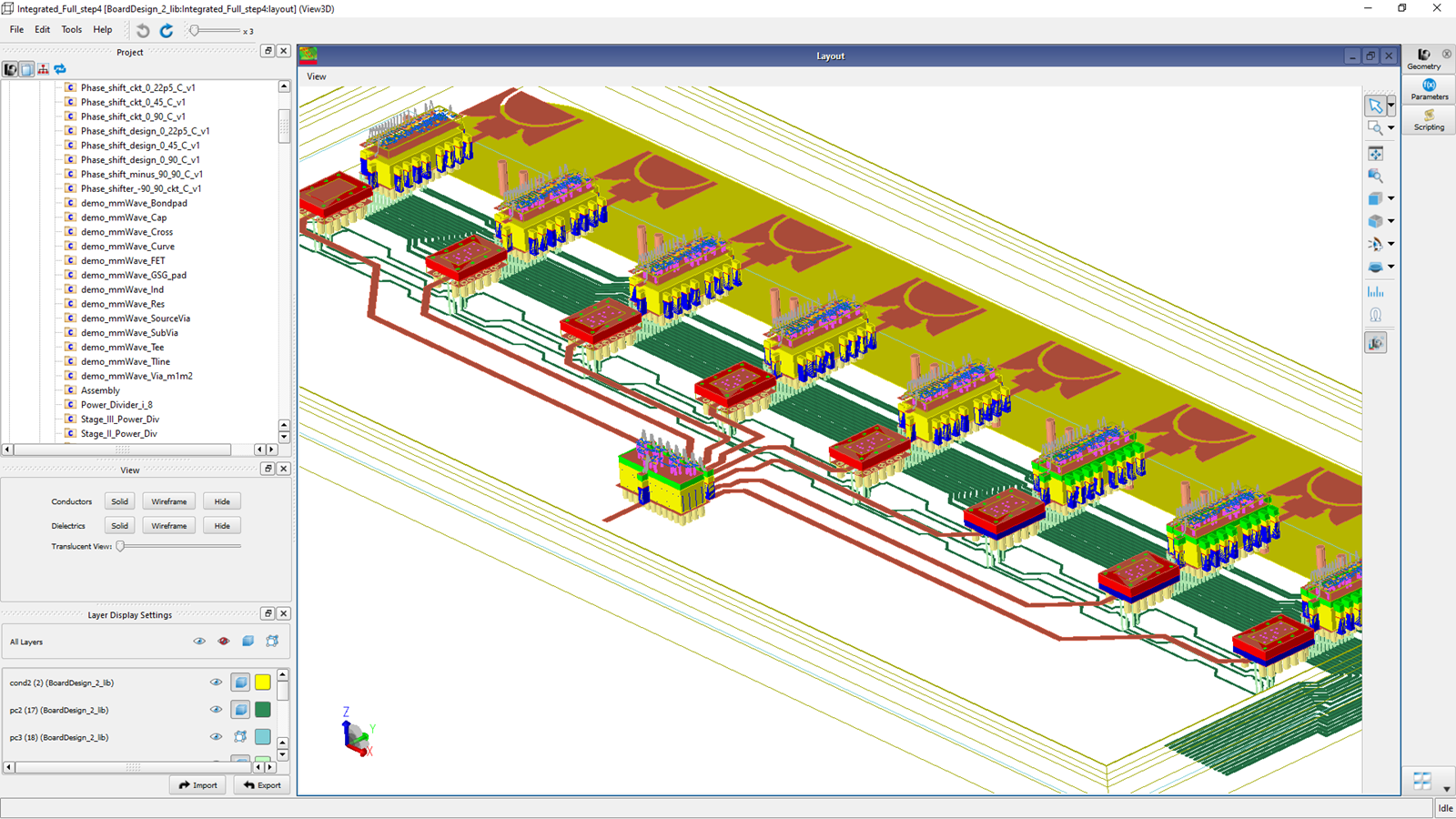
- Added ability for changing via type for multiple vias. Properties Editor has been enhanced to support editing of multiple selected PCB Vias that are Via Rule based.
- Enhanced the GUI performance of presenting large number of stacked Vias. When there exists a large number of stacked via combinations, the new Select Via Rules dialog box can be invoked to help manage the via selection process. For more information, refer to Insert a Stacked Via documentation.
- Improved support for concurrent design editing done by multiple users. The following highlights several enhancements for improving design editing done by multiple users concurrently:
- New option for opening a design in read-only or editable mode
- New provision for changing the mode for an already opened design
- Push Into command offers two modes: Push Into Hierarchy Read and Push Into Hierarchy Edit.
- Several new AEL APIs added to support opening a design in read-only or editable mode:
- de_get_design_context_from_name()
- de_find_design_context_from_name()
- de_push_into_instance_readonly();
- de_push_into_instance_editable();
Design Import/Export
- Additional AutoCAD formats supported. In DXF/DWG export, the set of supported AutoCAD versions for the output file is expanded to include AutoCAD 2010, 2013, 2018 compatible formats.
Ground Plane
- "metal degassing" is supported. The Create and Edit Plane dialog comes with added functionality for degassing.
- Removing "islands" is supported. The Create and Edit Plane dialog comes with added functionality for removing pieces of metal (islands) that have become disconnected from a ground plane net. Users may specify that all islands or islands smaller than a specified area are to be removed when creating or regenerating a plane. For more detailed information, refer to Creating a Plane and Editing a Plane documentation.Corresponding AEL API's have been provided to the Plane Functions API set:
- db_set_plane_remove_islands_mode()
- db_get_plane_remove_islands_mode()
- db_get_plane_remove_islands_area()
AEL Interfaces
- Added new AEL function for creating stacked PCb vias based on stacked via rule. For more information, refer to db_create_stacked_pcb_via().
- AEL functions for retrieving the details of a stack via rule. The following new AEL APIs are for querying or updating stacked via rules:
- db_stack_via_rule_is_enabled()
- db_stack_via_rule_get_priority()
- db_stack_via_rule_get_start_layer()
- db_stack_via_rule_get_stop_layer()
- db_stack_via_rule_get_via_names()
- db_stack_via_rule_set_enabled()
- db_stack_via_rule_set_priority()
- db_split_net () returns the nets created by the split. For more information, refer to db_split_net().
- AEL function for getting a list of via stack definitions. For more information, refer to db_get_stack_via_rule_names().
Interconnect, Connectivity and Pin
- New Layout Connectivity is on by default. The Layout's Net-based and WYSIWYG connectivity modes are deprecated. Layout's new connectivity behavior will no longer place objects on a net by default. Objects with no net will still automatically be placed on the net of a touching object if edited to touch said object.
- Added new option for assigning nets in ADS GUI. A new option for assigning nets to objects without a net is added to the Layout Tools menu. A new AEL function, db_assign_nets_to_objects_in_layout() is also available for the same functionality.
- An error is issued if netlisting a layout containing instance terminals on "no net". For more information, refer to New Connectivity documentation.
- Removed the option of forcing an object to a net in layout.
- Deprecated an option of creating wires when detaching objects. Deprecated feature to automatically create wires between components when separating objects in Layout and generating a Layout from Schematic.
- Enhanced trace routing for picking up the net of the touching objects.
Quantum Electronics Layout
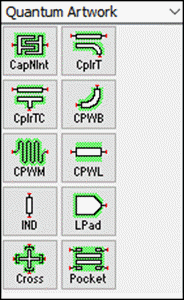
- A library of quantum electronics layout components is added. The library contains the following components:
- Capacitor-N-Interdigital: Q_CapacitorNInterdigital
- CPW Coupler-T: Q_CpwCouplerT
- CPW Centered Coupler-T: Q_CpwCouplerTCenter
- CPW Curved Bend: Q_CpwCurvedBend
- CPW Launchpad: Q_CpwLaunchpadWirebond
- CPW Line: Q_CpwLine
- CPW Meander-Line: Q_CpwMeander
- Abstract Inductor: Q_InductorAbstract
- Transmon Cross: Q_TransmonCross
- Transmon Pocket: Q_TransmonPocket
- Automatic airbridges are added to the CPW lines and meander-lines
- Quantum technology is added to the layout technology wizard for new workspaces
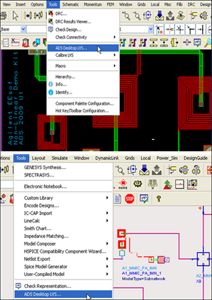
- GDS exporting for quantum layouts is added from Tools → Quantum → Export to GDSII

Layout Verification
Layout Versus Schematic
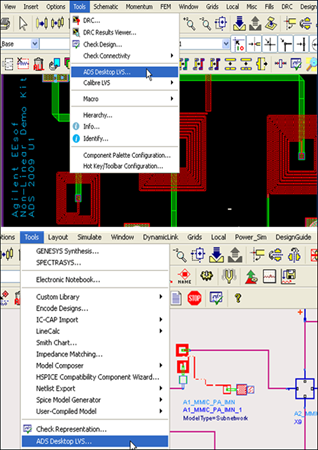
- LVS support for parameterized sub-circuits is improved.
Design Rule Checker
- DRC rules compiler reports a syntax warning for unsupported usage for the case where a polygon or edge selection rule is used outside a dve_drc() statement.
Electrical Rule Check
- ERC supports configuring and running jobs from an AEL script.
- ERC current density calculation includes layer thickness.
Data Display
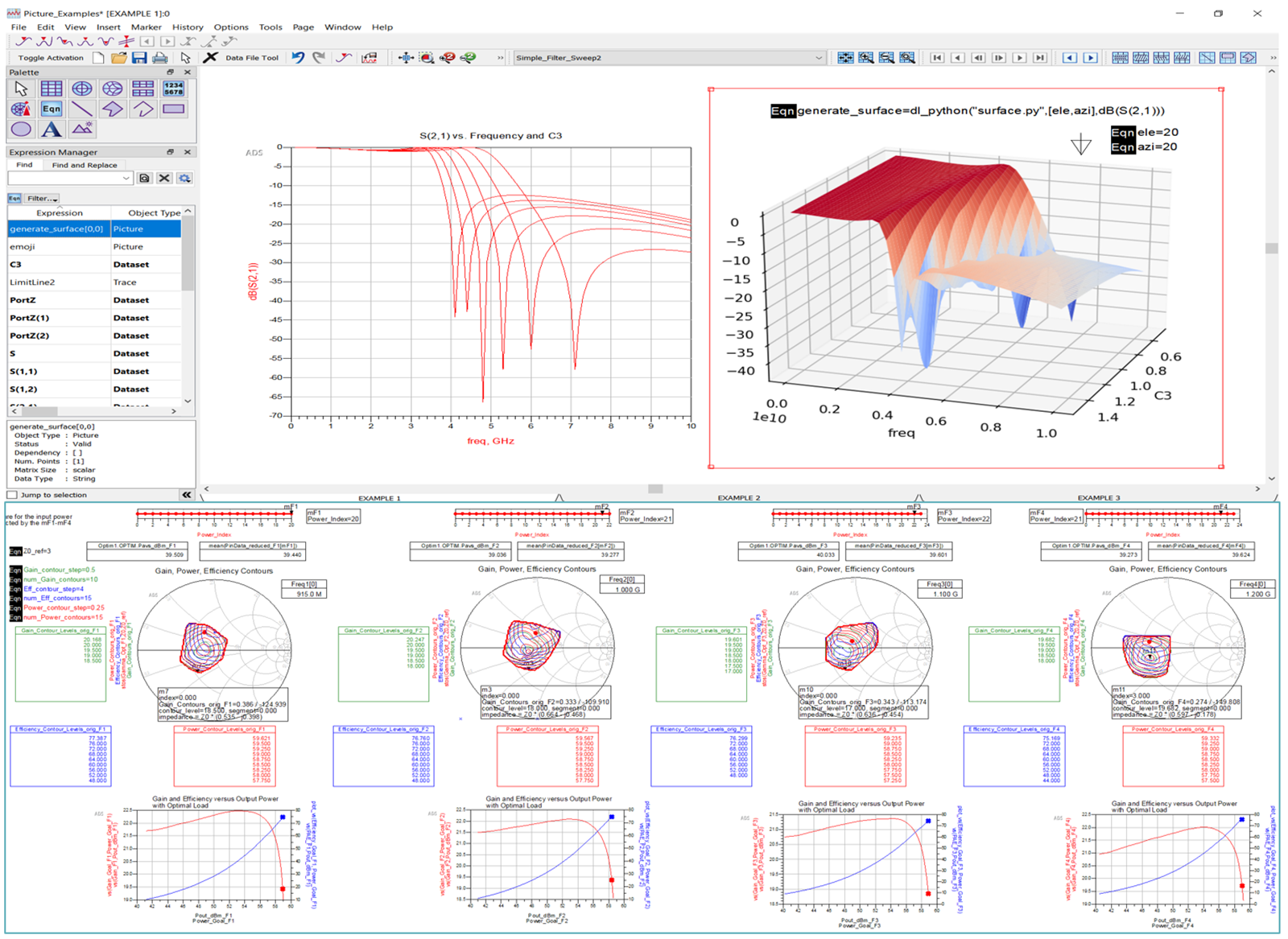
- Added capability for Importing/Exporting grouped limit lines and masks. Grouped limit lines and masks can be saved to an external file and loaded back into DDS for reuse. For more information, refer to Import/Export specification documentation.
- Improved the performance of opening .dds file. Calculation of equations during file open are deferred when possible.
- Added capability for automatically calculating new step size when changing axis min and max.
- Added capability for group reordering of traces in Plot Traces & Attributes options dialog box. Use multiple selections of traces to reorder them in the plot together.
- Datalink is packaged with ADS installer. Datalink is no longer a separate ADS add-on; instead it comes with ADS installer. At run-time, it uses the python installed by ADS. In addition, Spyder has been replaced with Visual Studio Code.
- Datasets can be saved while they are in use by DDS or Python interface. Also, a new button in the toolbar is available for recalculating Plots and Equations after a dataset is updated.
Data Viewing, Analysis and Manipulation
- Added an AEL function for generating a textual output of a dataset variable. For more information, refer to dump().
- Datalink: VS Code is the default editor for Datalink script.
- Enhanced VS Code for debugging dataset and equation variables. When debugging measurement equations in VS Code, the contents of HPVar related to those equations can be viewed in the Variable and Watch windows.
- Enhanced VS Code for debugging List type variables using an expandable view in Variables list.
- The interpolate() function supports multi-dimension parameters. For more information, refer to interpolate().


Circuit Simulation
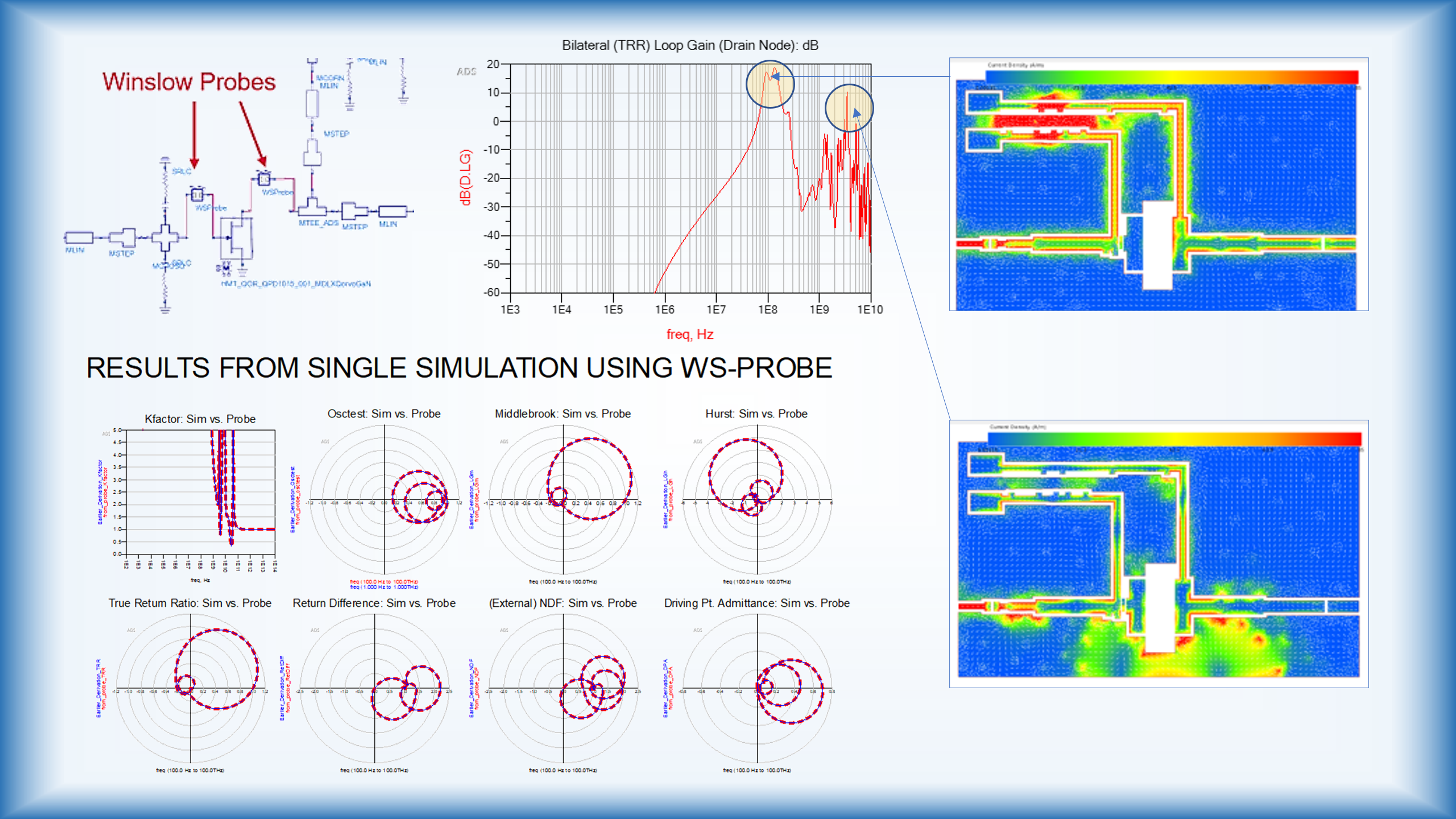
- The latest BSIM-IMG 102.9.6 is now supported.
Quantum Electronics
Five different quantum design flow examples are added as follows:
- Superconducting Qubit
- Four Superconducting Qubits
- Basic Quantum Amplifier
- Uniform JTWPA
- Floquet JTWPA
High Speed Digital (HSD)
- New progress/status bar for calculating S-parameters with new reference impedance in S-parameter Toolkits
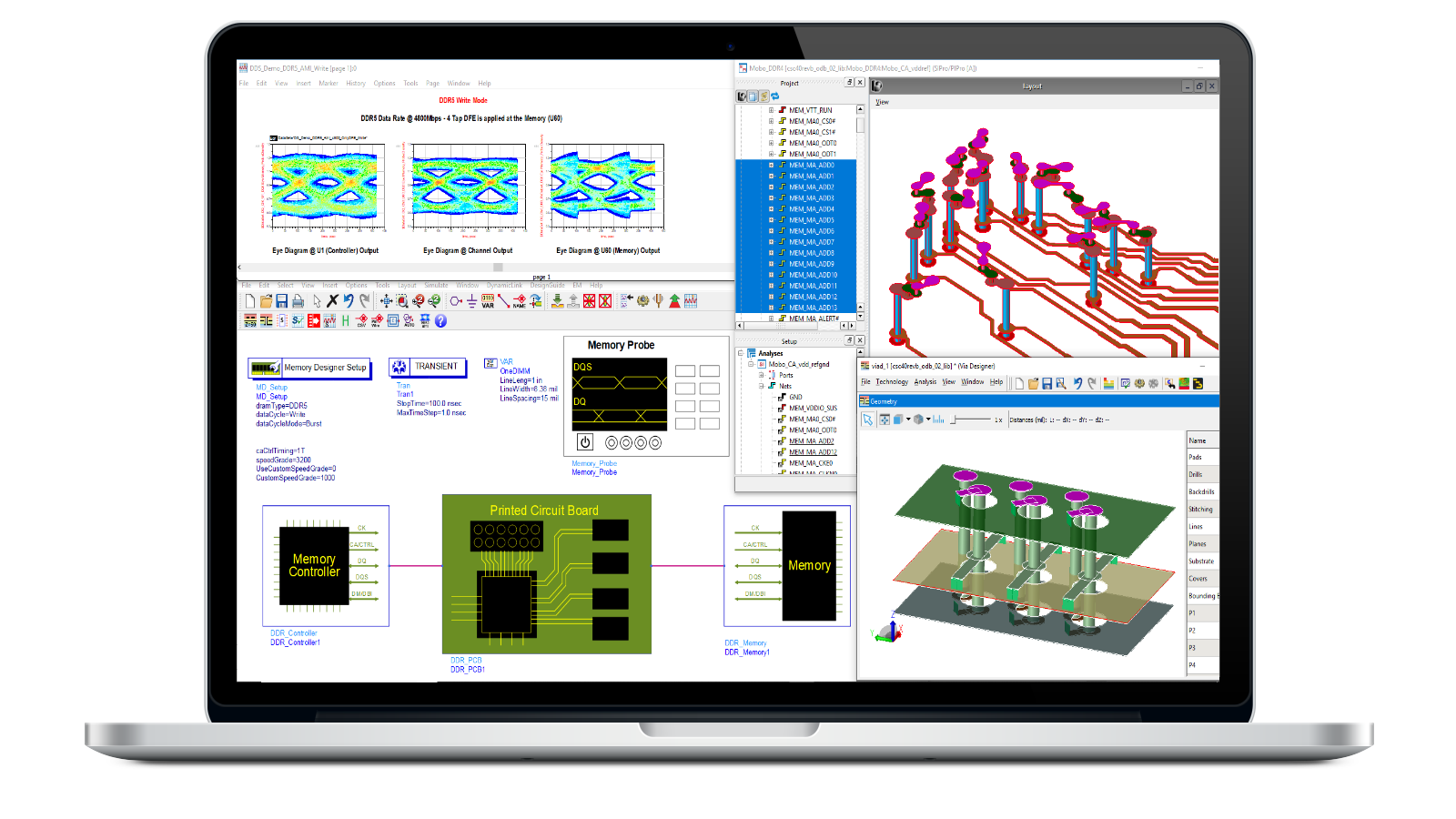
- Supports units for CTLE and CDR in AMI Model Builder
Memory Designer
- Support sub-parameter "Executable Rx, Tx" in IBIS parser. Supports IBIS BIRD 178, "Excutable_Rx and_Tx" sub-parametersSupports LPDDR5 compliance with Infiniium Scope C-Apps
- Supports LPDDR5 burst modes
- Supports forwarded clock for PAM-n modulation
- Enhancement to HTML report generation
- HTML report generation with an existing dataset without re-simulating the design.
- An HTML report can be created either by signals or by measurements
- Supports S-Parameter simulation with Memory Designer
SerDes Design
- COM calculation with S-parameter files (THRU, NEXT, and FEXT files)

EM Simulation
SIPro
Causality enforcement for SI simulation S-parameters (beta feature). With beta mode enabled, SI simulations will produce S-parameters (in the form of .sio files) that are improved in terms of causality and quality of data in the low-frequency range.
To benefit optimally from this new feature, the resulting S-parameter files should be used in SnP components with the Interpolation method set to 'Cubic spline' and the interpolation domain set to 'Rectangular'
Especially for verification in the causality check of the ADS S-parameter checker, a dense enough resampling with these interpolation settings should be used.
Power Electronics
Power Electronics Model Builder Tool
- Added IGBT model extraction.
Power Electronics Library
- Added step failure recovery mode in TransientPE controller to improve transient convergence on switching circuits.
Netlist Translator
- Added Tikf, the linear temperature coefficient of Ikf to diode model.
Examples
- SMPS Performance test bench(transient recovery and efficiency) for DC-DC converter.


High Performance Computing (HPC) Design Cloud
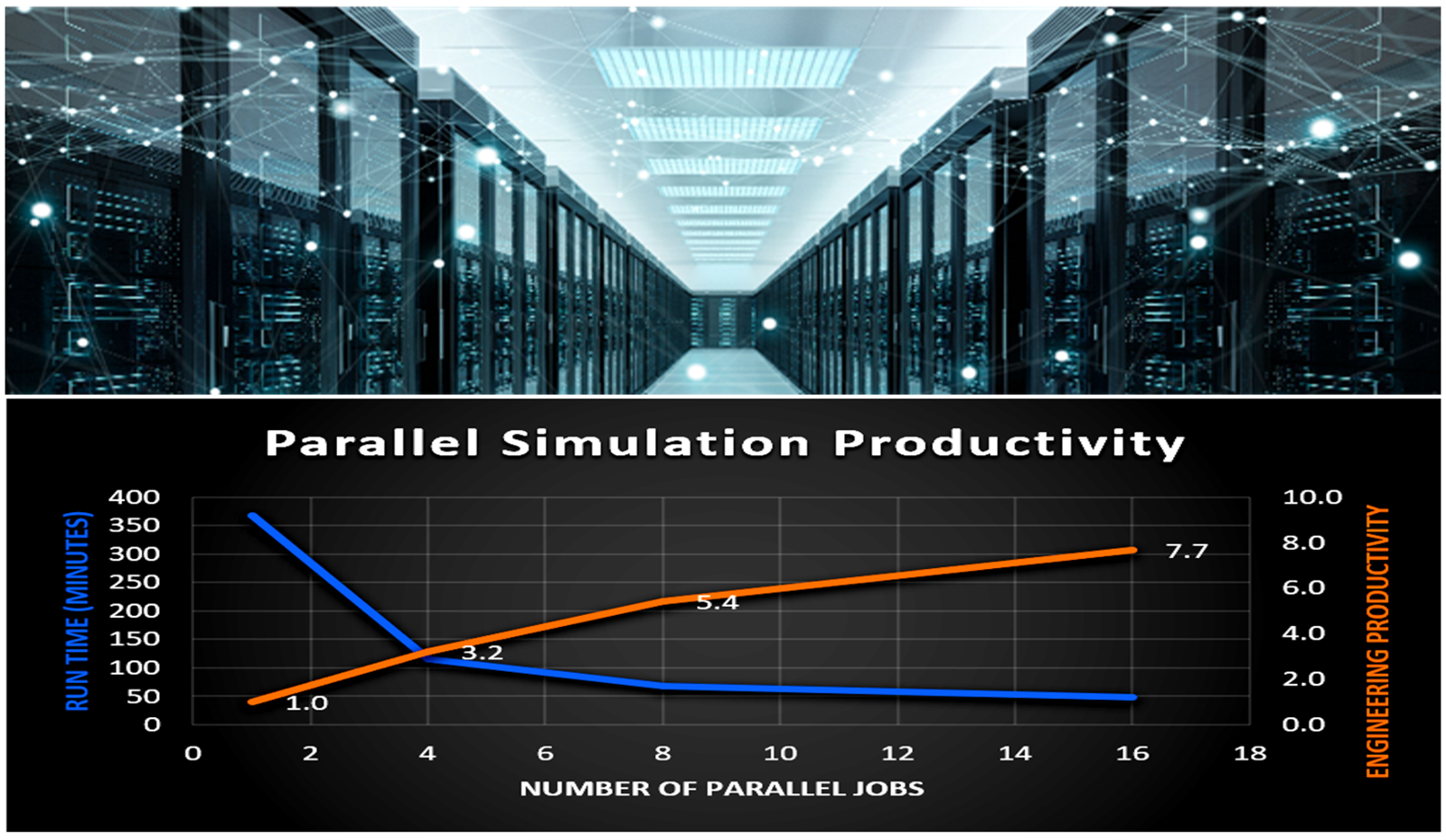
- DesignCloud ADSSim: New Resource GUI to set threads, memory, email, and project name for controlling site cluster options easily. The new resource GUI is currently hidden behind a feature flag. To enable it, the user must set the flag on the terminal as specified below before starting ADS.
ENABLE_NEW_RESOURCE_GUI=TRUE
The new resource GUI would allow users to specify:- Max threads per job
- Memory
- Project name
- User can save username and password in the design cloud authentication window. An option is added to store credentials for Design Cloud:
- On Windows, this option will store the credentials in the Credential Manager.
- On Linux, this will store the credentials via the Secret Service API in the user's keyring.
Installation
- Install Python wheels to a "wheelhouse" directory. Python wheels that were previously provided in $HPEESOF_DIR/tools/python/packages are now located at $HPEESOF_DIR/tools/python/wheelhouse.
Licensing
- ADS 2023 Update 2.0 requires: a) the version 2023.02 of the EEsof EDA licensing software, b) a minimum code-word version 2022.03 or above, and c) the licensing server software, lmgrd and agileesofd, to be upgraded to at least the same versions as what are included in EEsof EDA Licensing software 2023.02. ADS 2023 Update 2.0 will not start if any of these requirements is not met. Refer to the License Codeword Version Compatibility Table.
Queuing (BETA)
- Queuing is now available in the EEsof License Manager 2023.02 to issue a license for the next user in line when all licenses have been checked out at the server.
- This is a BETA release for this feature and users must contact Keysight support to enable and understand how to use it.
- Core licenses (UI) cannot be queued. ADS does not currently inform the user that their license is queued. It can be observed in license server logs at the server end or using the license manager.