What are you looking for?
N5991PD0E Setup Preparation for PCI Express
Streamlines PCI Express stress test setup for easier calibration and testing
Starting from
Highlights
Prepare the stress test setup and device for PCI Express LinkEQ RX and TX testing with ease.
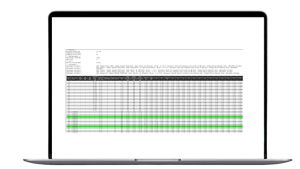
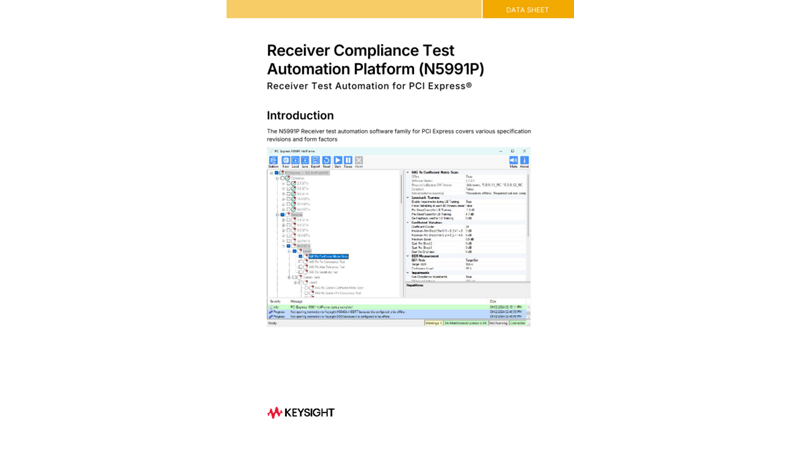
The Keysight Receiver Test Automation Software family for PCI Express maximizes the throughput of your test instruments, helping you test, debug and characterize your PCI Express device easily with an intuitive user interface. The software automates the stress signal calibration and receiver test procedures, replacing the human factor with consistency and repeatability. But the stress test setups need to be prepared and adjusted for each device under test. Especially the equalization of the backchannel is a daunting task if it has to be performed manually. The Setup Preparation for PCI Express (N5991PD0E) routines simplify this task enourmously. During the process, the software generates test reports that can be exported in HTML or Microsoft™ Excel format for further data analysis.
- Guided setup with automated bakchannel equalization optimization routines
- HTML and/or Microsoft Excel reports for easy post-processing
- Initially supported transfer rates: 32 GT/s and 64 GT/s
Expand test coverage to other PCI Express form factor devices like ASICs, CEM, U.2 and M.2 as well as other PCI Express specification revisions with additional test licenses of the PCI Express receiver Test Automation product family.
Keysight partner BitifEye Digital Test Solutions, market leader for high-speed digital test automation, provides integrated solutions that complement the Keysight instrument portfolio. To learn more about BitifEye and their wide range of software and hardware products and services, visit www.bitifeye.com.


Free Trials
Get a 30-day trial license for N5991PD0E.

Interested in a N5991PD0E?
Extend the Capabilities of Your N5991PD0E Setup Preparation for PCI Express


Want Help or Have Questions?