What are you looking for?
Suggested searches
No product matches found - System Exception
Matched content
Floating License Server Ethernet Address
How to find Floating License Server Ethernet Address for XA8723A_MS, XA8722A_SFP, XA8723B (Floating/Network)
1. If not already installed, download License Server Tools for Windows 64 (version 2019.05.17 or above) and extract the content into a folder of the target license server.
2. Right-click the lmtool.exe to run in elevated mode.
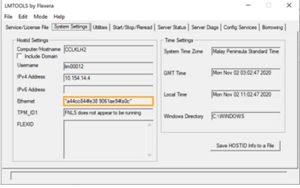
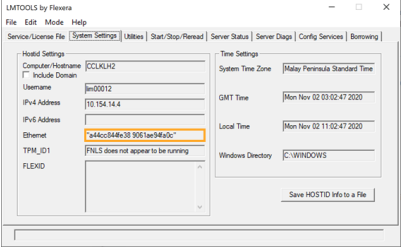
3. In the System Settings tab, you should find the Host ID in the Ethernet field.