FieldFox IQ Streaming
Demos
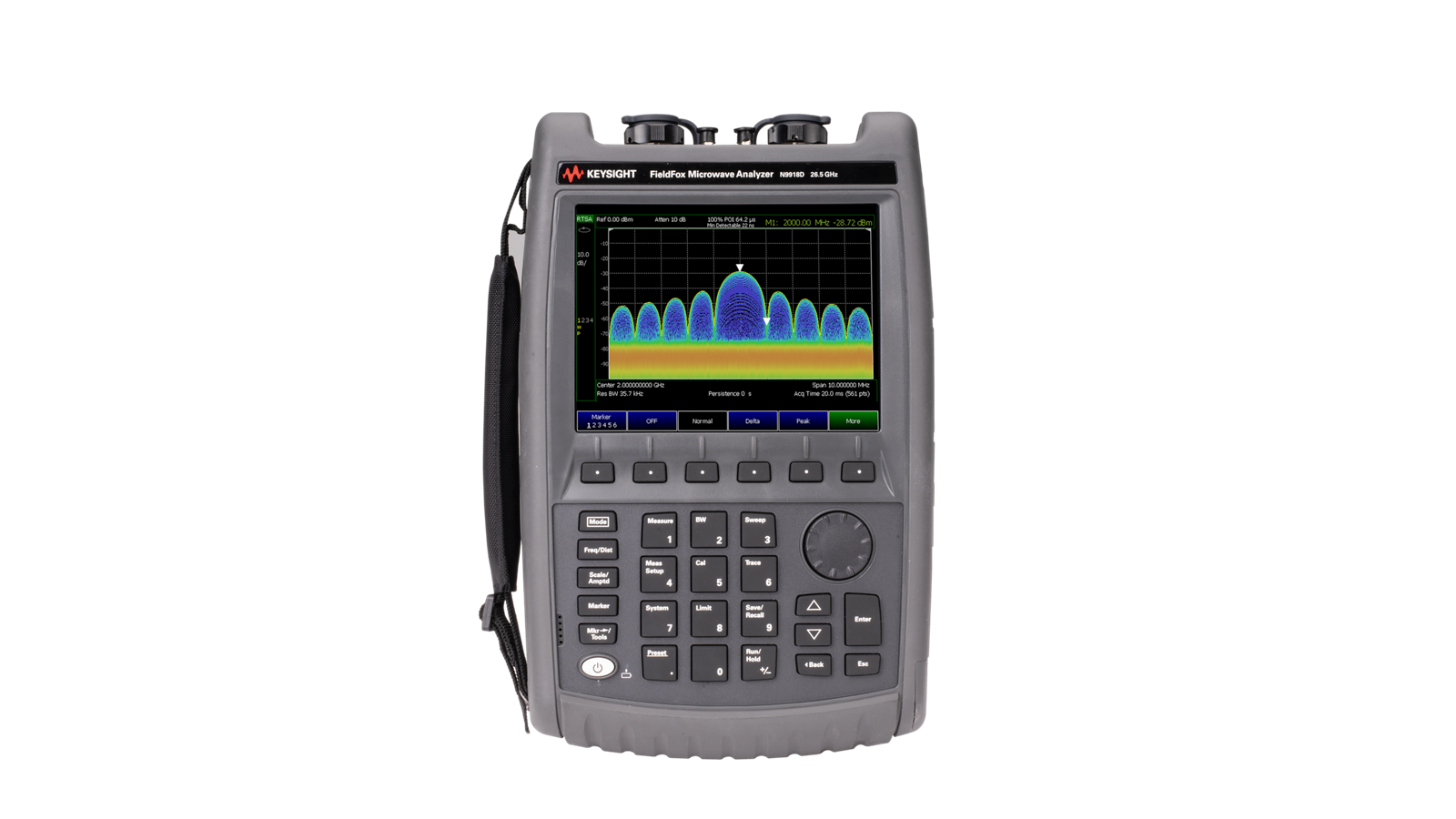
This video demonstrates the IQ Streaming capabilities of the Keysight FieldFox handheld analyzer and shows how captured RF data can be streamed, recorded, and analyzed using Keysight Spectrum Management Software. Building on traditional spectrum observation techniques, the demonstration highlights how IQ Streaming enables users to preserve complete signal information for detailed post-analysis, helping engineers and technicians investigate complex RF environments and capture events that may be difficult to fully characterize in real time.
The video begins by observing live spectrum activity in the 2.3 GHz to 2.7 GHz frequency range, a portion of the spectrum commonly used by Wi-Fi and other wireless communication systems. Viewers are introduced to several visualization tools available within FieldFox, including real-time spectrum analysis, spectrogram displays, and density views. These measurement modes provide valuable insight into signal activity and behavior over time, helping users identify patterns, intermittent transmissions, and changing spectrum conditions.
To extend analysis beyond real-time observation, the demonstration transitions to IQ Streaming. Viewers learn how to navigate to Signal Analyzer Mode, access Measurement Setup, and select IQ Analysis to prepare the instrument for streaming data to a connected PC. The video explains the value of IQ data, which captures both the amplitude and phase components of a signal. Unlike traditional spectrum traces, IQ recordings preserve the complete waveform, enabling more advanced analysis and providing deeper visibility into signal characteristics.
The demonstration then introduces Keysight Spectrum Management Software, which serves as a remote interface for FieldFox while providing additional monitoring, recording, and analysis capabilities. Through the software interface, users can remotely observe live spectrum activity, record data streams, and interact with measurements in real time. The video highlights how users can adjust display settings, track signal peaks, and customize visualizations even while recordings are being captured.
Multiple visualization options are showcased within the software environment, including spectrum and spectrogram views that help users examine signals from different perspectives. The demonstration also highlights the ability to compare measurements from multiple analyzers by stacking or overlaying traces, enabling users to analyze signal activity across locations or measurement points. These capabilities can be particularly valuable for spectrum monitoring, interference investigations, and wireless network assessments.
The video further explores workflow flexibility within the software by demonstrating how users can move between monitoring, recording, and analysis modes. In addition to capturing new measurements, previously recorded datasets can be imported and revisited for further investigation. This capability enables users to preserve critical RF events and perform detailed analysis long after the original measurement session has ended.
Throughout the demonstration, viewers gain insight into how IQ Streaming bridges the gap between portable field measurements and advanced desktop-based analysis. By combining FieldFox's rugged handheld platform with the powerful visualization and post-processing tools available in Keysight Spectrum Management Software, users can capture complete signal behavior, investigate intermittent or short-duration events, and perform deeper RF analysis with confidence. The video highlights how this workflow supports spectrum monitoring, interference hunting, wireless network troubleshooting, signal intelligence, and field-based RF investigations while ensuring that important signal events are captured, preserved, and available for future analysis.
What are you looking for?