What are you looking for?
Install a License from Keysight Software Manager
After requesting your licenses from Keysight Software Manager (KSM) by email or download, you can install them on your PC or instrument where your product is installed.
The license email from KSM includes specific license installation instructions for your product and type of license. In many cases, the license management utility is included with the installation of your Keysight product, or is preinstalled on your Keysight instrument.
Note:
- Save the license file received from KSM (via email or download).
- Ensure you have access to the device where the software or instrument is installed.
Install the license
License installation steps vary depending on the license type (Node-Locked, Floating, USB Dongle, or Transportable) and the license management utility being used. For detailed information refer to the online help in the license manager utility you are using.
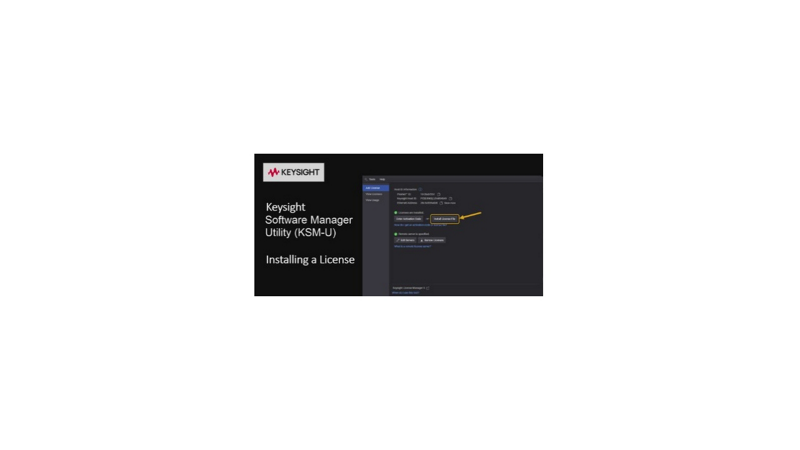
A video covering license installation with Keysight Software Manager Utility (KSM-U) is linked on the right. Installation using Keysight License Manager 5 is also mentioned in the video.
- Launch Keysight Software Manager Utility (KSM-U).
- In the Add License tab (shown at startup by default) click +Add a License File.
- Browse to the location where you have saved the license you received from KSM.
- In the Open dialog box, select the license file to install, then click Open.
- Click Add Now to install the license.